












A home-office Wi-Fi fallback card records what you can finish offline, where to save it, and how to tell colleagues that you are unreachable. Prepare the card before an outage, alongside your separate device-power checklist. A portable power station can be considered for documented charging needs, but powering a router does not establish that the internet service is working. The useful decision here is which work can continue when the connection cannot.
Write a card you can use without opening a website
Keep a paper copy or a locally saved file you can open without signing in. Put the date and the owner at the top. Avoid storing passwords or sensitive client information on a card left beside your desk. The card should describe your next action in a few lines, rather than reproduce your entire team's continuity policy.
| Card field | What to write before an interruption | What it resolves |
|---|---|---|
| Offline task | One document or task that is permitted to continue without cloud access | What you can actually work on |
| Local location | The folder and filename of the permitted working copy | Where to find it without searching online |
| Save point | A new filename or version marker for your next local save | How to distinguish later edits from the cloud copy |
| Contact route | An agreed contact and an authorized alternative way to reach them | How to report the interruption if that route is available |
| Stop condition | The approval, missing data, or collaboration step you must wait for | When continuing would create an avoidable error |
| Return note | What changed locally and what still needs review | What to reconcile once access returns |
Use only work files and contact methods permitted by your employer. If a file has no authorized local copy, the card should say so. Do not plan on moving restricted information to a personal account during the interruption.
Give each task a different fallback
- A draft report: record the authorized local copy and the last confirmed input data. Continue drafting only the portions that do not need a new online figure. Mark unresolved fields instead of filling them from memory.
- A scheduled call: record whom to notify and the agreed fallback or rescheduling procedure. If the alternative contact route is unavailable too, stop promising attendance and leave a dated note for the next available connection.
- A shared spreadsheet: identify whether offline edits are permitted. If they are, record the changed cells for later reconciliation; if they are not, switch to a separate task rather than create a competing working copy.
These are hypothetical work-planning examples. They do not establish access to a particular service or permission to edit your organization's files. Their value is the written decision: continue a bounded task, hand it off, or pause it.
Attach a small charging note, not a runtime promise
On the back of the card, list the exact laptop and phone, their documented charging methods, and the cables you intend to use. Keep the electrical assessment separate from the work plan. A completed fallback card does not confirm a charger, cable, or simultaneous-load combination.
FlashFish E200 lists 151Wh capacity, 200W rated modified-sine AC output, two USB-A outputs up to 18W each, and another USB-A output up to 12W. Its documentation distinguishes a 110V U.S. version from 230V regional versions. These specifications provide questions to check against your equipment; they do not establish that your laptop adapter accepts that AC output.
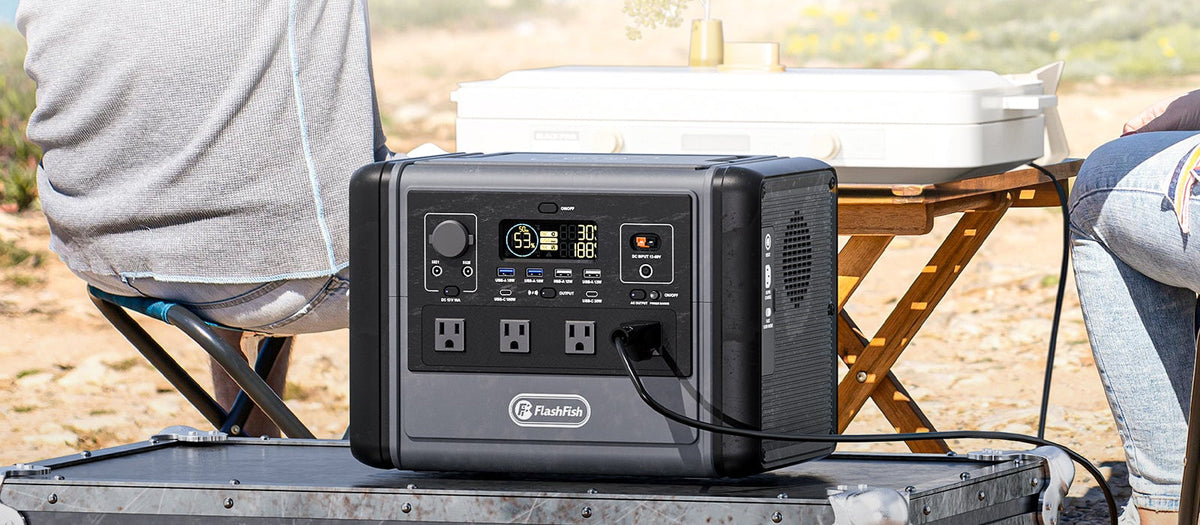
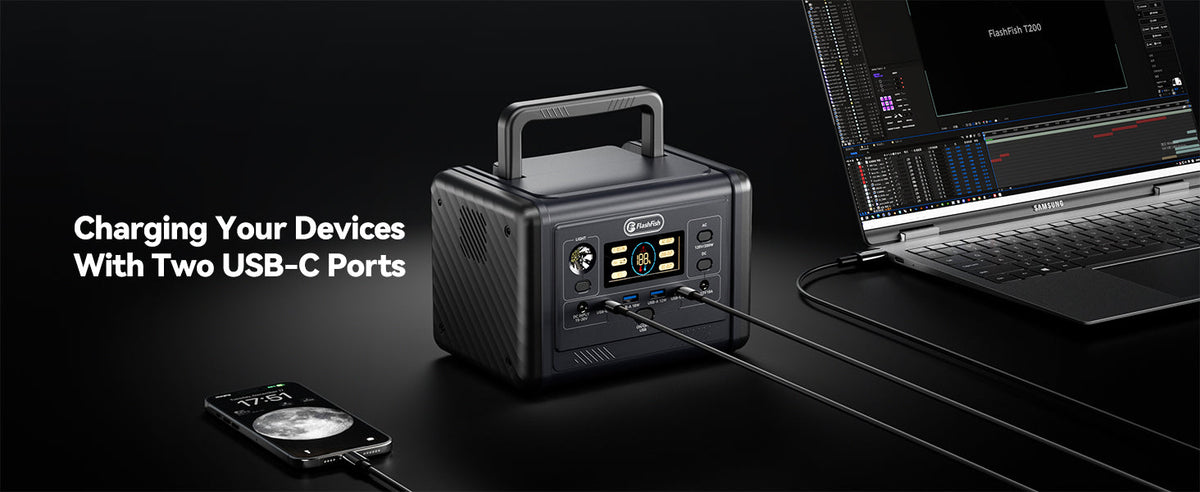
FlashFish T300Pro, also identified as TELLUS-T300Pro, lists 230Wh capacity, 300W continuous pure-sine AC output, two 120V AC outlets, and USB-C outputs up to 100W and 30W. If your laptop supports USB-C charging, check its exact requirements and the cable against the station documentation. The connector shape alone does not complete that match.
Leave the connection decision on its own line
Write whether the proposed power path is confirmed by exact documentation or still needs information. Do not infer hours of work from 151Wh or 230Wh, and do not treat a port maximum as measured laptop demand. Starting charge, actual usage, and output behavior are separate inputs to any runtime assessment.
A larger battery also cannot restore an unavailable upstream service. If your task requires live cloud access, that task belongs in the pause or handoff column even when the laptop has power. This is why the card begins with work dependencies rather than a shopping list.
Reconcile before returning to the shared copy
When access returns, compare your return note with the team's current file. Follow the agreed review or synchronization process before replacing a shared version. Mark the task as handed off only when the intended recipient has received it through the agreed route; a saved message is not confirmation of delivery.
Prepare one card today for a task you already own. Check that the file is available locally if permitted, that the contact route is approved, and that the stop condition is specific enough to recognize.
Frequently asked questions
Will powering my router restore Wi-Fi internet service?
Router power and internet availability are separate requirements. The card should remain usable when the upstream service is unavailable, even if home equipment has power.
What belongs on the card if I cannot keep local work files?
Record the task to pause, the approved contact route, and the information needed when access returns. Do not create an unauthorized local copy to complete the card.
Does T300Pro's 100W USB-C port guarantee laptop charging?
No. Verify the exact laptop charging requirements, supported profiles, cable, and station output instructions. A listed port maximum does not establish a device match or a duration.
How is this different from a load-sizing worksheet?
The card decides what work to continue, pause, or hand off without internet. A load-sizing worksheet separately assesses device requirements and the proposed power connections.
Next step: Compare FlashFish E200 specifications with your equipment list.

Hinterlasse einen Kommentar
Diese Website ist durch hCaptcha geschützt und es gelten die allgemeinen Geschäftsbedingungen und Datenschutzbestimmungen von hCaptcha.