












Quick answer: Before a field-day score table uses a portable power station, the event team should get school approval, identify the exact tablets, display, chargers, and cables, and review their labels and manuals. Keep the power plan limited to documented low-draw event equipment, place cables outside the traffic pattern, and prepare a stop-and-pack-up plan for changing conditions. A station’s capacity and output figures do not prove that a particular school device or combined setup is compatible.
Start with approval and a named equipment list
A score table is a shared event station, so the first decision belongs with the school or event lead. Confirm who may approve temporary equipment, where the table may sit, and what the team should do if weather, crowd flow, or the schedule changes. Then make one equipment list for the scorekeepers: tablets, a small display if used, charging adapters, cables, and any communication accessories.
For each item, record the exact model, its labeled power information, and the connector it requires. A vague label such as “tablet charger” is not enough for an output decision. Use the equipment’s own documentation for any question about charging, supported adapters, or simultaneous use.
Keep the score table within a clear boundary
The purpose of this plan is temporary support for scoring and communication equipment, not a general outdoor power system. Separate the table’s documented devices from fans, food-service equipment, tools, or other additions. When somebody asks to plug in an extra item, return to the written list and the relevant labels instead of making a quick verbal judgment.
| Before the event | During the event |
|---|---|
| Get the organizer’s location and equipment approval. | Keep the station and controls accessible to the assigned adult. |
| Record every tablet, display, adapter, and cable. | Do not add unlisted equipment without a fresh documentation check. |
| Choose a table position that keeps cords out of the activity route. | Pause or pack up if the approved location or conditions change. |
| Review the station’s manual alongside the device manuals. | Use the agreed cable routing and keep drinks away from connections. |
Documented FlashFish station facts for comparison
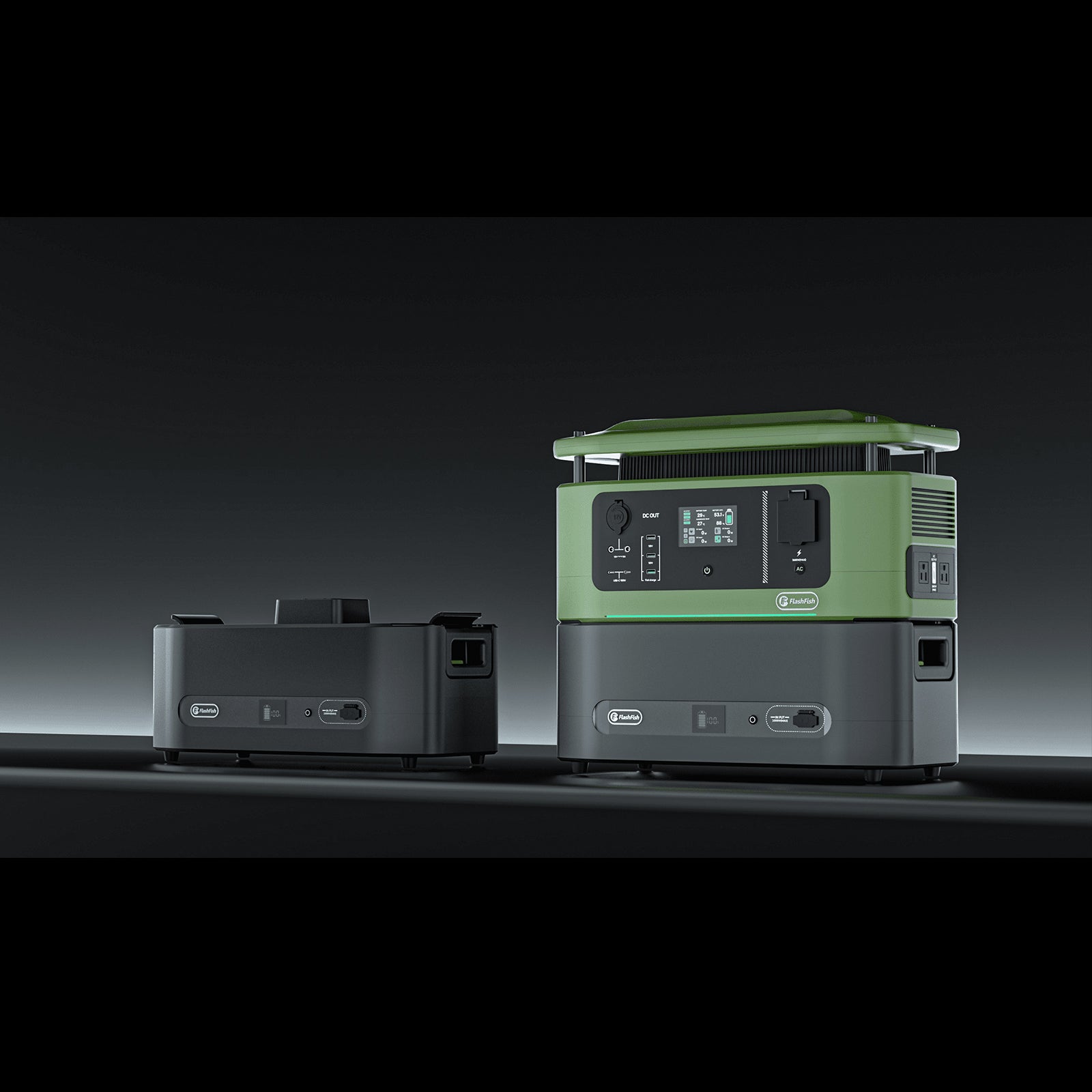
FlashFish E103 is documented with 179.2Wh capacity, a LiFePO4 battery, and 300W continuous pure-sine AC output. FlashFish T300Pro is documented with 230Wh capacity, a LiFePO4 battery, and 300W continuous pure-sine AC output. These numbers help define the station side of a comparison. The score-table devices, their adapters, their total demand, and their behavior together must be verified separately.
Ask the team to confirm the exact U.S. model and outlet configuration before any final equipment assignment. Product listings, variants, availability, and current purchasing terms require a current store check.
Route cables for a working event table
Score tables tend to attract people: participants asking questions, volunteers switching shifts, and families looking for results. Put charging cables on the operator side of the table where possible. Keep slack tidy, avoid doorways and walking lanes, and make sure the adult assigned to the station can see when something is connected or disconnected.
Bring only the adapters and cables listed in the plan. A borrowed cable with an unknown condition or connector can turn a simple setup into an unresolved compatibility question.
Plan the weather and handoff decision
Before setup, agree on who can stop the score table power setup and where equipment will go if the school changes the location or conditions. This is an operational decision, not a claim that a station is weatherproof. Follow the school’s event directions and each product’s documentation for any use around moisture or outdoors.
Related temporary-event power planning
Use these current FlashFish pages and guides to continue your comparison:
- Browse current portable power stations
- Plan a volunteer check-in power table
- Review watt-hours for event-duration planning
FAQ
Can one adult approve a last-minute extra device?
Use the school’s event process. The safest planning approach is to require an updated label-and-manual check before adding an unlisted device.
Are 300W and 230Wh enough for a score table?
They are documented station specifications, not a compatibility result. Verify each selected device, adapter, and combined-load plan.
What should the scorekeeper have on hand?
A short equipment list, the relevant manuals or manufacturer information, approved cables, and the organizer’s contact for setup changes.

Leave a comment
This site is protected by hCaptcha and the hCaptcha Privacy Policy and Terms of Service apply.