


Direct answer: For a laptop-and-worklight table, compare the E103 and T300Pro by the documented outputs, capacity, connection needs, and carrying preferences—then verify the labels and manuals for the exact laptop, light, adapter, and market version. Neither model specification alone proves a particular setup is compatible.
Start with the worktable, not the product name
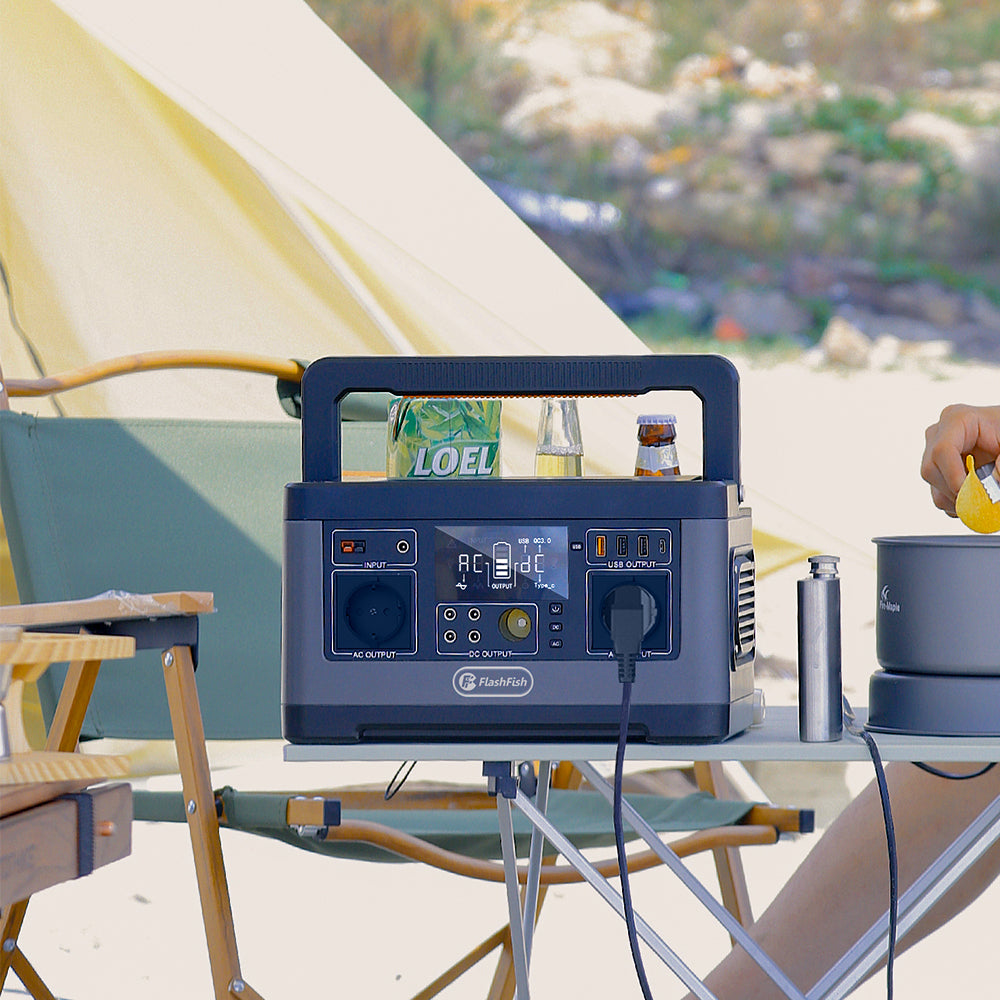
A temporary desk has a practical order: laptop first, task light second, and phone charging only after the essential work is accounted for. Read the label on each device and adapter, note the connector needed, and keep the cables organized where they will not be pulled or stepped on.
Documented station specifications
| Specification | FlashFish E103 | FlashFish T300Pro |
|---|---|---|
| Capacity | 179.2Wh | 230Wh |
| Rated AC output | 300W pure sine wave | 300W pure sine wave |
| USB-C output | One port up to 60W | One port up to 100W and one port up to 30W |
| USB-A output | Two ports up to 18W each | One port up to 18W and one port up to 12W |
| Listed weight | About 3kg | About 4.5kg |
These manual-backed figures describe the product records. Confirm the exact destination-market plug and voltage configuration before relying on an AC outlet, and confirm the device’s own requirements before selecting any output.
Choose by connection path
If the laptop documentation specifies USB-C power, compare that requirement with the station’s documented USB-C output and the cable or adapter documentation. If it specifies an AC adapter, confirm the adapter label and the destination-market AC configuration. A task light may use a different connection path, so it needs its own check instead of being included by assumption.
Use capacity as a planning input
The T300Pro record lists more capacity than the E103 record, while both list a 300W rated AC output. Capacity and output are different specifications: one does not replace the other. Do not convert those figures into an expected laptop runtime or a statement about a combined laptop-and-light load without the exact device information and the relevant manuals.
Set up the table deliberately
- Place the station on a stable, dry, protected surface.
- Read the laptop adapter and worklight labels before connecting either.
- Connect the essential work device first and check normal operation.
- Add the light or phone only after checking its separate connection path.
- Keep an operating margin and revisit the plan if the task changes.
FAQ
Which model is better for every laptop?
Neither can be selected that way. The laptop’s label, adapter, connector, and manual are the deciding evidence.
Does 300W mean the laptop and light will always work together?
No. Check each item’s documented requirements and do not assume a combined-load outcome from the station rating alone.
Why does the destination-market version matter?
AC outlets, plugs, and voltage configuration must be verified for the exact model and location before use.
Next step
Make a short table for your laptop, light, adapter, cable, and intended power station, then compare each entry with the current model specifications and original manuals.
Next step: Compare FlashFish E103 specifications with your requirements.

Laisser un commentaire
Ce site est protégé par hCaptcha, et la Politique de confidentialité et les Conditions de service de hCaptcha s’appliquent.