

Short answer: Mark the last confirmed quilt and image batch before a charging change or photo pause. Restart with the next quilt's ID card visible, then check the saved files. A written batch boundary helps the next volunteer resume without guessing which quilt was photographed.
This is a recordkeeping plan for a portable photo station, not a promise that a camera, tablet, or light will work with a particular battery. Resolve device charging requirements separately. The handoff sheet should remain usable if every powered device at the table becomes unavailable.
Give each photo batch an identity
Assign each quilt the identifier used by the guild's own catalog. Prepare a physical card with that identifier before the quilt enters the photo area. Follow the guild's permissions for identifying makers or displaying personal information; this worksheet does not establish those permissions.
Use a batch label for the photographs of one quilt taken under one agreed setup. Include the quilt ID, date, operator initials, and a simple sequence number. The label is your reference for a folder or written log; it does not rely on a particular camera's filename format or an app feature.
If the volunteer, light setting, camera, or charging arrangement changes, close the current batch in the log. Decide whether the remaining images belong in a new batch. This makes the change visible later without implying that different settings produce equivalent color or exposure.
Use a restart card with observable states
| Field | What to write | What it resolves |
|---|---|---|
| Last confirmed item | Quilt ID and last checked image or batch reference | Where completed work ends |
| Current item | Quilt ID and whether its images were checked | Which work remains uncertain |
| Pause reason | Charging change, device unavailable, or volunteer handoff | What changed at the table |
| Next action | Check files, repeat this batch, or begin the next identified item | What the incoming volunteer may do |
Write only what you observed. A shutter press is not confirmation that the file was saved, and an image on the camera is not confirmation that it reached the catalog. Keep capture, file inspection, and transfer as separate states. If transfer depends on a network, record that dependency rather than treating a charged tablet as proof of connectivity.
Make charging changes at a visible boundary
Plan charging turns around the photo batches when the exact device instructions allow it. Before changing the setup, record the current quilt ID and inspect the last saved images. Keep the next quilt outside the active photo area until the volunteer knows which batch is open.
Label the approved cable by device. Record the station port used, but do not treat that note as an electrical approval. A matching connector, an illuminated display, or one successful connection cannot establish compatibility with other devices or simultaneous outputs. Follow the exact manuals for charging, connection changes, and placement.
Photographing the ID card at the start of a batch can add a visual reference if the guild permits it. A paper log remains useful because the card photograph could itself be missing. If you cannot identify a saved image reliably, mark it unresolved and ask the catalog lead how to handle it.
Three hypothetical handoffs
- The light becomes unavailable mid-quilt: mark that quilt's batch incomplete. When the approved setup is ready again, identify the quilt and decide with the photo lead whether to repeat the batch. Do not silently combine unlike lighting conditions.
- The camera is available but the catalog tablet is charging: record capture as checked only after inspecting the files. Leave transfer pending until it is actually confirmed; charging the tablet does not complete that transfer.
- A new volunteer takes over: review the last confirmed ID and next action together. Start the next batch with its identification card rather than relying on the previous volunteer's memory.
These examples describe workflow decisions, not measured results or verified camera pairings. Use the guild's own equipment and catalog rules to decide whether repeating, retaining, or excluding an uncertain batch is appropriate.
Where A201 and E103 enter the charging plan
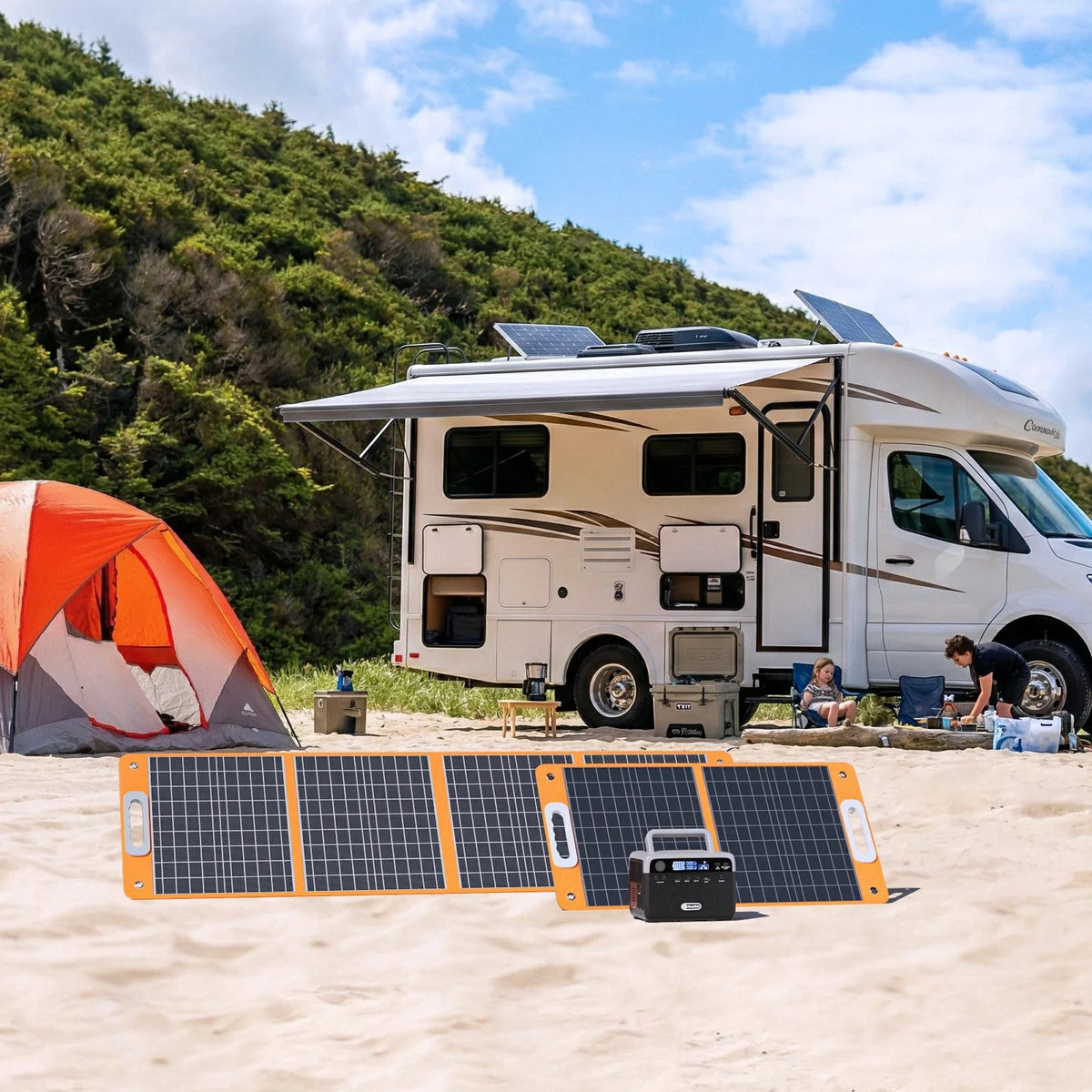
The FlashFish A201 manual lists 172.8Wh, one USB-C output up to 18W, and two USB-A outputs up to 18W each. The E103 manual lists 179.2Wh, one USB-C output up to 60W, and two USB-A outputs up to 18W each. Compare those individual ceilings with the exact camera or tablet charging requirements; neither a port count nor nominal capacity establishes session duration.
The available A201 and E103 manuals describe 230V AC configurations. They do not confirm the AC output of an exact U.S. unit. Leave an AC-powered light or original wall adapter unresolved until market-specific documentation answers the voltage, waveform, power, and combined-output questions. A201's AC waveform is not provided in the product database.
A documented spare camera battery or independently powered light may simplify charging turns if the device maker permits it. That reduces the shared setup but adds equipment to track. It does not eliminate the batch log or establish how long the devices will operate.
FAQ
Does a station display tell us the last photograph was saved?
No. Inspect the camera files and record the result. A station display cannot confirm capture or catalog transfer.
Should a charging pause automatically create a new batch?
Record the pause as a boundary. The photo lead can then decide whether the unchanged setup may continue or the item needs a new batch.
Can the A201 or E103 guarantee a full photo session?
No session duration is established here. Verify the exact devices, charging paths, usage schedule, and usable-energy assumptions separately.
What should the next volunteer receive?
The last confirmed quilt ID, current batch state, pending transfers, and next authorized action, on a sheet that remains accessible without power.
Prepare the card before the first quilt
Bring blank ID cards and the restart sheet to the setup rehearsal. Walk through one capture, inspection, pause, and handoff using the guild's approved process. Compare FlashFish charging options only after the device requirements and permitted table layout are documented.
Next step: Compare FlashFish A201 specifications with your equipment list.


Laisser un commentaire
Ce site est protégé par hCaptcha, et la Politique de confidentialité et les Conditions de service de hCaptcha s’appliquent.