











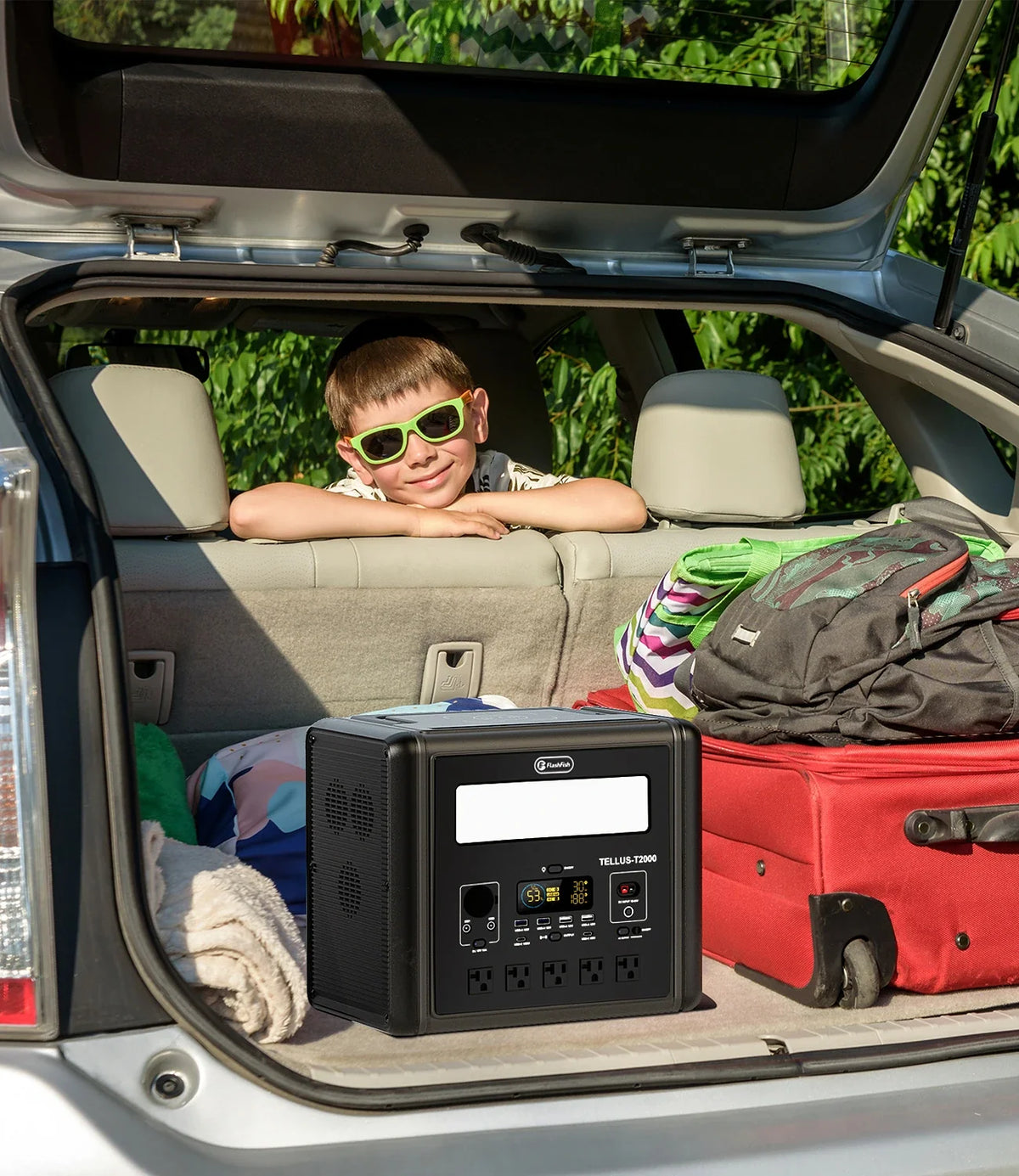
Short answer: plan trail-camera maintenance power from the devices you will actually carry: camera batteries, a phone, card reader, tablet or laptop, and any approved field communications equipment. Record each charging input, decide which tasks must happen in the field, and keep a paper or offline data workflow in case charging, weather, or connectivity fails. A portable power station is useful only when its documented ports and output limits match that list.
A maintenance day is usually a sequence of short stops rather than a campsite with one steady load. Teams may swap camera batteries, copy files, check timestamps, update a location record, or charge a phone between sites. That makes cable organization, weather protection, and a clear priority order as important as battery capacity.
Build the field inventory before choosing a station
| Item | Record before departure | Field decision |
|---|---|---|
| Trail camera | Exact model, supported battery type, voltage, and manufacturer charging instructions | Swap batteries or charge only through a documented method |
| Phone or GPS device | Connector, charger output, expected navigation and communication use | Reserve energy for return travel and emergencies |
| Card reader or tablet | USB type, required adapter, storage space, and offline app access | Verify files before formatting or removing a card |
| Laptop | Original adapter input, AC wattage or USB-C PD requirement | Bring it only when field review cannot wait |
| Portable station | Capacity, continuous output, port limits, charging state, and manual | Assign essential loads before optional charging |
Do not assume a USB-shaped port supplies the voltage or protocol a device expects. Read the device label and original adapter, then compare those requirements with the station manual. If a camera uses disposable or replaceable cells, its manufacturer may not permit charging inside the camera.
Separate energy planning from power compatibility
Watts describe the rate of power use; watt-hours describe an amount of energy. Both matter. A low-watt device can still consume substantial energy if it runs for many hours, while a higher-watt laptop charger may be used only briefly. Add the expected watt-hours for required tasks, then allow a practical reserve for conversion losses, temperature, battery age, and schedule changes. Treat the calculation as a planning estimate, not a runtime promise.
Compatibility is a separate check. The combined continuous load must remain within the selected output path, and a device with a startup surge may require more than its steady label shows. Connector fit alone does not verify voltage, polarity, waveform, or charging protocol.
Where compact FlashFish models may fit
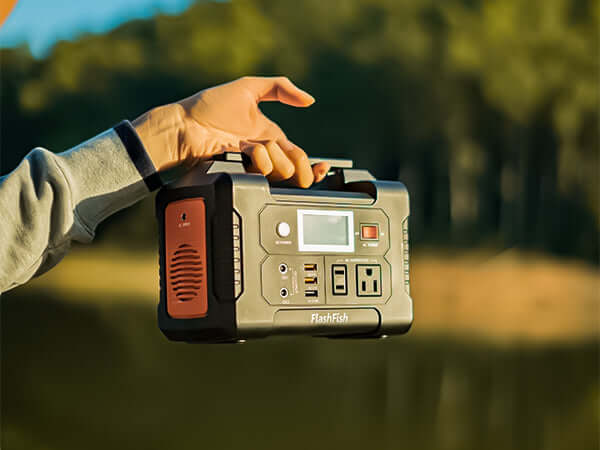
The local A101 product record lists 97.68Wh capacity, 120W continuous AC output, two USB-C ports rated up to 18W each, and two USB-A QC 3.0 ports rated up to 18W each. At about 1.2 kg, it can be considered when the verified list is limited to small electronics. Regional socket versions vary, so use the manual and label for the U.S. unit rather than assuming the AC details from another market.
The E200 record lists 151Wh capacity, 200W continuous AC output, 400W peak output, three USB-A outputs, and 12V DC output up to 120W. Its AC output is modified sine wave. That distinction matters for equipment whose manufacturer specifies a waveform or recommends against modified-sine power. Neither model should be selected from capacity alone.
Pack a cable map, not a loose cable bag
- Label each cable with the device and output it serves.
- Carry the original adapter when a device requires AC charging.
- Protect memory cards and adapters in separate, closed containers.
- Test the complete charging path at home without exceeding documented limits.
- Remove damaged cables from the kit rather than saving them as backups.
A simple port map prevents volunteers from moving essential devices to the wrong output. It also reveals when two items need the same single port, which is a scheduling problem even if the station has enough stored energy.
Use a priority schedule in the field
- Reserve phone or navigation power needed for the safe completion of the route.
- Secure camera data and update location records.
- Charge batteries needed for the next approved deployment.
- Run laptop review or optional device charging only after essential work is covered.
Keep the station dry, stable, ventilated, and away from loose metal items. Do not operate or charge it in a closed bag. Follow land-manager rules for access, equipment placement, wildlife disturbance, vehicle use, and fire restrictions. A portable station does not override site rules.
Create an offline fallback
Before leaving coverage, download maps and required forms, synchronize device clocks, verify storage space, and assign a naming convention for cards and camera locations. Carry a written route and contact plan. If a reader, cable, or app fails, seal and label the card for later review rather than improvising a risky transfer.
FAQ
Can a portable power station charge trail-camera batteries?
Only when the camera or battery manufacturer provides an approved charging method and its input requirements match a documented station output. Many trail cameras use replaceable cells that should be swapped rather than charged in the camera.
How much capacity should a maintenance team bring?
Add the estimated energy for required devices and include a reserve for losses and changing conditions. There is no reliable universal capacity because routes, devices, weather, and field tasks differ.
Should a laptop be part of every field kit?
No. A phone or tablet and spare storage may be enough for logging. Bring a laptop only when its field task is defined and its adapter, wattage, waveform needs, and expected use have been checked.
Can the station stay in a vehicle while operating?
Follow its manual and avoid closed, hot, wet, or unventilated locations. Secure it for transport, but move it to a dry, stable, ventilated operating position when required by the instructions.
Next step: Compare FlashFish A101 specifications with your equipment list.

Leave a comment
Laman ini dilindungi oleh hCaptcha dan tertakluk pada Dasar Privasi dan Terma Perkhidmatan hCaptcha.