












Use the projector and speaker labels as the starting point for any portable power station decision. Record the manufacturer's power information, identify whether a figure belongs to the device or an adapter, list every item that will run together, and compare those verified facts with a station's current documented limits. Generic device wattages are not proof.
Build a label record for the projector
Locate the information printed on the projector, its power adapter, or in the manufacturer manual. Copy the value exactly and note where you found it. Also record any wording about required power sources, adapters, or operating conditions. If the data is missing or confusing, use the manufacturer documentation rather than trying to infer a number from the projector's size, brightness, or category.
Build a separate record for the speaker
Do the same for the speaker and, when applicable, its external adapter. A speaker setup may include more than one powered component. Keep the record separate from the projector so you can see what will be active at the same time. Do not treat an adapter label as a complete description of the speaker's behavior without checking the device documentation.
Turn the notes into a station checklist
| Check | What to record | Why it matters |
|---|---|---|
| Device information | The exact manufacturer label or manual entry for each powered item | It replaces generic wattage assumptions with information about your equipment. |
| Simultaneous use | Which items will be on together | The station decision should reflect the complete planned setup. |
| Startup and power requirements | Any requirement stated by the manufacturer | It flags questions that must be resolved before choosing a station. |
| Connection path | The documented outlet, port, cable, and adapter needs | Output and capacity figures do not confirm a connection arrangement on their own. |
Avoid the most common reading errors
- Do not use a generic projector or speaker range as a fact about your model.
- Do not assume one label covers every powered accessory.
- Do not treat a single output figure as a runtime calculation.
- Do not assume an adapter, port, or cable arrangement is supported unless its documentation says so.
For general terminology, see running watts vs surge watts for portable power stations. Apply that vocabulary only after confirming what the manufacturer documentation says for your equipment.
Move from labels to a product shortlist
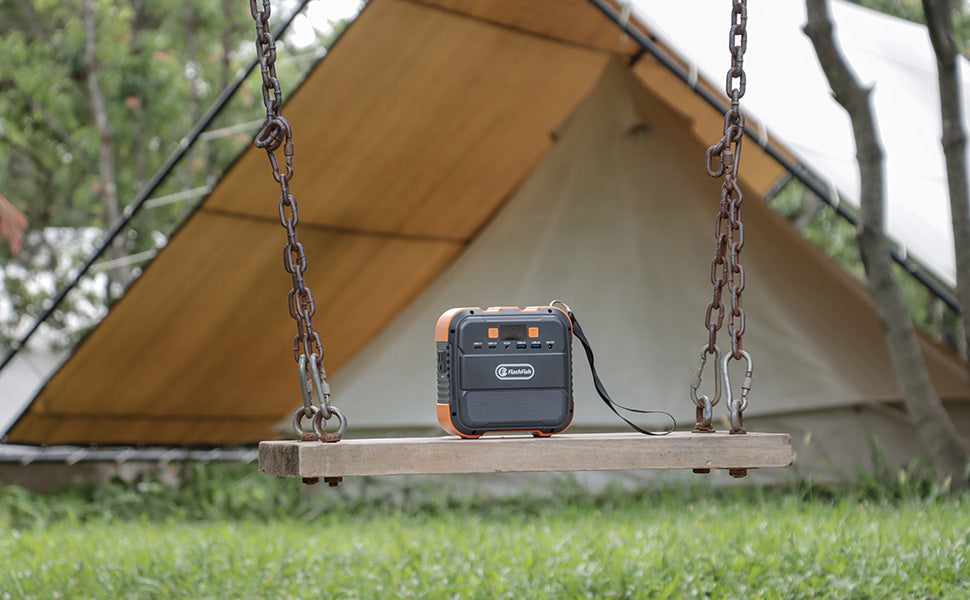
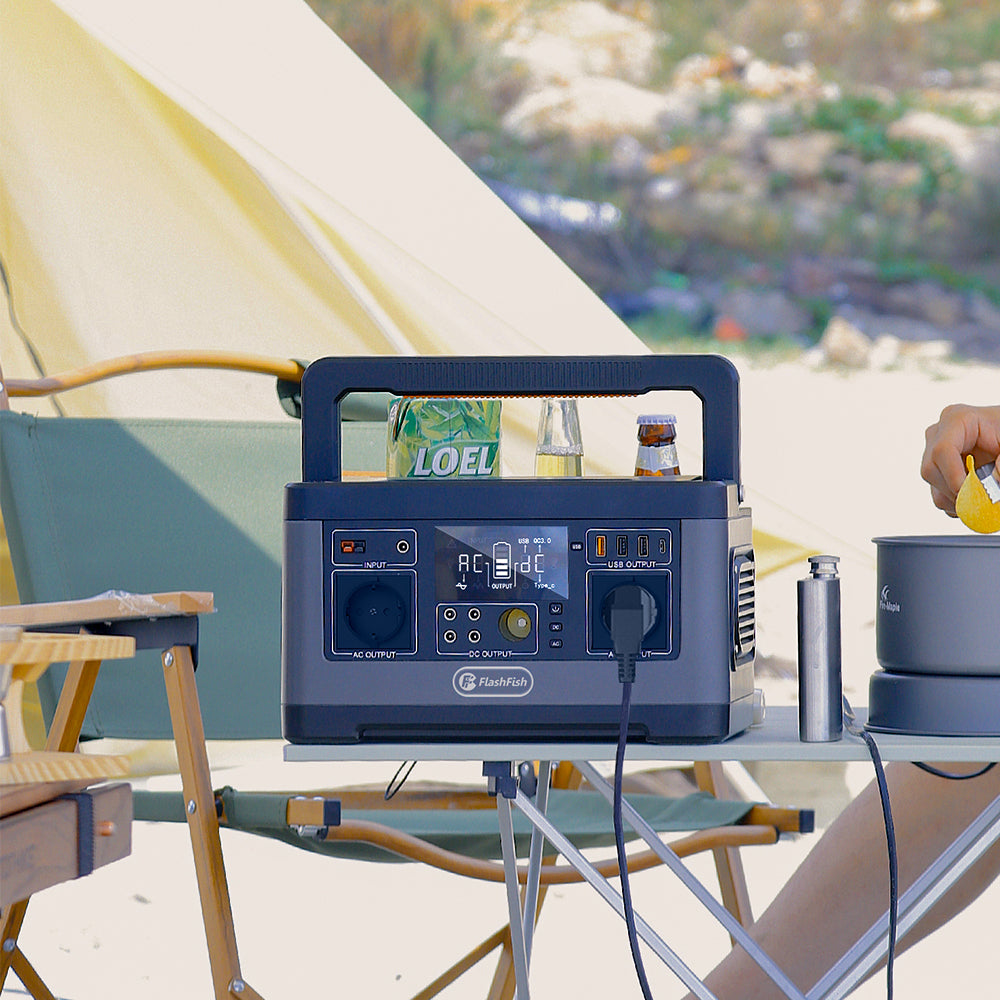
Once you have a complete label record, compare it with current product documentation rather than a generic device example. For instance, the active FlashFish listings identify the E103 as 300W and 179.2Wh, and the P56 as 330W and 288Wh. Those figures are starting points for a documented comparison, not an assurance that either model fits a particular device.
After your equipment record is complete, use the 300W portable power station guide for general output-limit vocabulary and review current product documentation for the specific model you are considering.
When to stop and verify
Stop and consult the device manufacturer when the label is unreadable, the manual calls for a specific power source, the equipment has an unverified startup requirement, or the connection path is uncertain. That pause is part of making an informed selection - not a failure to plan.
Frequently asked questions
Where can I find the power information for a portable projector?
Check the product label, power adapter, and manufacturer manual. Record the wording exactly and use the manufacturer's documentation when the information is incomplete.
What information should I record for a powered speaker or its adapter?
Record the manufacturer information for the speaker and any adapter separately, along with any stated power-source or connection requirements.
Why should I add the labels for every device in the setup?
A movie setup can include several powered items. A complete list helps you avoid evaluating a station against only one part of the planned load.
When should I stop and verify with the device manufacturer?
Stop when the label is unclear, a requirement is not documented, or you cannot confirm the needed connection path or startup behavior.

Leave a comment
Laman ini dilindungi oleh hCaptcha dan tertakluk pada Dasar Privasi dan Terma Perkhidmatan hCaptcha.