











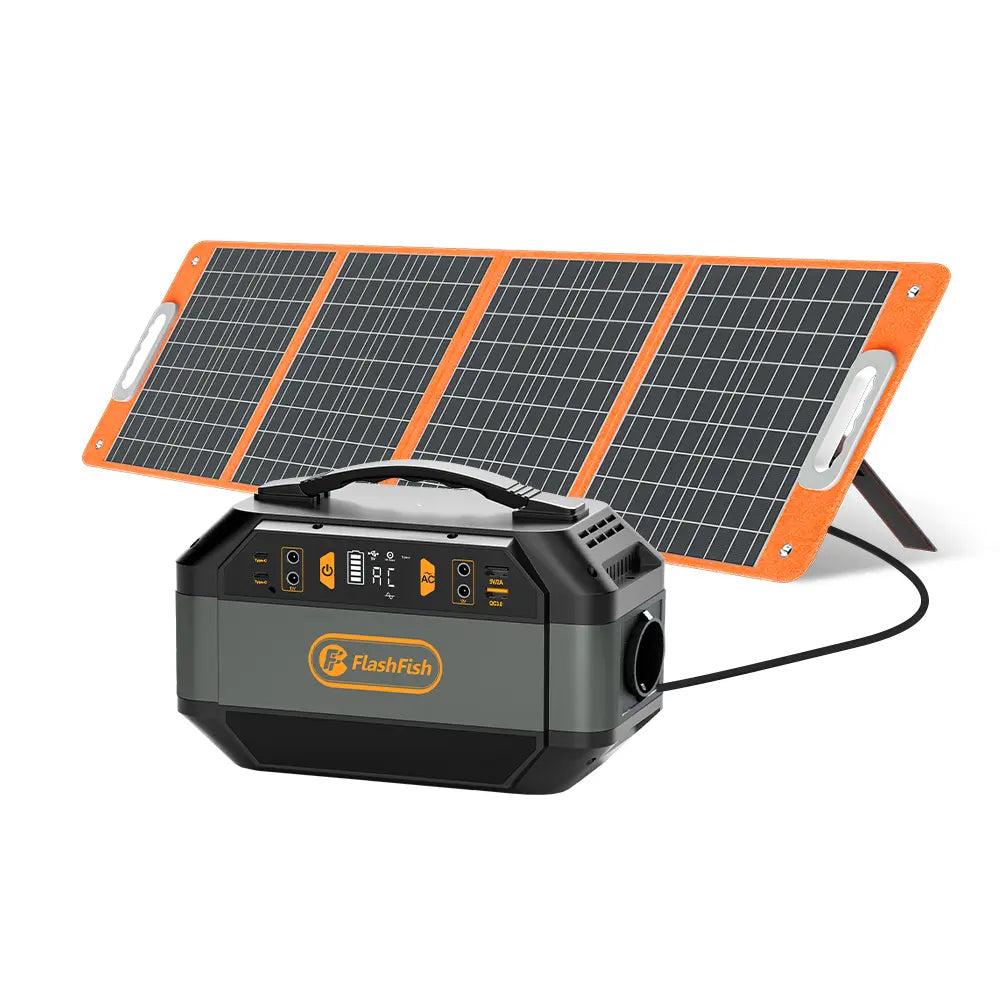
Quick answer: Plan a book-donation check-in around the labels on the phone, tablet, light, chargers, and power station—not around a guessed runtime. Keep the station dry and out of traffic, use the original charging accessories where required, and get the host site's approval before setting up.
Start with the check-in job
A simple collection point may need only a phone for QR codes, a tablet for the donor log, and a small task light. Make a written list of each item, its charging input, its labeled power requirement, and whether it charges directly by USB-C or needs its own AC adapter. This separates a workable plan from a pile of connectors that happen to fit.
Put the station on a stable, dry surface behind the check-in table. Route cables where volunteers can see them, leave slack only where it will not become a trip hazard, and assign one person to check connections during the event. The event host controls location rules, so confirm its requirements before the setup arrives.
Choose a documented connection path
Direct USB-C can be the tidier path when the device label and the charging cable document that it is appropriate. An AC outlet can be the right path when the device's original adapter is needed. Neither choice proves that every phone or tablet will charge correctly; confirm the device, cable, and adapter documentation as a set.
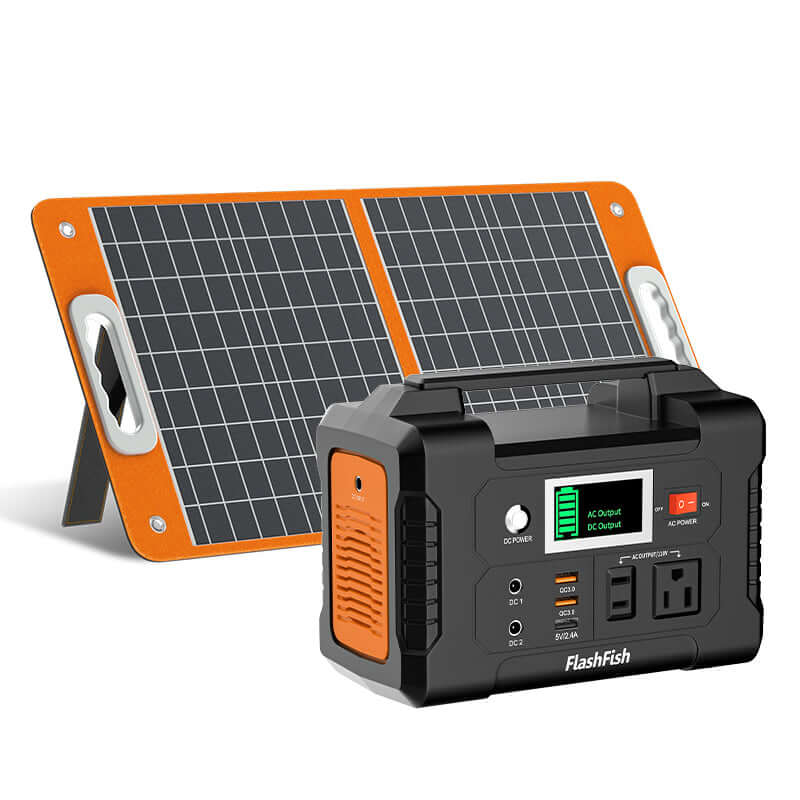
For reference, the FlashFish A101 record lists two USB-C ports rated up to 18W each and a 120W continuous AC output, but its AC socket is regional. The FlashFish E103 record lists one USB-C port rated up to 60W and a 300W continuous pure-sine AC output. Those specifications describe the station, not a promise about an individual device or a combined event load.
A practical table layout
- Test the QR form and donor log with the exact devices before opening.
- Label each cable by device and keep spare cables separate from active ones.
- Use one charging path per device at a time unless that device's documentation says otherwise.
- Record the station model and the devices connected so the next volunteer can repeat the setup.
Questions to settle before the event
Do you have permission to place power equipment at the check-in point? Are the device labels, adapters, and cables all available? Is the station protected from weather and from visitor traffic? If any answer is unclear, simplify the station layout rather than improvising at the table.
FAQ
Can one station run every device at a donation table?
Do not assume so. Compare each device and adapter label with the station documentation, and avoid making a combined-load conclusion without verified inputs.
Should we use USB-C or the device's wall adapter?
Use the path supported by the exact device, cable, and adapter documentation. Direct USB-C can reduce adapter clutter, while an AC adapter may be necessary for a particular device.
What should volunteers check during the event?
Check that cables remain protected, connections are secure, the station stays dry, and the setup still follows the host site's rules.
For a better handoff, keep the equipment list with the check-in supplies and review the current model documentation before the next event.
Next step: Compare FlashFish A101 specifications with your equipment list.

Deixar comentário
Este site é protegido por hCaptcha e a Política de privacidade e os Termos de serviço do hCaptcha se aplicam.