

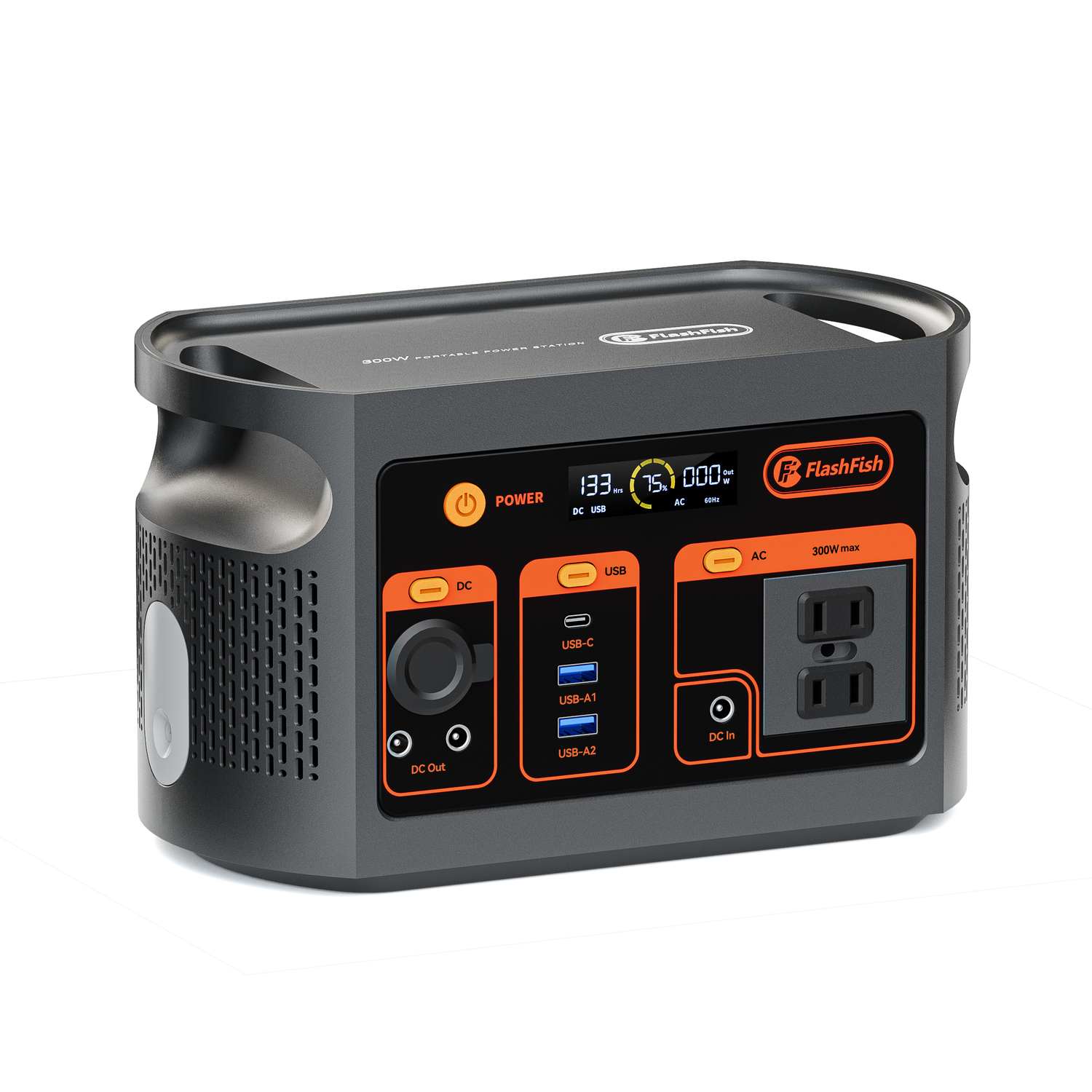
Quick answer: USB-C Power Delivery (PD) and Programmable Power Supply (PPS) are not interchangeable labels. Confirm support on the power source, connected device, and cable. The local FlashFish product database documents PD ratings for selected models but does not document PPS support for E103, T300PRO, T1200S, or T2000.
What PD and PPS mean
USB-C describes a connector. USB Power Delivery describes negotiated power profiles used by compatible sources, devices, and cables. PPS is an optional programmable feature within the USB Power Delivery specification. USB-IF notes that the source, device, and charger support all matter for users to benefit from PPS. See the USB-IF PPS overview.
Verify the complete charging path
| Part | What to check | Why |
|---|---|---|
| Power station port | PD or PPS record and maximum watts | The connector shape does not establish protocol support. |
| Connected device | Accepted voltage, current, PD profile, and PPS support | The device controls what it can negotiate. |
| Cable | USB-C type, current rating, and required e-marker | A cable can limit or prevent a charging mode. |
| Shared outputs | Whether other active ports reduce available power | Per-port maximums may not be simultaneous totals. |
Verified FlashFish USB-C PD records
| Model | Documented USB-C output | PPS in product database |
|---|---|---|
| FlashFish E103 | One USB-C PD port up to 60W | Not provided |
| FlashFish T300PRO | One USB-C PD port up to 100W and one up to 30W | Not provided |
| FlashFish T1200S | One USB-C PD port up to 100W and one up to 30W | Not provided |
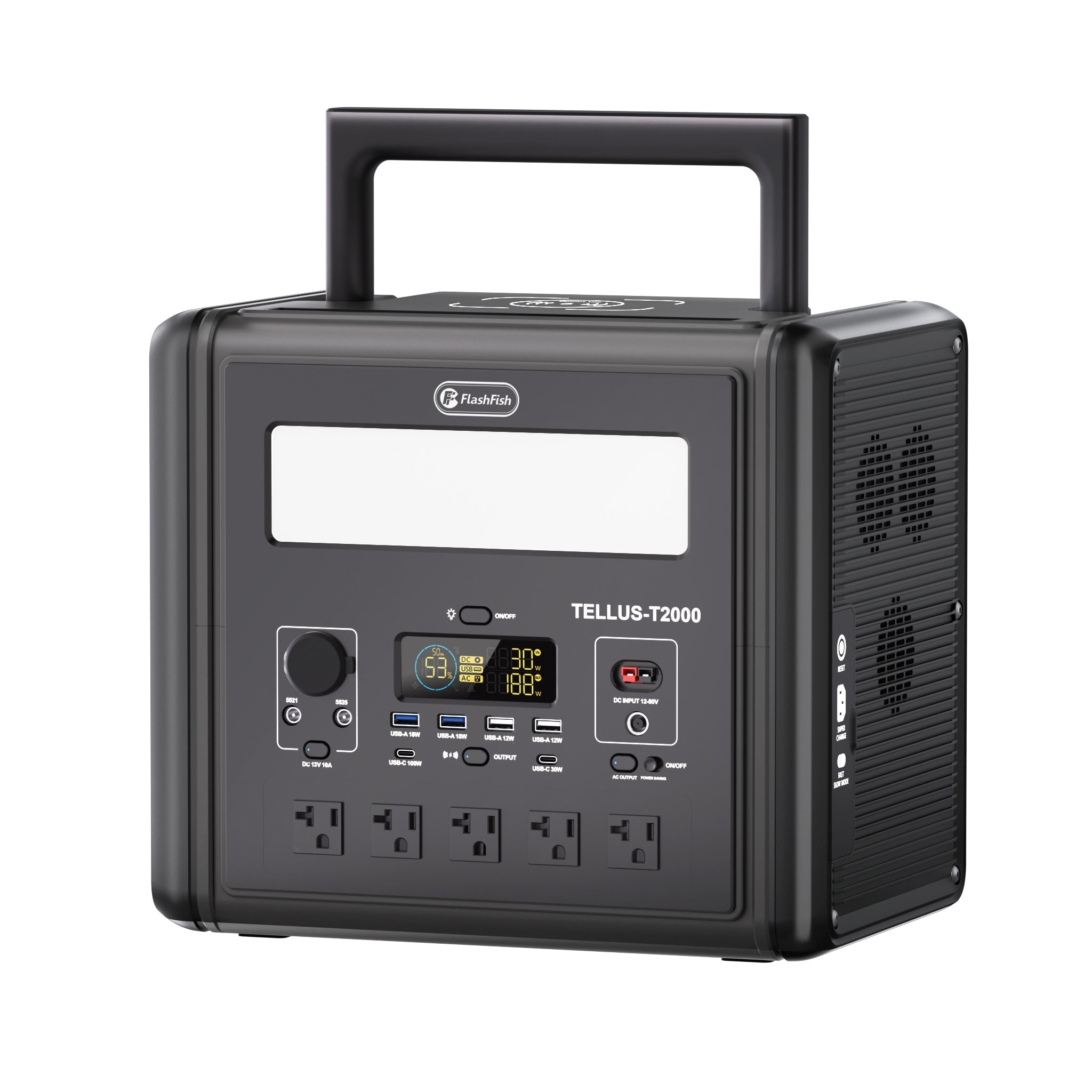
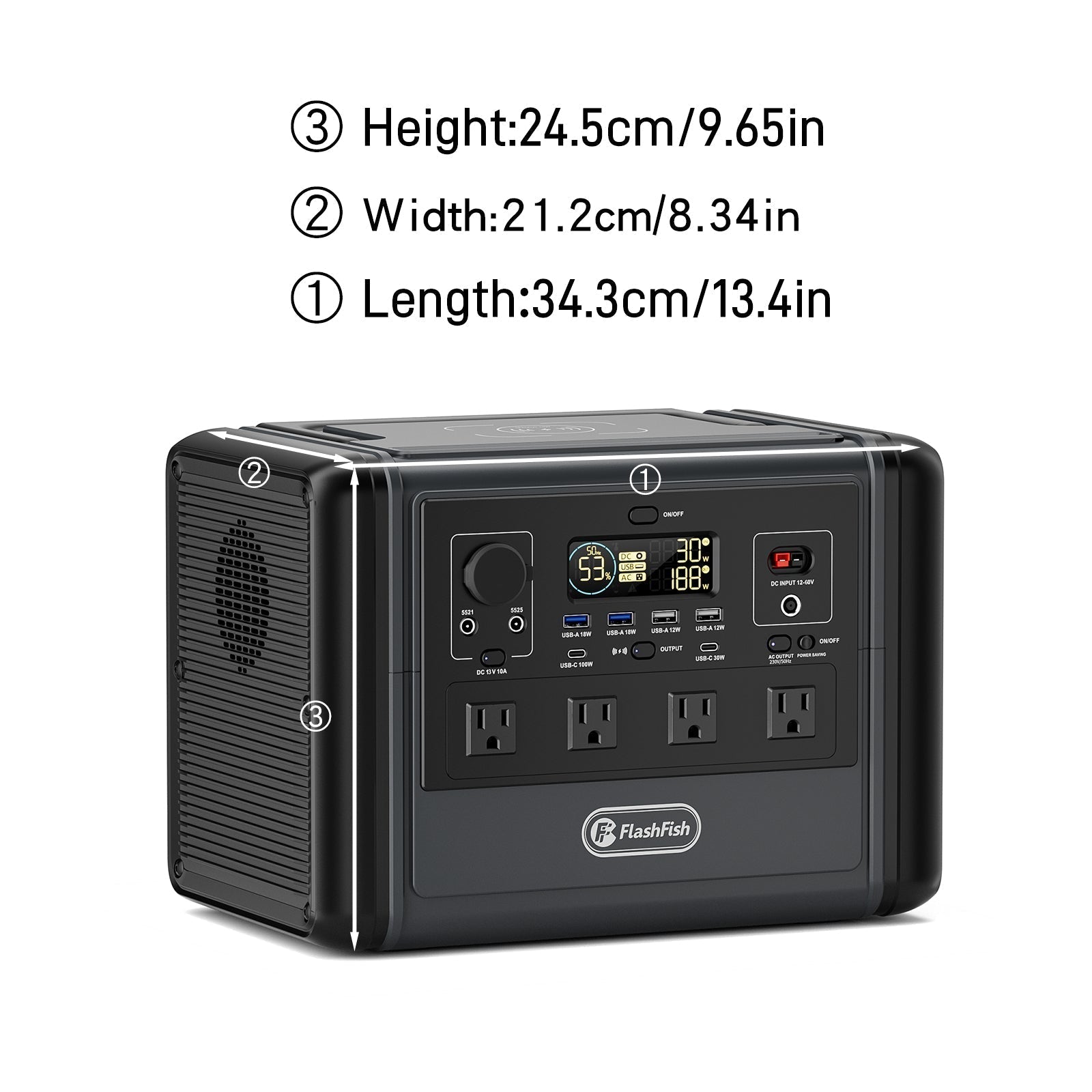
| FlashFish T2000 | One USB-C PD port up to 100W and one up to 30W | Not provided |
Because PPS is not provided in these database records, this article does not claim that the listed models support PPS, 20mV adjustment steps, universal fast charging, lower device temperature, longer device life, or protection of a connected device.
A maximum watt rating is not a charging-speed promise
The source and device negotiate an available profile. The device may accept less than the port maximum, and cable capability, battery temperature, charge state, background use, and firmware can affect observed speed. Use the connected device's official charger documentation as the reference.
Troubleshooting checklist
- Confirm that the selected port is an output and is turned on.
- Use a cable rated for the required current and power.
- Check the device's accepted PD profile.
- Disconnect other loads if the manual identifies shared limits.
- Inspect the cable and ports for damage, debris, moisture, or unusual heat.
- Stop use and follow manufacturer support instructions if charging is unstable.
Frequently asked questions
Does USB-C automatically mean 100W?
No. USB-C is the connector type. The source, device, cable, and negotiated protocol determine available power.
Does FlashFish E103 support PPS?
The local product database documents one USB-C PD output up to 60W but does not provide PPS support. Do not infer PPS without newer model-specific evidence.
Will a 100W port charge every laptop?
No. The laptop's accepted profile, cable, connector, and power requirements must match. Some laptops require a different charger or more power.

Dejar un comentario
Este sitio está protegido por hCaptcha y se aplican la Política de privacidad de hCaptcha y los Términos del servicio.