

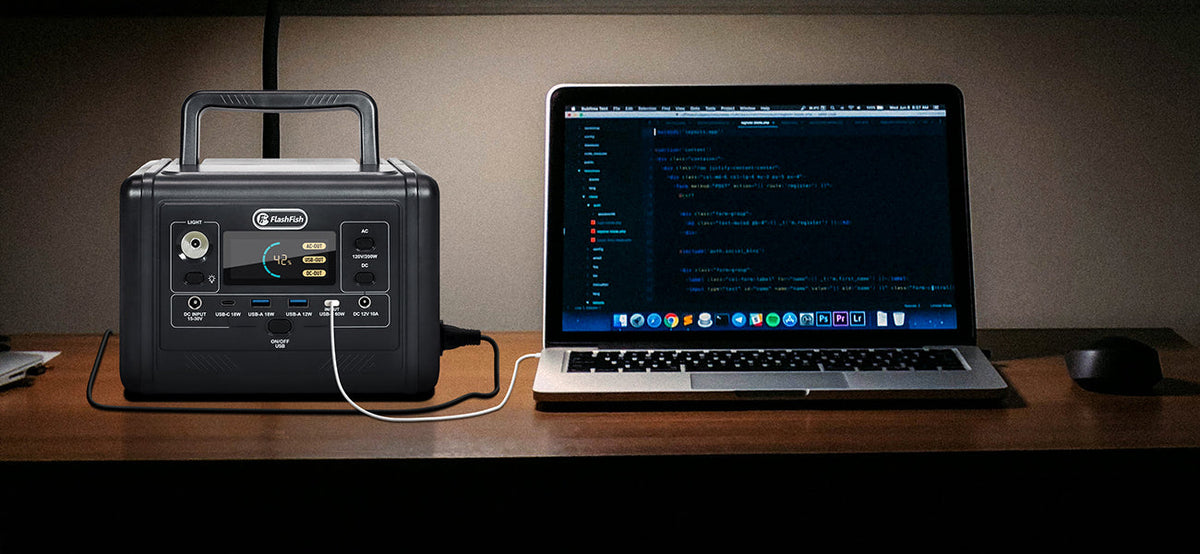
Before leaving a phone at a supervised camping charging table, make your own lock-screen choices, connect the intended cable yourself, keep your unlock code private, and agree on an anonymous pickup method. Consent to charging should specify who may handle the phone and what happens if charging stops. A power station's port specifications do not establish phone privacy or guarantee that a connection is data-free.
This guide is for adults choosing a voluntary charging handoff for ordinary personal phones. If keeping the phone with you matters more than leaving it at a table, choose an arrangement where you remain present. The useful outcome is a short agreement that preserves owner control, rather than a promise that supervision prevents every problem.
Decide what another person actually needs to do
A helper may only need to watch the table and return a phone to its owner. That does not require reading notifications, entering a code, opening an app, or changing accessory settings. Agree on those limits before the device changes hands. Avoid making an unlocked phone the default condition of using the table.
Write a small handoff card with a temporary device token, the agreed pickup time, and the handling permission. Keep the matching token yourself. Do not put a phone number, account email, campsite location, or passcode on a public label. The token helps organize collection; it is not proof of identity or a security system.
| Choice | Reference or check | What to record | What remains unresolved |
|---|---|---|---|
| Notification visibility | Exact phone maker's current lock-screen guidance | Owner reviewed settings; no message contents | Behavior of each app and other visible screen features |
| Wired accessory approval | Exact phone, connector and software instructions | Owner connects and handles prompts | Behavior of the actual cable and charging path |
| Pickup label | Temporary anonymous token | Matching token and agreed return time | How a lost token will be handled |
| Handling consent | Owner and helper agree in advance | Whether the helper may move or disconnect the device | What to do if the owner does not return |
| Charging interruption | Owner's preferred response | Leave the device for owner attention rather than seek a code | Cause of the interruption |
Review the lock screen on your own phone
Apple's iPhone User Guide describes notification preview choices under Settings, Notifications, Show Previews, including When Unlocked and Never. It also describes app-specific controls. Treat this as an iPhone reference, not a menu path for every phone. For another manufacturer or software version, use its matching instructions.
Choose the preview behavior you want before approaching the table. Review the resulting locked screen yourself without asking a helper to read a message as a test. A preview preference addresses that display behavior; it does not verify every widget, app, or lock-screen interaction. Avoid using real private messages in a demonstration or photographing someone else's screen.
Keep accessory decisions with the owner
Apple's wired accessory guidance distinguishes device and connector settings and notes that a locked device may not charge through some accessory connections. Available approval choices depend on the model. Do not change a security preference merely to make a shared table easier to operate.
Connect the intended cable while you are present and handle any prompt yourself. If charging later stops, arrange for the helper to leave the phone for your attention under the agreed handling rules. Do not leave a written code as a workaround. A charging indicator is an observation about charging at that moment, not a verification of the whole connection's security.
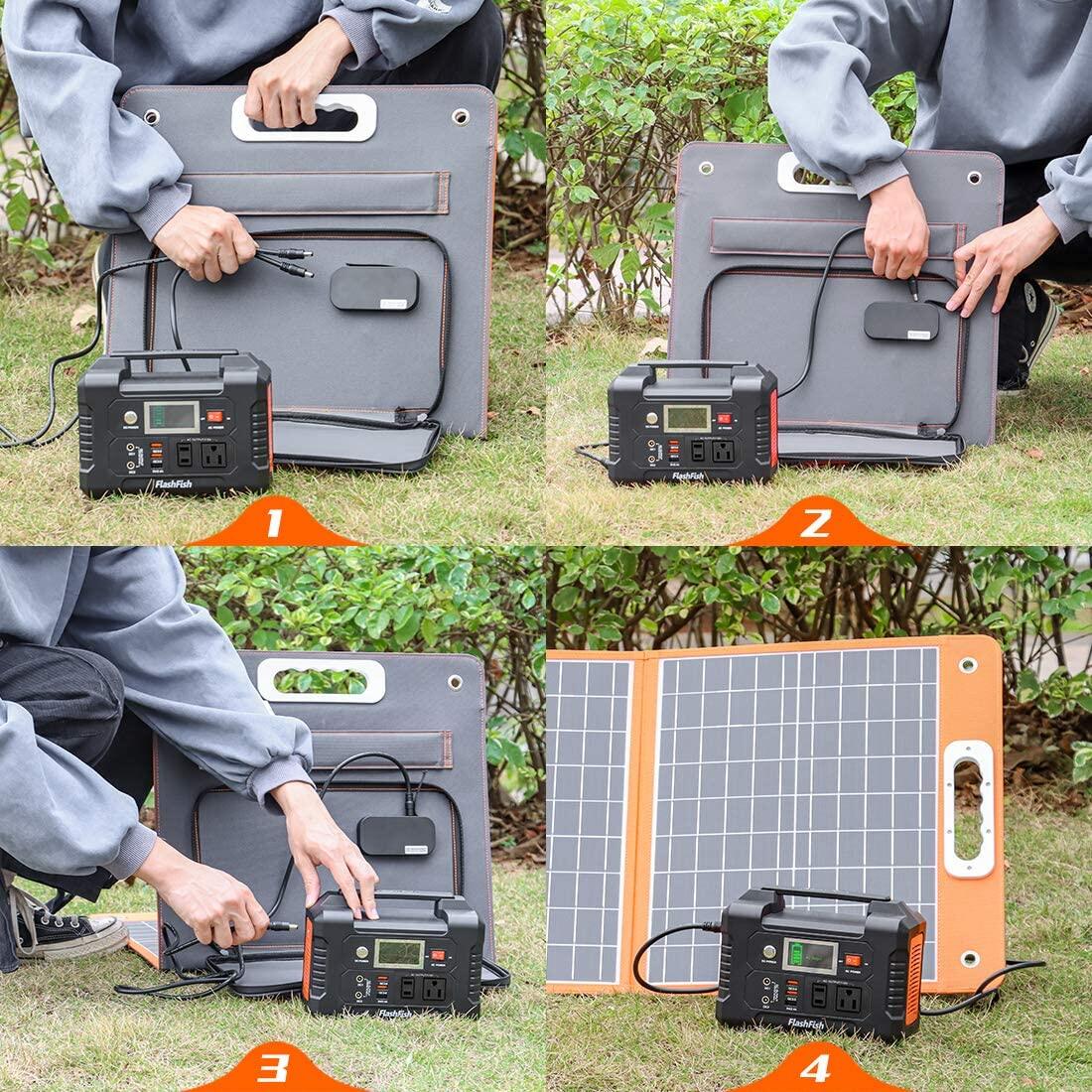
A public computer, a supplied cable, a wall adapter and a power station are different paths. This article does not inspect or certify any of them. Use only the path you have chosen and checked against the device and station instructions; a connector fitting is not sufficient evidence of suitability.
Where A101 and E200 fit in this decision
FlashFish A101 has a nominal capacity of 97.68Wh, with two USB-C outputs rated up to 18W each and two USB-A outputs rated up to 18W each. E200 has a nominal capacity of 151Wh, with two USB-A outputs rated up to 18W each and one USB-A output rated up to 12W. These are individual listed output limits, not a promise about a phone's charging rate or combined output.
A101 may belong on a shortlist when a documented USB-C path is needed; E200 may belong on a shortlist for a documented USB-A path. Match the actual phone, cable and station revision before choosing. Neither capacity nor port count tells you how many phones will complete charging, how long the table can operate, or whether notifications remain private. The station handles the power task; the owner still makes the privacy and custody decisions.
Three hypothetical handoffs
Example 1: Owner stays nearby. An adult uses token Birch, reviews their phone settings, connects their own cable and remains at the table. The helper only watches the area. The owner retrieves the device directly, so no one else needs to operate it.
Example 2: Charging stops after departure. The owner of token Pebble has agreed that the helper may disconnect but may not unlock the phone. The helper follows that agreement and waits for the owner. No code or account information is requested.
Example 3: No comfortable pickup arrangement. An adult does not want to leave a phone without a direct handback. They decline the drop-off arrangement and return when they can stay. Accepting a shared charging slot is optional; a more elaborate label does not remove that preference.
FAQ
Does the helper need my unlock code to charge my phone?
Do not make sharing a code part of this handoff. If the phone requires owner action for the selected connection, perform that action yourself. If you cannot remain available under an acceptable arrangement, postpone charging or keep custody of the phone.
Does hiding previews make the whole phone private?
It is a choice about notification previews, not a complete security assessment. Check the exact device's other visible features yourself. Supervision and an anonymous token also address different parts of the handoff; neither certifies the charging connection.
Can a helper promise the phone will be full at pickup?
That outcome has not been established here. The actual phone, starting charge, cable, negotiated charging behavior and available station energy are not supplied. Agree on a pickup process without promising a charging percentage or duration.
Make the agreement before choosing the station
Prepare a blank token card today: pickup time, permitted handling, interruption response and direct return arrangement. Keep all codes and settings with the owner. Once that process works for everyone involved, compare the documented A101 or E200 ports against the actual device and cable requirements.
For the wider equipment choice, use the camping power station guide after deciding how you want the phone handoff to work.
Next step: Compare FlashFish A101 specifications with your equipment list.


Dejar un comentario
Este sitio está protegido por hCaptcha y se aplican la Política de privacidad de hCaptcha y los Términos del servicio.