

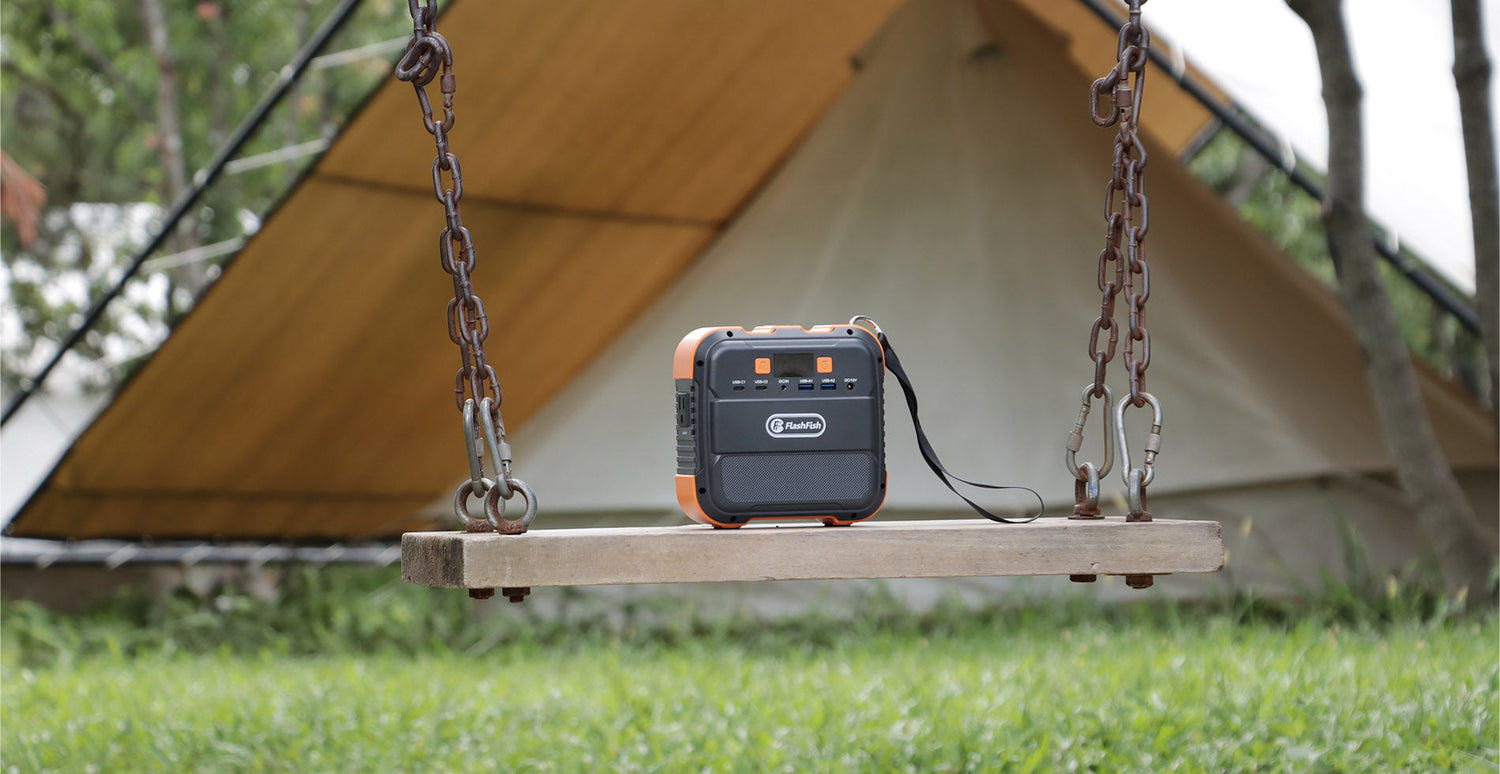
Quick answer: A power bank is usually the simpler choice when every device can be charged directly by USB and its own charging requirements are already understood. A portable power station becomes worth considering when your work setup depends on an AC adapter or needs a broader mix of ports, but it is not a substitute for checking each device label, connector, and venue rule.
A remote workday away from a dependable outlet is easier to plan when you start with the equipment in your bag, not with a battery size. List the laptop, phone, hotspot, light, and any adapter you expect to bring. Then read the label on each device and the label on its charger. Those labels—not a generic compatibility promise—tell you which input, connector, and power path must be checked before you pack.
Start with the power path, not the product category
A power bank is built around direct USB charging. That can keep a light setup compact when your laptop and communications devices are designed to accept the available USB-C or USB-A connection. A portable power station can add AC and DC options, which may matter when a laptop is supplied with an AC adapter. The trade-off is more equipment, more weight, and more checks before leaving home.
| Question to answer | What it changes |
|---|---|
| Does the laptop accept direct USB-C charging, or does it use its own AC adapter? | It determines whether a USB-only plan is even worth evaluating. |
| What input rating and connector are printed on the device or adapter? | It defines what must be matched; do not assume a plug that looks similar is suitable. |
| Which devices genuinely need power during the work block? | It prevents buying or carrying for items that can stay charged beforehand. |
| Will you work at a café, park, vehicle, or shared table? | It affects carrying space, cable management, and any site-specific rules. |
Where the FlashFish models sit in this comparison
Model specifications can help narrow a category, but they do not establish that a particular laptop will work. The FlashFish A101 record lists 97.68Wh of capacity and 120W continuous AC output; its recorded AC voltage is 230V and the record notes that regional socket versions vary. That means a U.S. buyer should verify the exact market version and outlet configuration before treating it as an AC-adapter option.
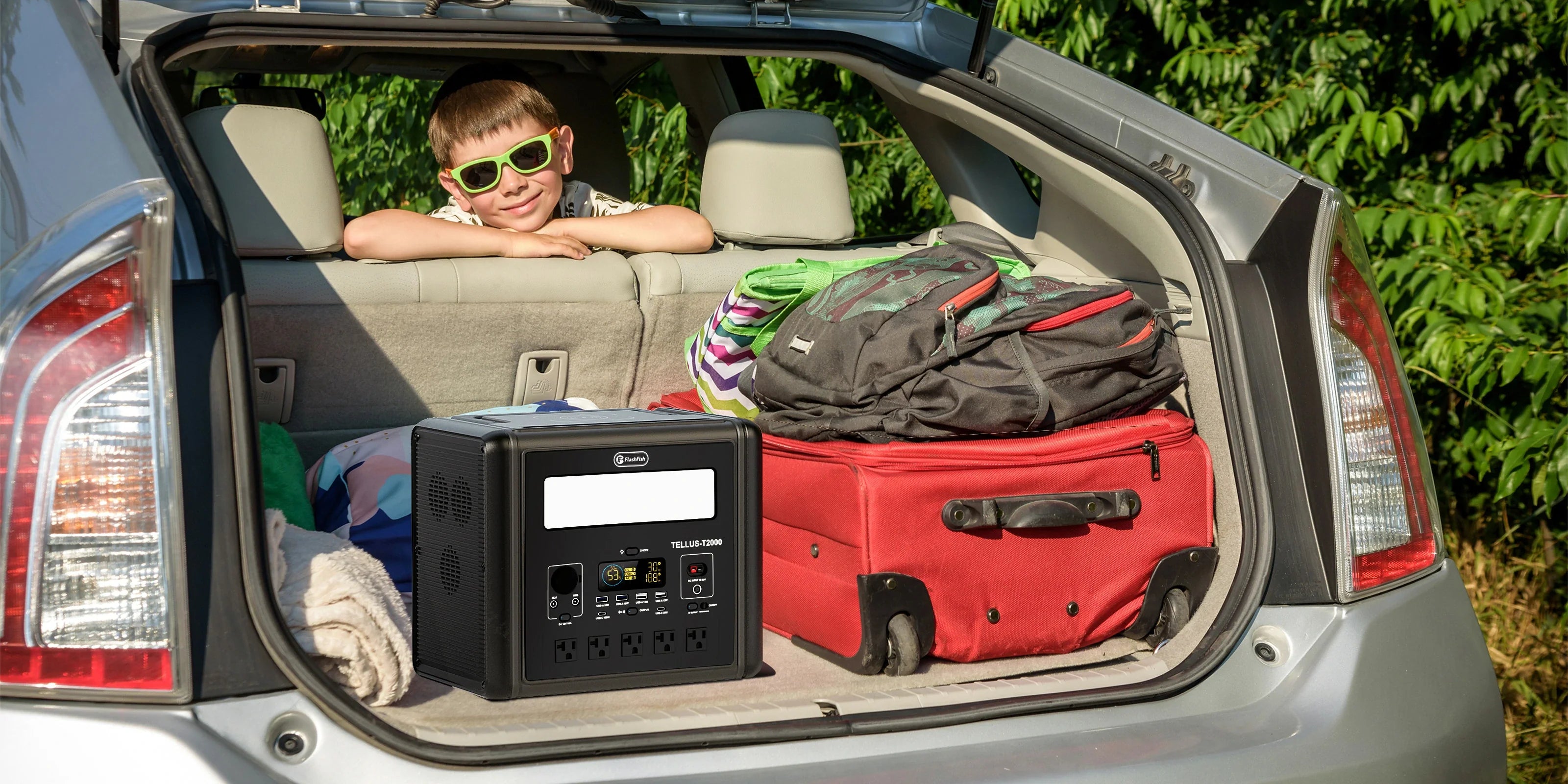
The E103 record lists 179.2Wh, a LiFePO4 battery, 300W continuous pure-sine AC output, and one USB-C output rated up to 60W. The TELLUS-T300Pro record lists 230Wh, a LiFePO4 battery, 300W continuous pure-sine AC output, two 120V/60Hz AC ports, and a USB-C output rated up to 100W. These are product-side figures only. Compare them with the exact label on your laptop, adapter, phone, and any hub before choosing a power path.
Use a low-risk test before a workday
- Photograph the labels on the laptop, adapter, hotspot, and charging cables.
- Decide which items must be charged while working and which can be charged beforehand.
- Check the exact model’s manual and current U.S. product configuration for port and outlet details.
- At home, test only the documented connection path while you can stop and inspect it easily.
- Pack the shortest practical cables and keep walkways clear at the work location.
Think in work sessions, not promises
Battery capacity alone does not answer how long a mixed work setup will operate. Device draw, the charging path, screen brightness, network use, conversion losses, and the condition of the battery all matter. Rather than rely on a runtime estimate from another person’s setup, record your own devices and test a normal work session at home. If a result matters for a deadline, bring a second charging plan or choose a location with dependable outlet access.
Choose the lighter decision when it fits
A power bank can be the cleaner solution when direct USB charging covers the actual devices you need. A compact power station may be the more flexible planning option when the confirmed setup includes an AC adapter or several different output types. In either case, the good decision is the one that follows the device labels, exact model documentation, and the rules of the place where you will work.
Frequently asked questions
Can a portable power station charge any laptop?
No universal conclusion is appropriate. Confirm the laptop’s input rating, connector, supplied adapter, and the exact power station’s U.S. outlet or port configuration before use.
Is a larger Wh number automatically better for remote work?
Not by itself. Capacity is only one part of the plan; the needed ports, the device labels, carrying weight, and the work location also matter.
Should I use a power bank and a power station together?
That depends on your documented device needs. Keep the plan simple where possible, and verify each charging path rather than assuming two products can be combined for every device.
Next step: Compare FlashFish A101 specifications with your requirements.

Laisser un commentaire
Ce site est protégé par hCaptcha, et la Politique de confidentialité et les Conditions de service de hCaptcha s’appliquent.