











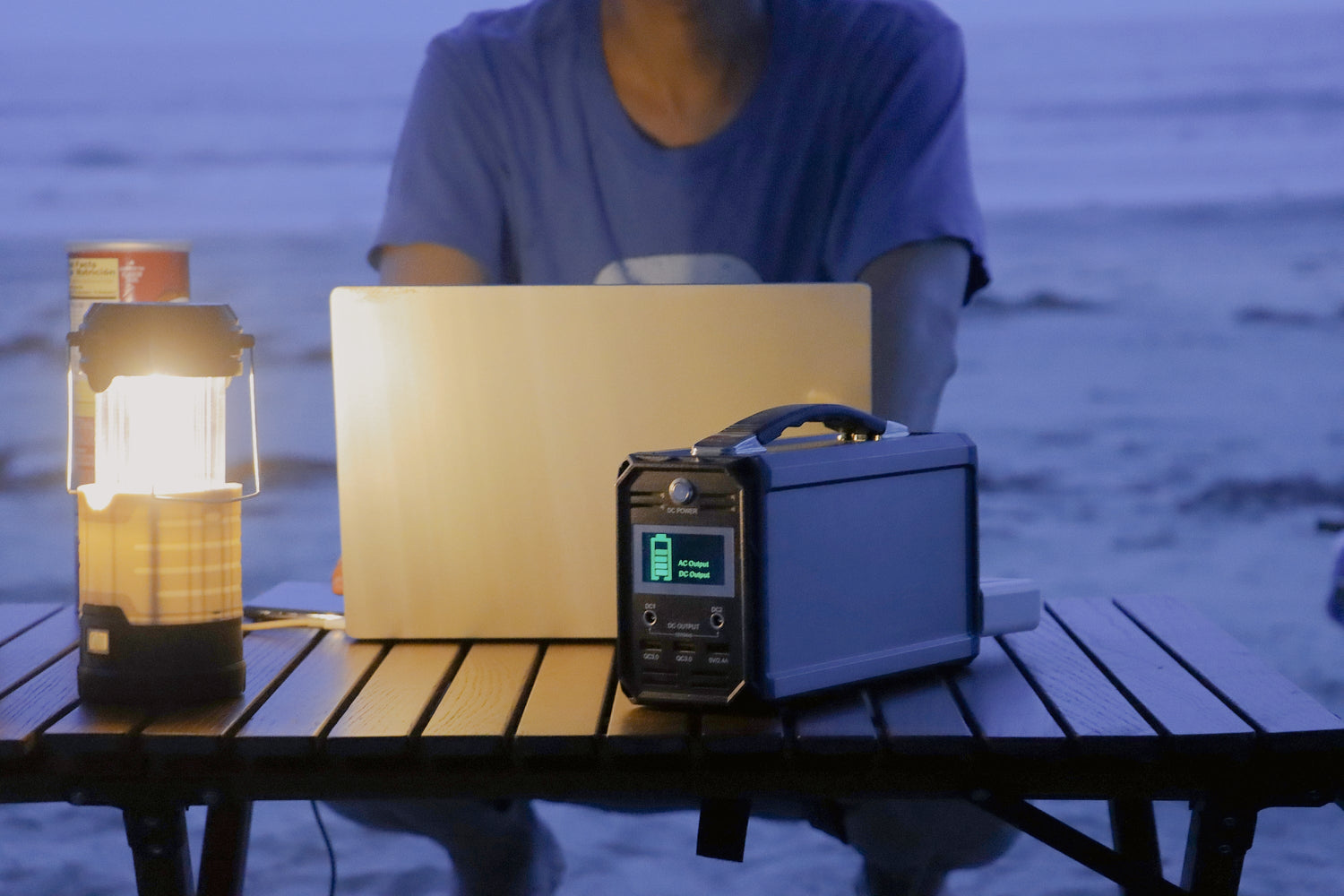
For an apartment outage plan, one larger power station is usually cleaner when you need a central AC load or a longer charging rotation. Two compact stations can work better when you want separated phone, light, laptop, or router-charging paths in different rooms. The right choice still depends on device labels, simultaneous watts, total watt-hours, ports, storage space, and recharge access.
Quick answer: central AC loads favor one larger station
Start by writing down the few things you actually want to keep powered. For many apartment users, that list is not every outlet in the home. It is a phone, light, laptop charger, hotspot or router-class device, small fan, or another low-to-moderate device after label checks. If one item needs a higher AC output ceiling, a larger station is easier to plan around. If everything is small and spread across rooms, two compact stations may be more convenient.
The current U.S. store keeps the FlashFish portable power stations collection active for model comparison.
Start with the apartment outage load list
Make the decision from the loads, not from the number of power stations. For each device, check the official label or charger rating and write down the port path you expect to use: AC, USB-C, USB-A, or DC. Then note whether devices need to run at the same time or can rotate. A rotation plan is often cleaner than trying to power everything at once.
When one high-capacity station is cleaner
One larger station is cleaner when the plan includes a central AC load, a larger stored-energy reserve, or a single charging area. The FlashFish T1200S is documented as a 768Wh, 1200W continuous AC LiFePO4 station. The FlashFish T2000 steps up to 1536Wh and 2000W continuous AC output. Those models are more useful when the largest checked load needs a higher output class than a compact unit provides.
When two compact stations are cleaner
Two compact stations are cleaner when the goal is separated low-load charging rather than one central AC setup. One unit can stay near phones and a light while another stays near a laptop or communication device. The FlashFish T200 is documented as a 153.6Wh, 200W continuous AC LiFePO4 station with USB-C up to 60W. The FlashFish T300PRO is documented as a 230Wh, 300W continuous AC LiFePO4 station with USB-C up to 100W.
Compact stations are not automatically the better choice. They create separate recharge tasks, separate output ceilings, and separate storage spots. The advantage is convenience and separation, not a combined larger power system.
Why outputs and watt-hours are not one shared pool
Do not add two independent stations together as if they create one larger AC output. Unless the manufacturer provides explicit supported parallel or system instructions for the exact models, each station should be treated as its own output limit and its own stored-energy source. A device plugged into one compact unit can only use that unit's documented output path.
Comparison table
| Decision factor | One higher-capacity station | Two compact stations | Boundary |
|---|---|---|---|
| Central AC load | Easier to manage one higher AC output ceiling | May be limited if each compact station has lower AC output | Do not combine outputs |
| Charging rotation | Larger watt-hour reserve in one place | Separate devices can charge in different rooms | No uptime promise |
| Port needs | More outlets and USB paths on larger models | More physical locations if each station has the needed ports | Port maximum is not the same as device draw |
| Storage and carry | Heavier single unit | Lighter individual units | Total packed weight still matters |
| Recharge planning | One larger station to recharge | Two separate recharge tasks | No exact recharge time |
FlashFish model-tier examples after the checklist
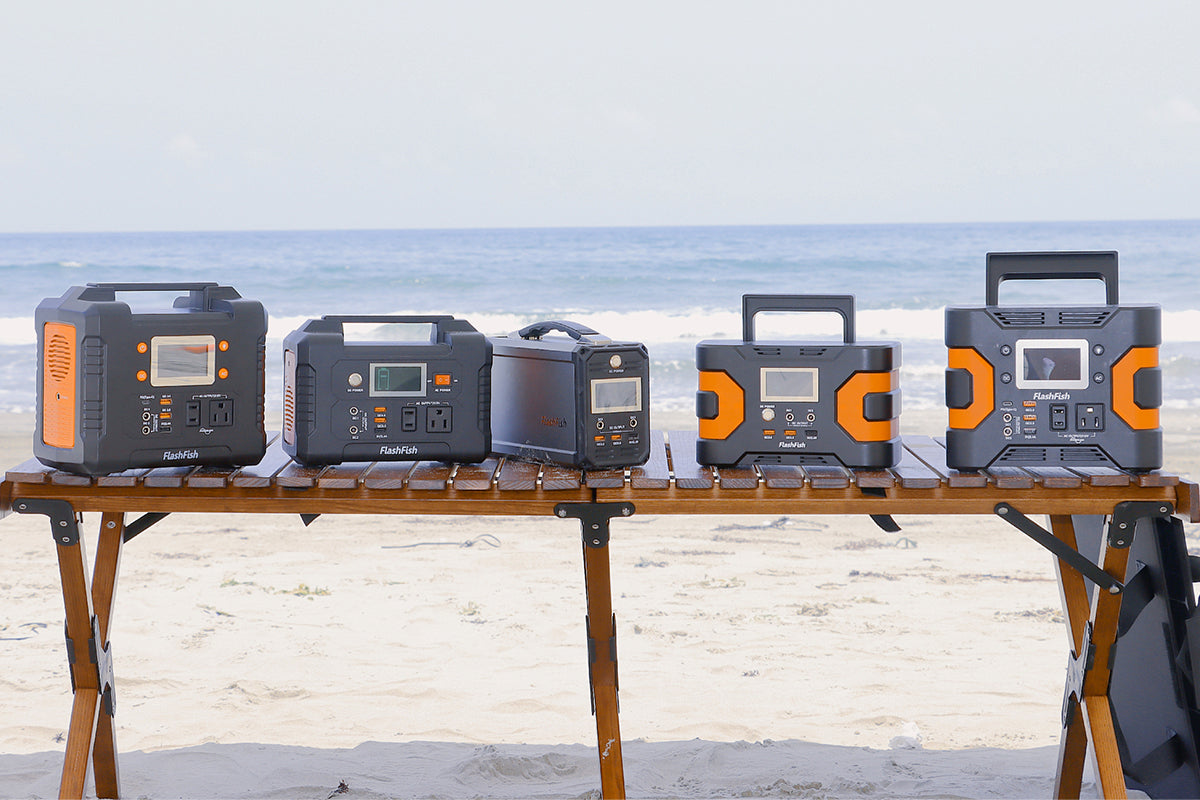
After the load list is clear, compare models by output class and stored energy. The FlashFish E200 is a compact 151Wh, 200W continuous AC station with modified sine wave AC output. The T200 keeps a similar 200W AC class while adding documented LiFePO4 chemistry and USB-C support. The T300PRO moves into a 300W class. T1200S and T2000 are larger choices for a central plan.
Storage, carry, and charging rotation tradeoffs
A larger station reduces the number of devices to manage but increases single-unit weight. Two compact units can be easier to move one at a time, but the total setup can still take more shelf space and require more cables. For apartment use, the best setup is usually the one you can store, recharge, and operate without crowding exits, walkways, or shared spaces.
Solar top-up boundaries for apartment users
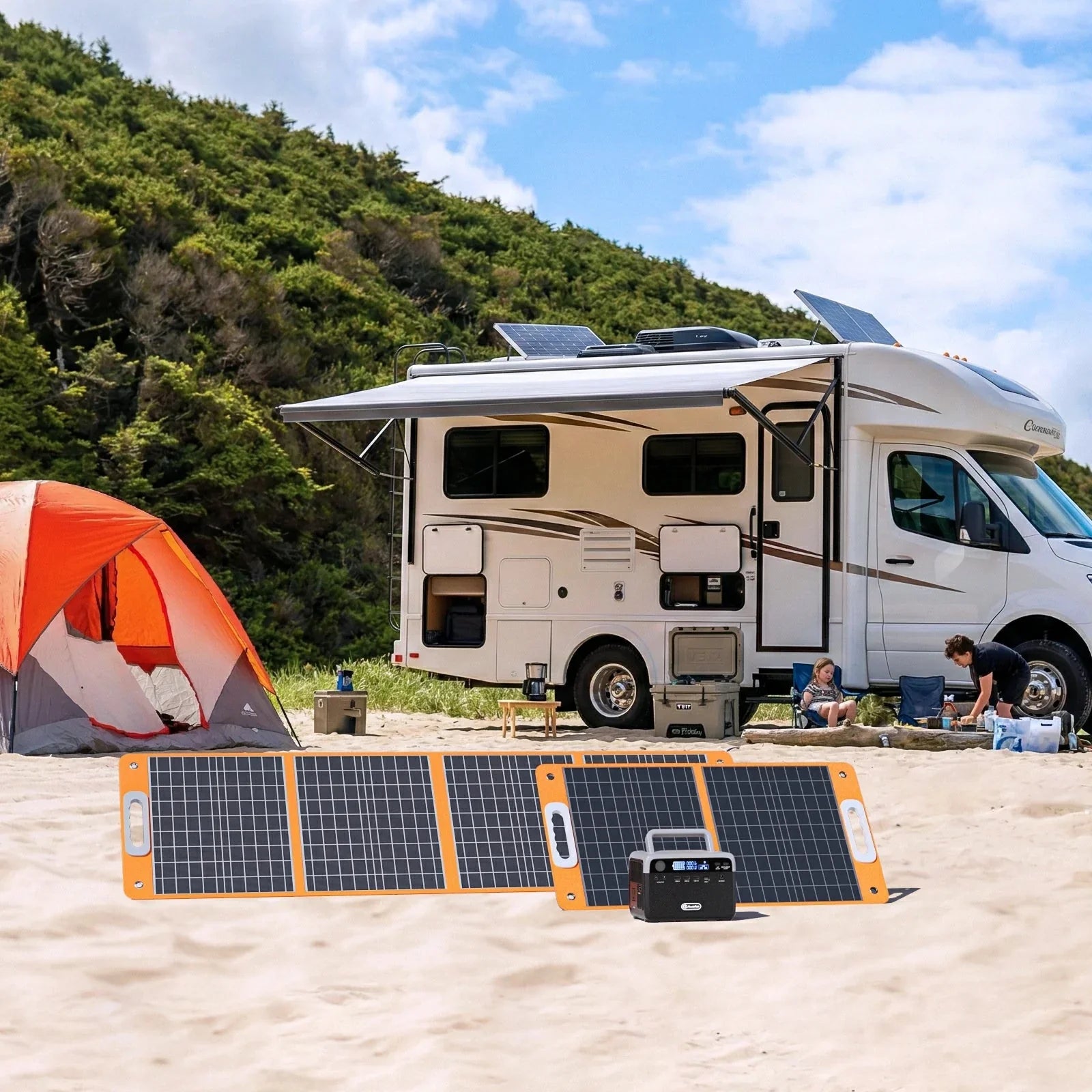
Solar can help when you have a safe, allowed, and sun-exposed setup location, but it should not be assumed for every apartment. Lease rules, building rules, shade, window direction, and panel placement can all limit usefulness. The FlashFish solar generator kits collection is a comparison path when outdoor recharge is part of the plan, but solar does not create an exact recharge-time guarantee.
When FlashFish fits
FlashFish fits when the user wants a practical station comparison for selected apartment electronics and is willing to match device labels to model limits. The brand's active U.S. collection gives a clean path from compact 200W-class stations through 300W, 1200W, and 2000W classes.
When FlashFish may not fit
Pause or choose another solution when the plan requires whole-home backup, hardwired electrical work, medical backup, food-safety assurance, public-safety support, or guaranteed internet availability. Also pause when an apartment rule, balcony rule, or device label is unclear.
Related planning guides
- Emergency Communication Charging Kit: Power Checklist
- What Not to Plug Into a Portable Power Station During an Outage
- Portable Power Station Watt-Hours Explained
FAQ
Is one large portable power station better than two small ones?
It is better when your largest checked load needs one higher output ceiling or when you want one central charging area. Two small stations are better when separated low-load charging is more useful than central AC power.
Can I combine two compact stations to run a larger device?
No, not unless the manufacturer provides explicit supported parallel or system instructions for those exact models. Treat each compact station as a separate output limit.
Which setup is better for apartment outage phones, router, and lights?
Two compact stations can be convenient for separated charging, while one larger station is cleaner if everything will run from one location. Do not promise router or internet uptime from either setup.
Should I keep one station in a different room?
That can be useful for cable convenience and separated priorities, but keep stations in safe, accessible, dry indoor locations and follow the product instructions. Do not block walkways or exits.
Can solar panels help with either setup?
Solar can help only when sunlight, placement, compatibility, and building rules support it. Plan it as a conditional recharge path, not as an exact recharge-time guarantee.

Leave a comment
Situs ini dilindungi oleh hCaptcha dan berlaku Kebijakan Privasi serta Ketentuan Layanan hCaptcha.