











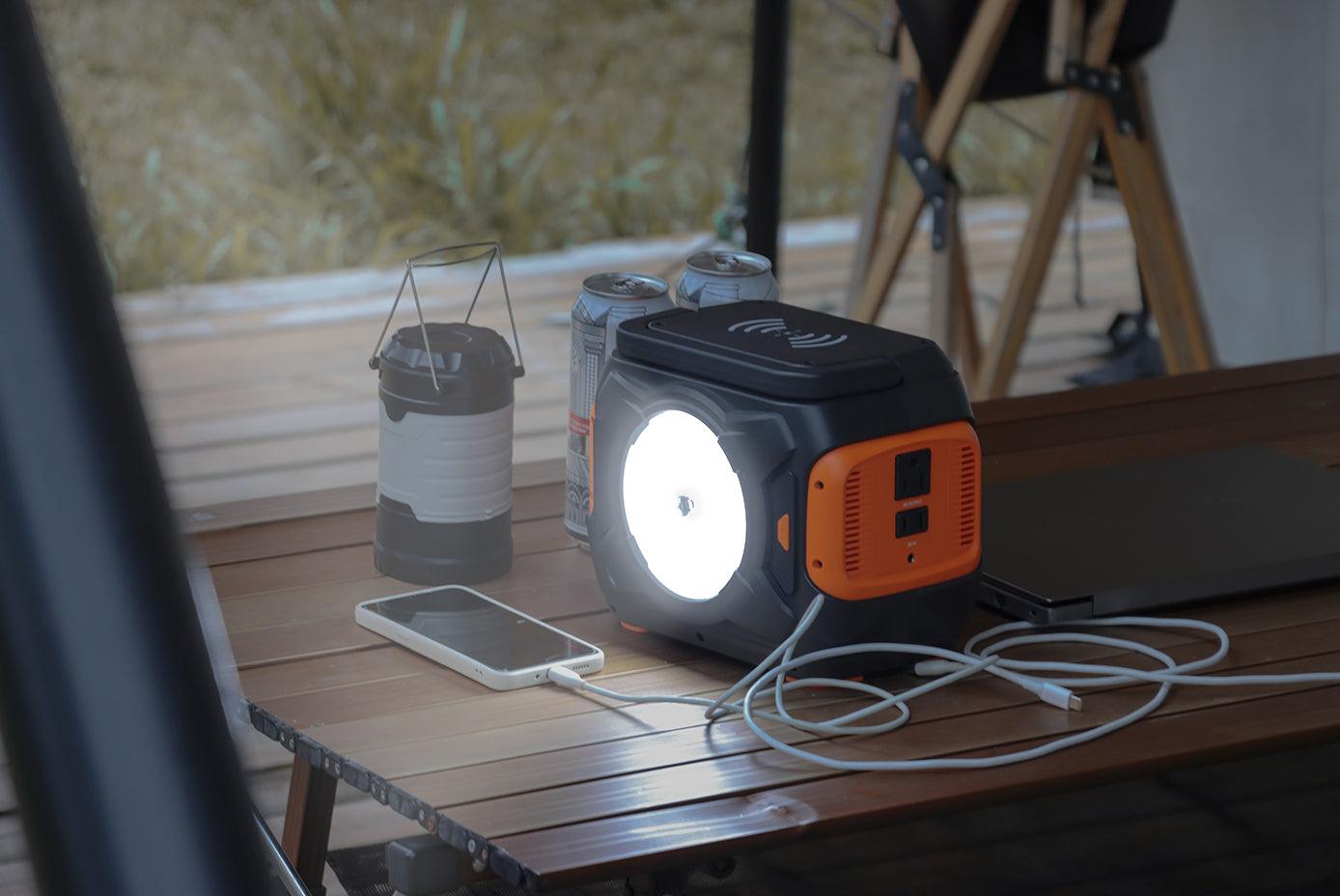
Quick answer: Portable backup power is most useful when it is assigned to a short list of compatible devices before an outage. It may help with communication, lighting, and selected electronics within the power station's documented limits. It is not automatically a whole-home system, a guaranteed runtime source, or a substitute for a medical-device emergency plan.
1. Keep communication devices available
A charged phone, radio, or other communication device can help a household receive alerts and contact family members. Check the charger's label, use the correct cable, and conserve battery by closing unneeded apps and reducing screen brightness.
2. Support basic task lighting
Compatible LED lights can make a limited outage plan easier to manage. Confirm the light's input and connection type, then keep the total connected load within the power source's documented output and port limits.
3. Maintain selected low-power electronics
A router, laptop, camera battery, or another small electronic device may fit the plan after its exact label and startup behavior are checked. Device category alone does not establish compatibility, and actual runtime will vary.
4. Move power to the task
A portable unit can be positioned near a compatible load without permanent installation. Keep it dry, protect ventilation openings, inspect cords, and follow the product manual for operating temperature and placement.
5. Avoid fuel handling while the battery is discharging
A battery power station does not burn fuel while supplying stored electricity. It is still electrical equipment and must be used according to its manual. Fuel-burning generators have different placement and carbon monoxide requirements; follow the official Ready.gov power outage guidance.
6. Add compatible solar charging as a variable option
A compatible portable solar panel may replenish some stored energy when conditions allow. Solar input changes with sunlight, shade, weather, temperature, panel angle, and the receiving station's input limits. Treat it as a tested charging option, not guaranteed continuous power.
7. Build a repeatable outage routine
Label cables, keep manuals together, charge the unit before forecast severe weather, and test the intended setup in advance. A written load list makes it easier to decide what stays unplugged when energy is limited.
What to verify before choosing a power station
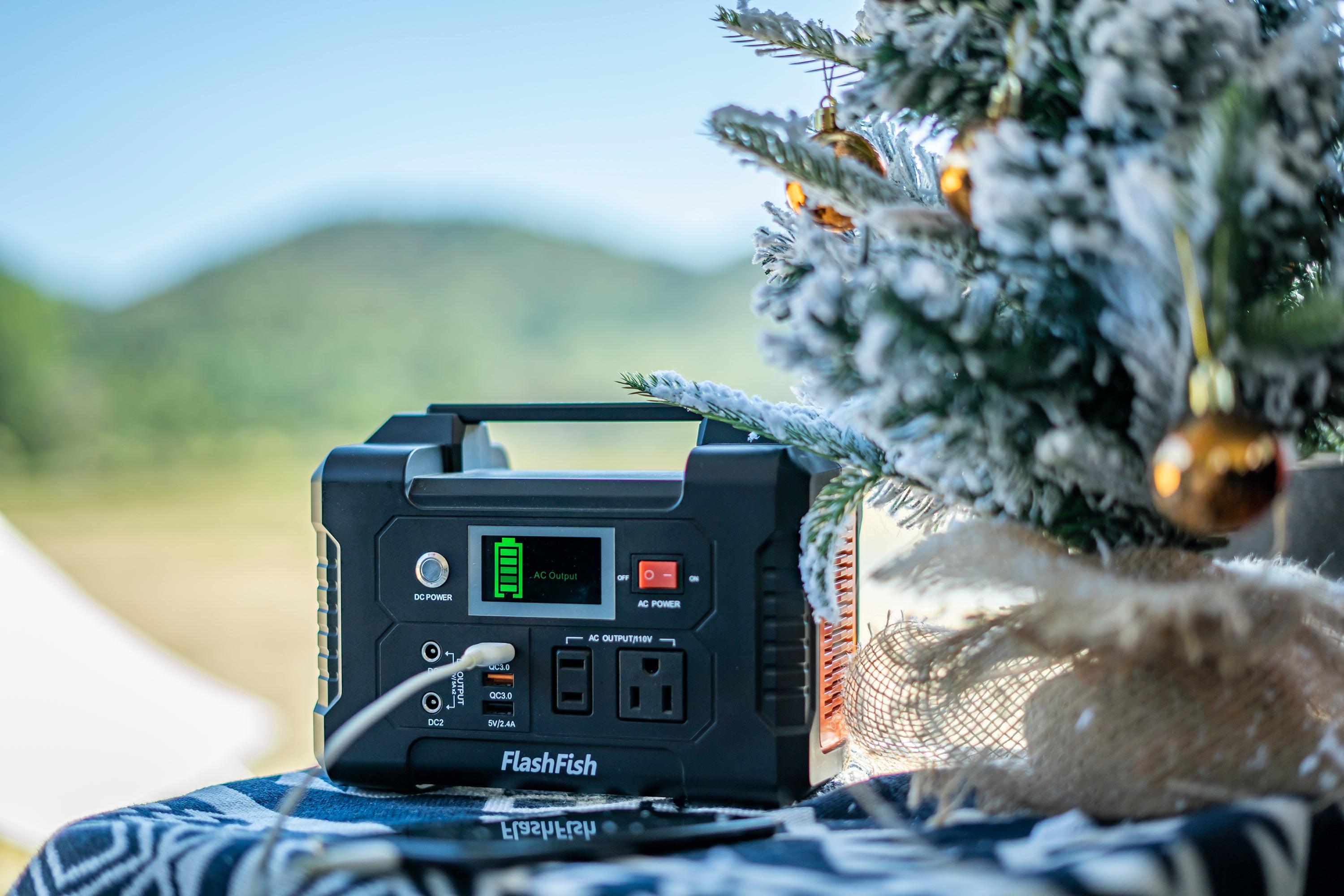
- Each device's voltage, watts, connector, and startup demand when applicable
- The station's continuous output, port limits, capacity, and charging inputs
- The expected hours of use and a conservative reserve
- The product manual's temperature, moisture, storage, and ventilation instructions
Browse the current FlashFish portable power station collection and verify the exact product page and manual. Contact FlashFish Support when a required record is missing.
Frequently asked questions
Can a portable power station run every appliance in a home?
No. Compare each intended load, including startup demand, with the station's documented output and connections. Whole-home wiring and transfer equipment require a separate qualified installation plan.
Does battery capacity guarantee runtime?
No. Runtime also depends on the load, conversion losses, battery condition, temperature, power-saving behavior, and changes in device demand.
Can this guide confirm medical-device backup?
No. Use the medical-device manufacturer's instructions and a plan made with the healthcare provider, equipment supplier, and local emergency services.

Leave a comment
Situs ini dilindungi oleh hCaptcha dan berlaku Kebijakan Privasi serta Ketentuan Layanan hCaptcha.