











To check a camping energy ledger, add only device entries that share the same measurement boundary and time window, then subtract that sum from a separately recorded, comparable aggregate in watt-hours. If the aggregate does not cover those entries, leave the residual uncalculated. A difference by itself does not identify conversion loss, battery efficiency, or a station fault.
This guide is for campers reviewing ordinary phone, light, and other non-critical device records. It gives you a way to find gaps in a notebook or spreadsheet before using it to plan another trip. It does not supply measured results for a particular device, meter, or FlashFish power station.
Define what each number includes
A useful ledger starts with a sentence describing where the energy was measured. An entry at a device's USB input and an entry at the AC input of its charger describe different boundaries. Do not place them in the same total merely because both use Wh.
Write the device, meter model, connection path, start and end time, initial and final energy-counter readings, and operating configuration beside each entry. Keep any reset or interruption visible. A session total can be the final counter reading minus the initial reading only when that counter's documentation supports the method and the interval contains no unaccounted reset.
The aggregate needs its own evidence. Record which branches it includes, where it was measured, and the interval it covers. A station's printed battery capacity, battery-percentage change, or a momentary watts display is not a substitute for that aggregate. This article does not establish that your station provides a cumulative whole-output Wh reading.
Make a coverage table before adding entries
Copy this structure into your ledger. Each row should identify a session rather than a device name alone; the same phone can have several sessions. Mark any unmatched row as excluded and preserve the reason so that a tidy total does not conceal incomplete coverage.
| Field | What to record | When to leave it unresolved |
|---|---|---|
| Session and boundary | Unique session ID; device input or other documented path | Measurement location is unclear |
| Valid start and end | Times, counter readings, and reset notes | Missing endpoint or unexplained reset |
| Component Wh | Supported counter difference for that session | Only W or battery percentage is available |
| Aggregate coverage | Independent observation covering the same branches and interval | Different path, omitted branch, or unmatched period |
| Sum and residual | Included component total; aggregate minus that total | No comparable aggregate exists |
| Tolerance | Applicable meter specifications and rounding | Exact instrument documentation is missing |
Calculate the residual only after the coverage check
Residual Wh = comparable aggregate Wh − sum of covered component Wh. A positive value means the aggregate is larger than the included entries; a negative value means it is smaller. The sign helps you organize an investigation, but does not establish its cause.
First look for a duplicated session, a missing device, or endpoints taken at different times. Next check for counter resets, rounding, and changed measurement locations. Retain the original numbers while recording corrections separately. Rewriting an observation to make the columns agree defeats the purpose of reconciliation.
Do not invent a universal acceptable percentage. The size of a meaningful difference depends on the exact instruments, their documented accuracy under the relevant conditions, and the coverage of your records. If that evidence is missing, report the numerical residual with its limitation rather than calling it a pass or failure.
Three hypothetical ledger examples
These examples illustrate bookkeeping only. None is a FlashFish test, a meter specification, or a delivered-energy promise.
1. Matching coverage with a small residual
Suppose documented component sessions are 8Wh, 12Wh, and 20Wh, and a separately recorded aggregate covers exactly those paths and times at 42Wh. The sum is 40Wh, giving a +2Wh residual. Without applicable accuracy and coverage evidence, you cannot decide whether that difference is meaningful.
2. A duplicated entry makes the sum larger
Suppose a 10Wh session is entered twice beside a separate 15Wh session. The ledger shows 35Wh, while a comparable aggregate is 25Wh: a −10Wh residual. If the session IDs confirm duplication, retain a correction note and remove the duplicate from the included sum. This explains that ledger error without diagnosing the station.
3. A missing interval prevents reconciliation
Suppose device entries cover 6:00–8:00 p.m., but the aggregate covers only 6:30–8:00 p.m. Even if both columns show Wh, their coverage differs. Do not subtract the full-session sum from that aggregate. Recover documented matching intervals if possible, or mark the residual unavailable.
Where FlashFish E103 and T200 fit
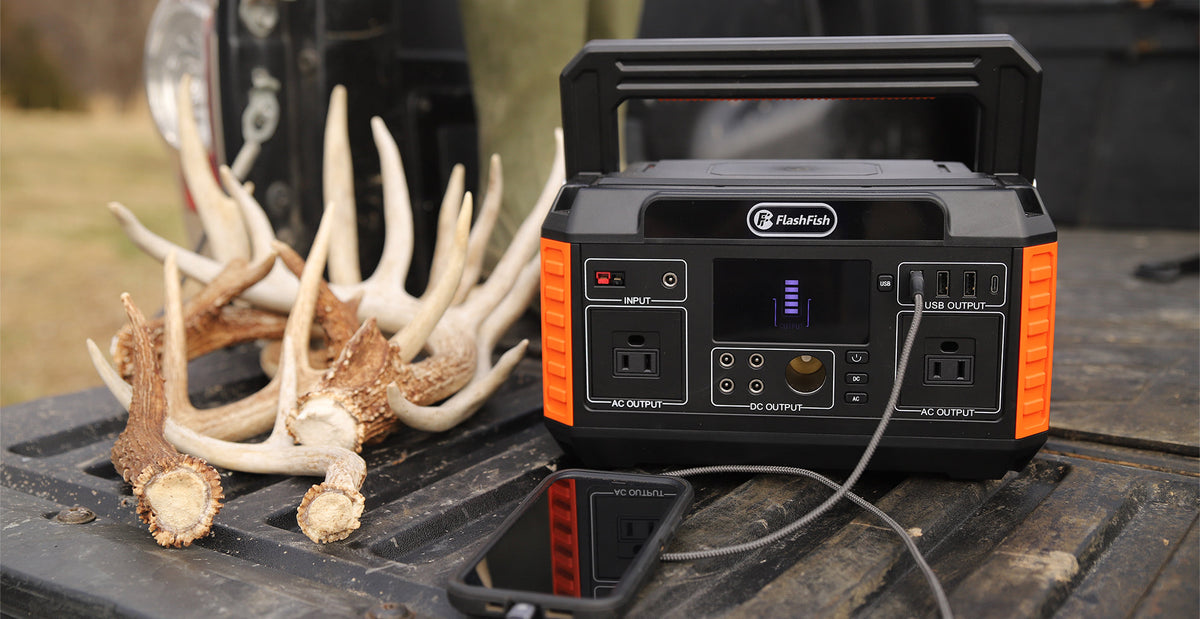
FlashFish E103 is specified at 179.2Wh, with a USB-C output up to 60W and two USB-A outputs up to 18W each. FlashFish T200 (TELLUS-T200) is specified at 153.6Wh, with USB-C outputs up to 60W and 18W. Those facts can help identify candidate ports for a device plan; they are not observations of energy delivered in your sessions.
Record the exact port used and confirm the device, cable, and meter requirements from their documentation before choosing a measurement path. These ratings do not establish a validated aggregate-meter setup or your device's energy use. The referenced E103 manual describes a 230V AC version, so it alone does not establish the AC configuration of a U.S. unit.
Frequently asked questions
Can I compare the ledger total with the station's capacity?
You can keep rated battery capacity as a separate product reference, but it is not the independent measured aggregate required here. Comparing it with device-input entries would mix evidence types. Keep the reconciliation limited to documented observations with comparable coverage.
Does a zero residual prove that every entry is correct?
No. Missing and duplicated entries could offset each other, and matching totals do not validate the meters. Check session IDs, endpoints, boundaries, and configuration records even when the arithmetic agrees. Agreement is one observation in the review.
What if I have only per-device entries?
You can still check those entries for duplicates and missing endpoints and calculate a qualified component sum. Leave the aggregate and residual fields blank. Do not create an independent total by copying that same sum into another column.
Use the result for your next device plan
Finish with three items: the included session list, the residual if supported, and the unresolved evidence. Then compare the documented connection needs of your actual devices with the exact station model and regional version. Resolve the missing documentation before choosing a purchase configuration; a reconciled ledger alone cannot establish runtime or compatibility.
Next step: Compare FlashFish E103 specifications with your equipment list.

Leave a comment
Situs ini dilindungi oleh hCaptcha dan berlaku Kebijakan Privasi serta Ketentuan Layanan hCaptcha.