











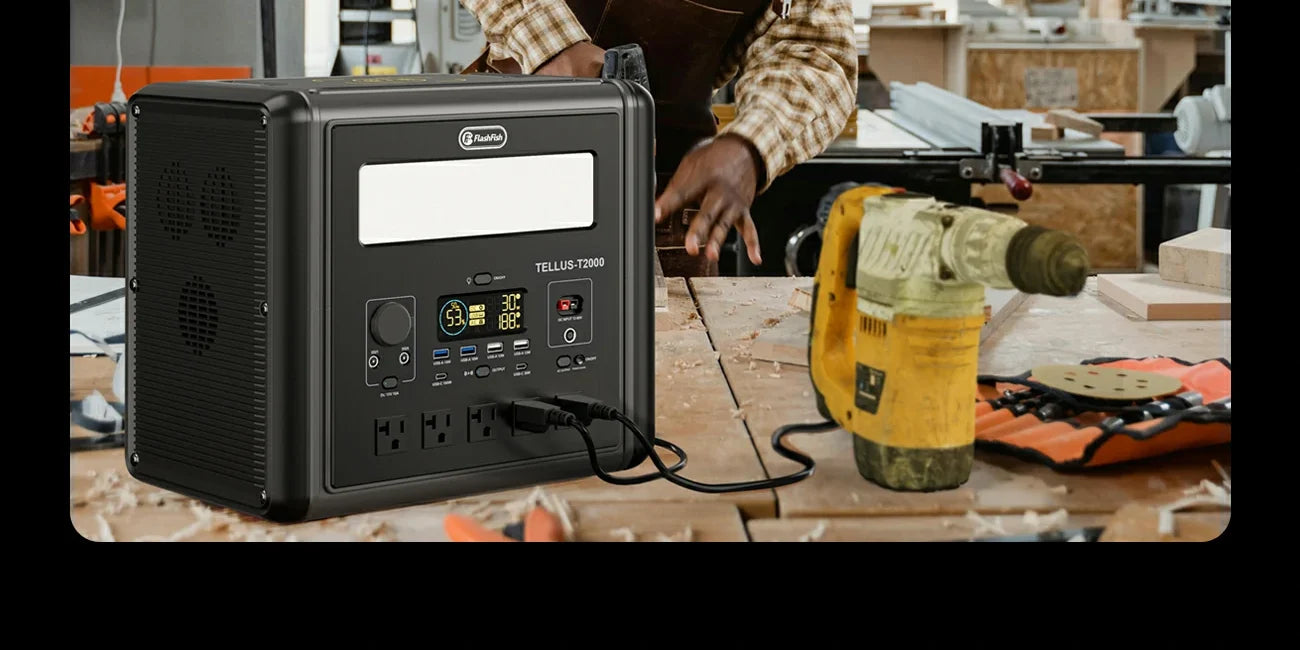
Short answer: A phone and tablet can be part of the same charging setup only after you verify the two device labels, their original cables or adapters, and the exact station outputs. Do not assume that two ports, or a high station rating, confirm simultaneous compatibility.
Read the two device labels first
Write down each phone and tablet model, the input rating stated by its manufacturer, and the cable or adapter that came with it or is specifically approved for it. This is more useful than a generic claim about “low-draw” devices: phones and tablets can use different charging paths, and an accessory can change the setup.
Check cables for damage and keep the original or documented alternative with the device. If a label, cable, or adapter cannot be identified, stop there rather than testing a connection by trial and error.
Compare the station’s labeled outputs
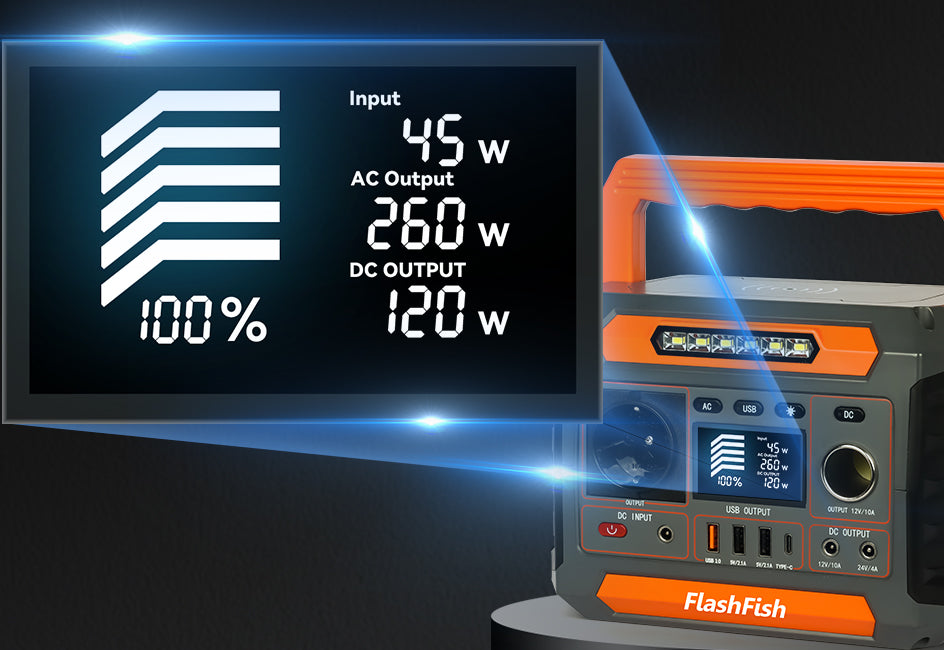
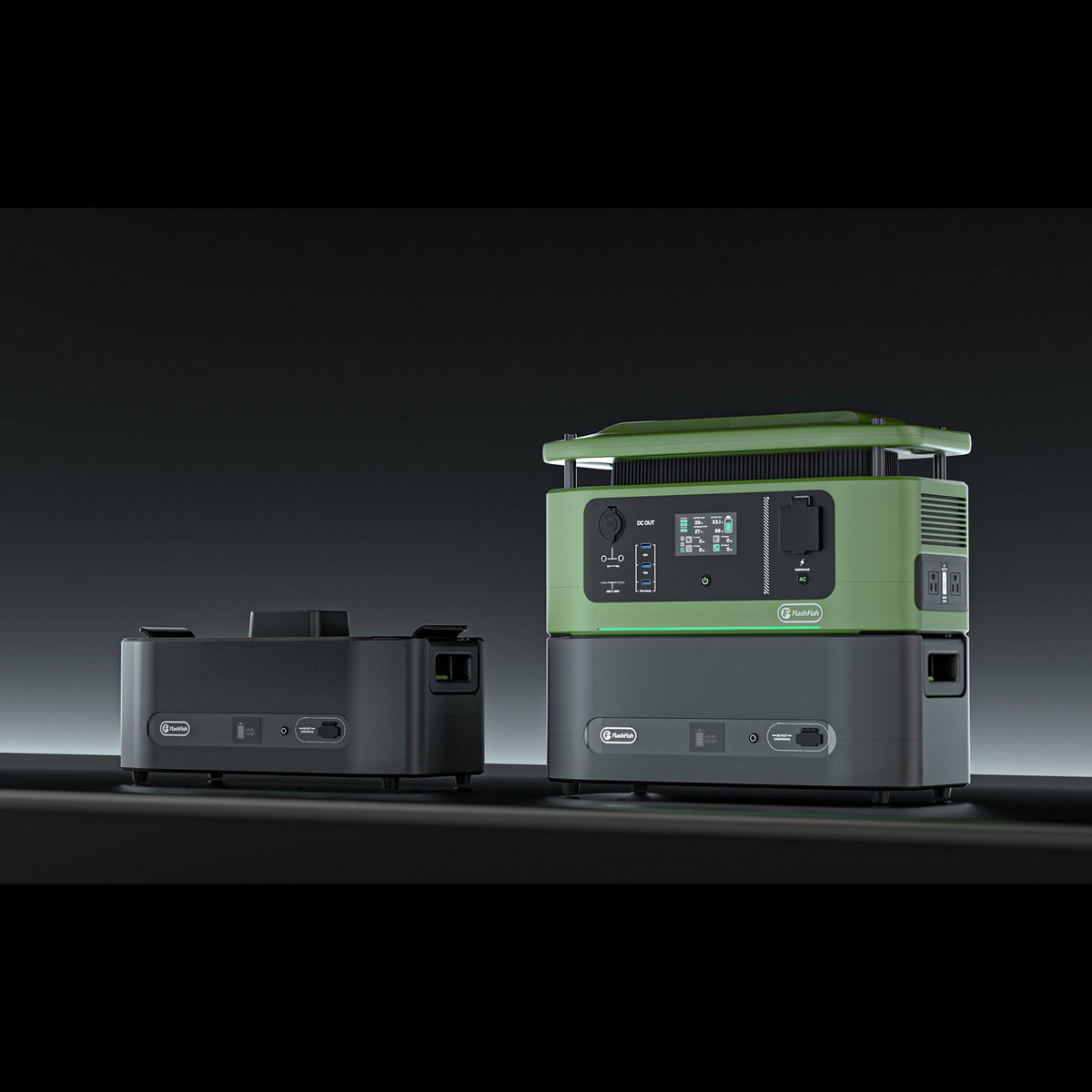
The FlashFish E103 bundle record lists one USB-C output up to 60W and two USB-A outputs up to 18W. The FlashFish T300Pro bundle record lists USB-C1 up to 100W, USB-C2 up to 30W, USB-A1 up to 18W, and USB-A2 up to 12W. These are port records, not a guarantee about any named phone, tablet, cable, adapter, charging speed, or combined output behavior.
Verify the exact unit and its U.S. documentation before using those figures. Product variants, labels, and device requirements must agree with the intended connection.
Set up one connection at a time
- Place the station on a stable, dry surface with its controls accessible.
- Connect the first device using the documented cable or adapter and follow its instructions.
- Confirm the station and device indicators behave as their documentation describes.
- Review the second device’s label and choose only a documented station output.
- Disconnect and reassess if a connector, label, indicator, or temperature condition is unclear.
What “at the same time” does not answer
Two physical ports do not establish a combined-load result, charging time, battery runtime, cable compatibility, or device health outcome. Those questions depend on the exact station, the particular devices, their state, and their manufacturers’ instructions. Avoid treating one successful connection as proof for another device or another day.
Keep the charging area simple
Use an uncluttered surface, keep liquids away, and avoid routing cables where they can be pulled or stepped on. For a shared household or event setup, label each cable so that the next user can repeat the documented arrangement rather than swapping parts.
Frequently asked questions
Can I plug a phone and tablet into any two USB ports?
No. Match each device’s documented requirements to the exact station output and cable. Port shape alone is not enough.
Will both devices charge at their fastest speed?
Do not assume so. Confirm the device maker’s charging requirements and the station’s exact port documentation; no speed result should be inferred from the port rating alone.
Can I add more devices after the first two work?
Only after checking every additional device and the complete setup against the relevant documentation. A working two-device arrangement does not prove a larger combination.
Next step: Review the FlashFish E103 specifications for your equipment list.

Leave a comment
Situs ini dilindungi oleh hCaptcha dan berlaku Kebijakan Privasi serta Ketentuan Layanan hCaptcha.