

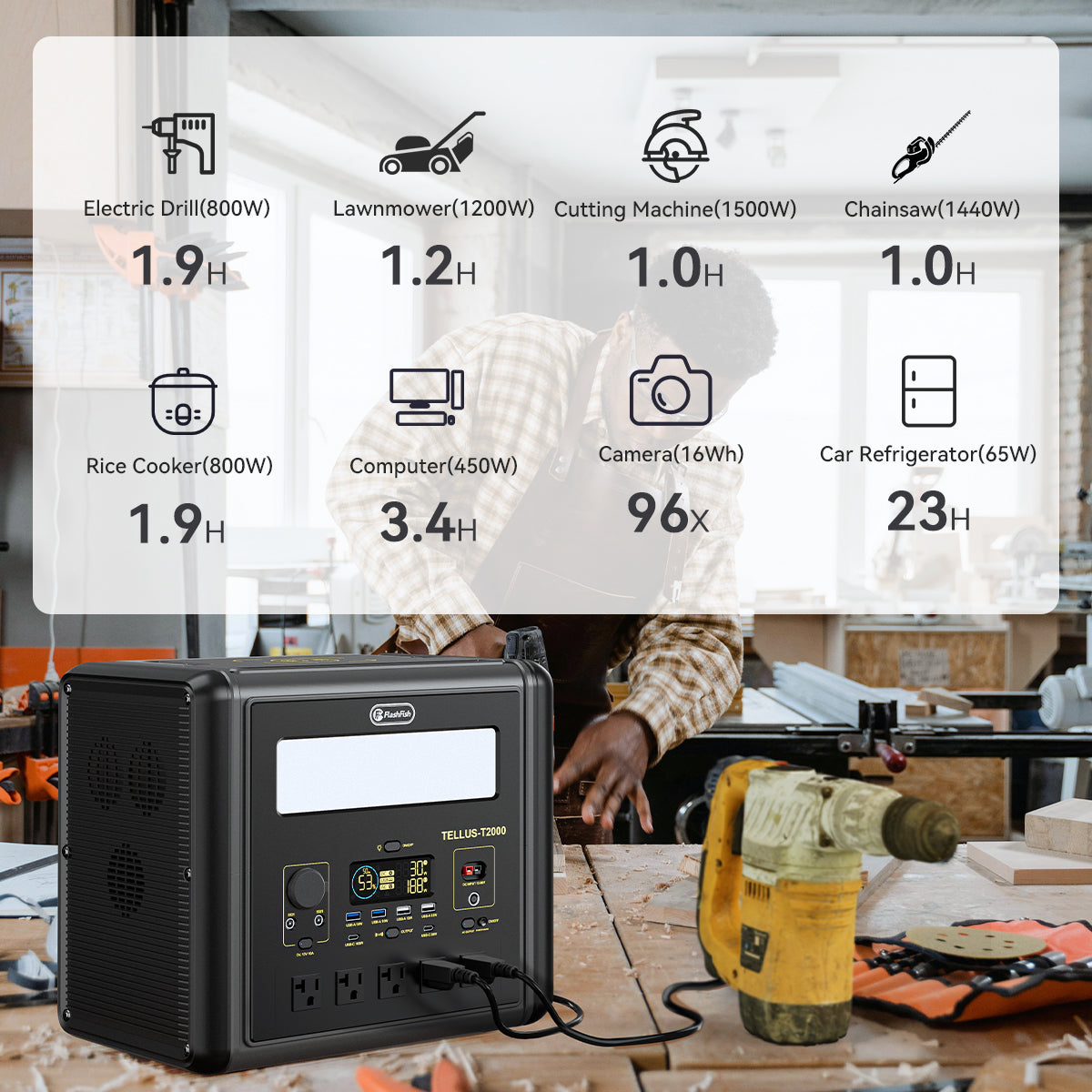
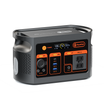
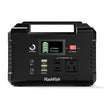

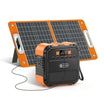
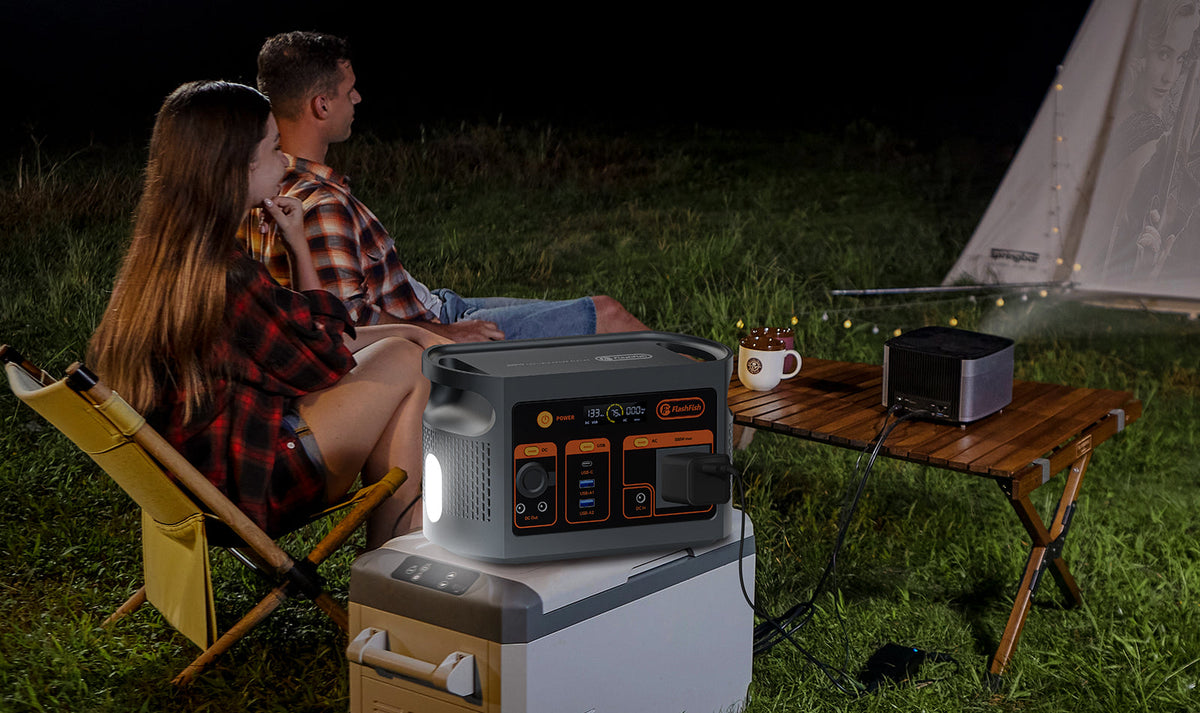
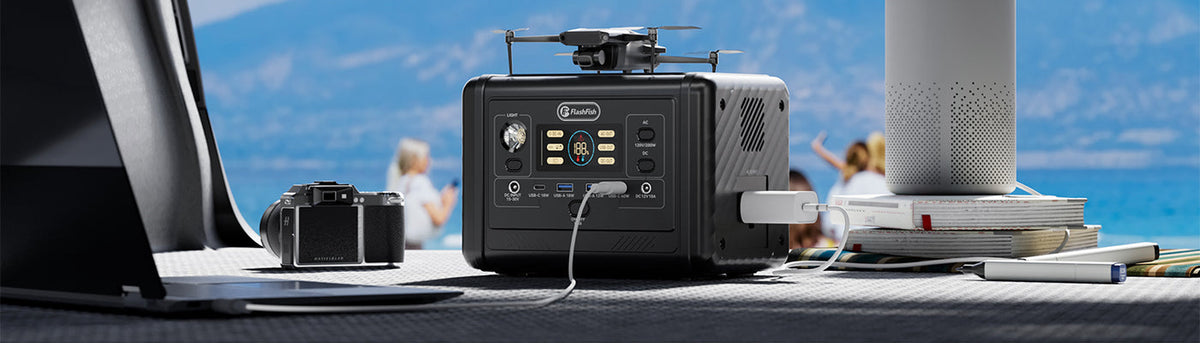
Start by recording which device you intended to supply power and which device was supposed to receive it. T200 USB-C1 is documented for both input and output, but that capability alone does not tell you which direction a particular two-device connection will select. If the direction is unexpected and no applicable control is documented, leave the connection unresolved and ask support with the exact device, cable, port, and indications.
This guide produces a useful support record. It does not promise a universal button sequence or a fix for every phone, laptop, or other device. No peer-device model or OEM role-setting instructions have been supplied, and no USB power-role test was performed here.
Separate the intended direction from the observed indication
Write the intended task in one sentence: “I want T200 USB-C1 to power this device,” or “I want this documented charger to recharge T200 USB-C1.” Name both endpoints. For this worksheet, the source is the intended power supplier and the receiver is the intended recipient. These are labels for your proposed task, not a claim that the equipment selected those roles.
Next preserve any existing indication, using its actual wording. Record the time and which screen or indicator showed it. A battery percentage changing does not by itself identify the connection's direction; do not replace an ambiguous screen with an asserted power-flow result. If nothing identifies direction, write “not established.”
Do not repeatedly reconnect unexplained equipment to collect more data, probe contacts, use a voltage trigger, or invent an adapter path. Follow the exact equipment instructions for any handling or stopping action. A document review can proceed without repeating the connection.
Use the T200 manual to establish the station-side role
The T200 original user manual, printed page 2, lists USB-C1 among both input and output specifications, with a 60W maximum in each role. That is a capability boundary, not evidence that 60W is flowing, both roles operate simultaneously, or one role always takes priority.
Printed page 6 describes the USB output switch, and printed page 7 illustrates a Type-C charger supplying the station. Neither section documents a universal direction override between USB-C1 and an arbitrary device capable of supplying and receiving power. Do not relabel the output switch as a force-direction control. The actual peer's permitted roles and settings still need its own matching instructions.
Keep this separate from USB-C2: the T200 specification identifies USB-C2 as an output up to 18W, while the listed USB-C input is USB-C1. This distinction helps identify the port in a report; it is not advice to move an unexplained connection to USB-C2 as a workaround.
Build the role-conflict record before asking for a control
| Field | Record for the actual setup | Leave unresolved when |
|---|---|---|
| Station identity | T200 product label, manual revision, exact USB-C1 label | Model or port identity is uncertain |
| Intended direction | Name the proposed supplier and receiver | The original task was only described as “charging” |
| Peer identity and role | Exact make/model, relevant software version, OEM power-role section | The peer's receiving/supplying role is undocumented |
| Cable and arrangement | Identifiable cable and all equipment already involved | Unmarked cable or an undocumented accessory is present |
| Existing indication | Timestamp and literal message on each device | A changing percentage is the only evidence |
| Permitted control | Exact instruction, document page, applicable conditions | A forum suggestion or guessed button order is the only source |
| Support question | Ask whether the exact pair supports the intended direction and which documented control applies | A response covers a different model or revision |
If privacy-sensitive identifiers are needed for service, supply them through the manufacturer's appropriate private support channel. A public troubleshooting post does not need serial numbers, account details, or unrelated screenshots.
Three hypothetical support records
The following invented cases show how to preserve uncertainty without fabricating a fix or a real customer's experience.
Example 1: A laptop is intended to receive power
An owner wants the T200 to supply a laptop, but an existing laptop message suggests the laptop may be supplying an attached device. The owner copies that message and the exact port and cable identities. Until the laptop instructions explain its permitted charging roles and applicable controls, the record asks whether this pair supports the desired direction; it does not prescribe a cable flip.
Example 2: A peer's setting is documented for a different revision
An owner finds a reverse-charging menu in an older peer-device manual, but has a different software revision. The owner records the mismatch and asks the peer manufacturer for current instructions. A setting's existence on the older version is not evidence that the present version has it.
Example 3: Only the station's percentage changed
An owner remembers a percentage change but has no timestamped direction message. The observed-indication field says direction not established. Support receives that limitation rather than a claim that energy definitely flowed backward. There is no need to recreate an unexplained arrangement to make the report look complete.
Resolve the missing instruction, then decide whether the task is supported
A useful support reply identifies the exact station/peer combination, the permitted direction, and any control and conditions that apply. If it gives only a general USB-C wattage, ask the narrower role question again. A larger output rating does not establish which device will supply power in the proposed arrangement.
If an applicable direction control is not documented, the outcome remains unresolved. Do not infer a universal workaround from a successful connection involving a different peer, cable, or revision. The FlashFish U.S. manual directory is a starting point for the station document; the peer manufacturer's instructions must cover that device separately.
FAQ
Does USB-C1 input/output capability guarantee my preferred direction?
No. The manual establishes both port capabilities, but does not establish direction priority or a universal override for an arbitrary peer-device pair.
Does the USB output button force USB-C1 to supply the other device?
The reviewed manual describes an output switch, not a universal force-direction control for two devices. Use only instructions that explicitly apply to the actual arrangement.
What should a support request contain if direction is unclear?
Include exact station and peer identities, port and cable, intended supplier and receiver, existing timestamped indications, manual revisions, and the specific missing role instruction. State unknowns plainly.
Next step: View the current FlashFish T200 product details.


Leave a comment
Situs ini dilindungi oleh hCaptcha dan berlaku Kebijakan Privasi serta Ketentuan Layanan hCaptcha.