











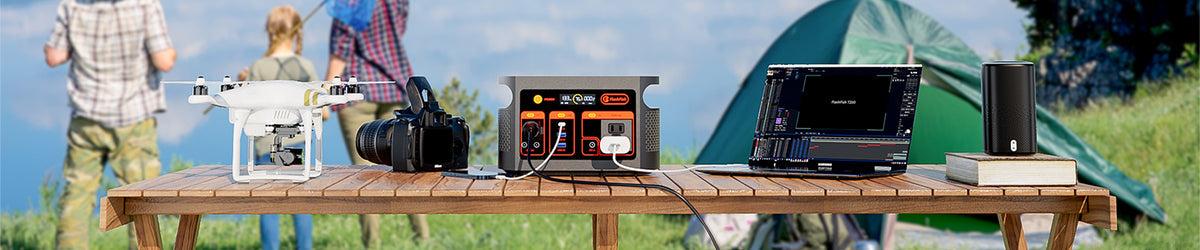
A low-draw outdoor wedding check-in desk needs a plan before it needs a power source: identify the tablet, phone, and task-light labels; confirm the venue's rules and weather plan; then compare their documented requirements with a compact station's rated output. Do not treat a station with an outlet as proof that every device, adapter, or combined setup is approved.
Define the job at the desk
Keep the role narrow. A check-in desk may need guest-list lookup, communication, and enough light to work comfortably. It is not automatically a plan for a sound system, catering equipment, heaters, or any other event load. Write down the equipment that is genuinely essential, who is responsible for it, and what the team will do if power is unavailable.
This boundary makes setup easier to review with the venue and helps avoid an improvised cable run during arrivals.
Build a label-first equipment list
| Item to document | What to record | Why it matters |
|---|---|---|
| Tablet and phone | Model, charging method, label, and manufacturer instructions | Charging hardware and requirements can differ even between similar-looking devices. |
| Task light | Rated input, cable, adapter, and intended placement | A light belongs in the load plan only when its power path is documented. |
| Power source | Rated continuous output, regional version, manual, and current condition | These details are more useful than a category label or a plug shape. |
| Venue layout | Approved location, weather protection, guest path, and cable-routing rules | The venue decides what may be placed at the check-in area. |
Plan the location before arrival
Ask the venue where the desk may sit, whether a power source may be used there, and how equipment should be protected if conditions change. Choose a stable, attended location that does not narrow an entryway or put cords where guests, staff, or mobility aids may pass. If the approved layout cannot keep the equipment and cables out of the route, use a different arrangement rather than trying to solve it at the last minute.
Keep the device manufacturer's guidance in view as well. A venue approval does not replace instructions for the tablet, phone, light, adapter, or power station.
Separate output, stored energy, and device approval
These are three different checks. Rated output concerns the power source's documented limit. Stored energy concerns the amount of energy available for a planned period. Device approval concerns what the tablet, phone, light, and their charging hardware are designed to accept. None of those checks answers the other two by itself.
For a combined setup, list every item that might be connected at the same time. Leave the combined-load question open until the relevant labels and manuals support it. Avoid a runtime promise for an event day; screen brightness, network activity, charging state, lighting settings, and device behavior can all change actual use.
Where compact FlashFish stations fit
FlashFish E103 is a 179.2Wh LiFePO4 portable power station with 300W continuous pure-sine AC output. FlashFish T300Pro is a 230Wh LiFePO4 portable power station with 300W continuous pure-sine AC output. Those station-side specifications can help frame a documented comparison for a low-draw desk, but they do not establish compatibility with a specific tablet, phone, light, adapter, or combined arrangement.
Before choosing a model, compare the original station manual with the exact device manuals and the venue-approved setup. Confirm the current U.S. product details separately before making a purchase decision.
A calm day-of checklist
- Bring only the devices and charging hardware on the approved list.
- Confirm the desk location, guest path, and weather plan with the venue contact.
- Inspect cables and adapters; do not use damaged or questionable equipment.
- Keep the power source attended and the setup clear of guest traffic.
- Use a simple fallback: paper list, printed contact sheet, or another venue-approved process.
Frequently asked questions
Can one compact station power the entire wedding check-in area?
Do not assume that. Start with the specific low-draw devices, their manuals, and the venue-approved layout; add equipment only when the combined setup is documented.
Should the station sit under the guest table?
Only if the venue and equipment instructions allow a stable, attended placement that keeps cables and equipment out of guest paths.
How should an event team plan for bad weather?
Use the venue's weather and layout guidance, and follow each device's manual. If the approved arrangement cannot be maintained, switch to the event's fallback process.
Next step: Compare FlashFish E103 specifications with your equipment list.

Commenta
Questo sito è protetto da hCaptcha e applica le Norme sulla privacy e i Termini di servizio di hCaptcha.