











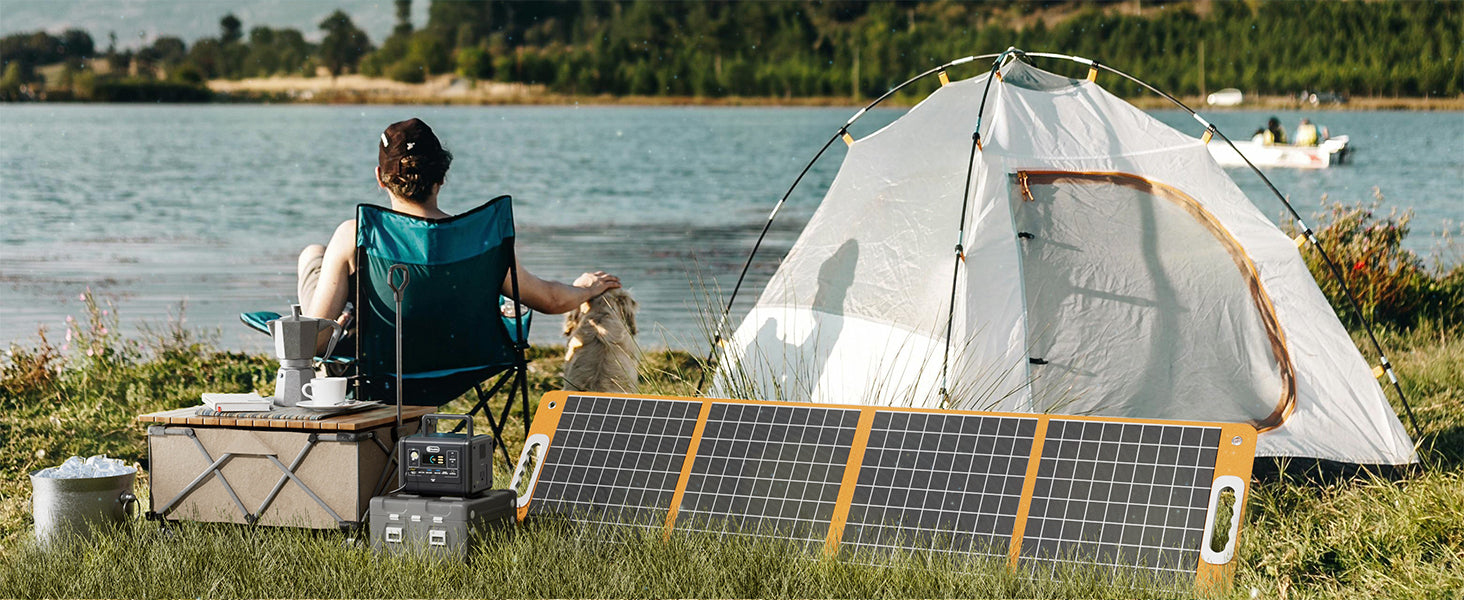
Possibly-but only after verification. A portable power station can be considered for a gaming-console setup when the console's manufacturer-approved power record, the records for any display or accessories, and the candidate station's documented output path can be compared. Without those records, there is no reliable compatibility answer.
Compare three records, not one headline number
A useful decision starts with three pieces of documentation:
- The console and its manufacturer-approved adapter
- Any display, controller charger, or accessory that will be powered at the same time
- The specific portable power station and intended output path
Keep each item separate. A station may have several outputs, but an output listed on a product page is not a substitute for the console manufacturer's instructions.
What a label can-and cannot-tell you
An approved-adapter label or manual can identify the input details that the manufacturer specifies. A station record can identify its own output and capacity information. Those records help you decide whether a comparison is possible. They do not, by themselves, predict a particular console's behavior, session length, charging behavior, or the suitability of an unverified cable or adapter.
For that reason, avoid building a plan around a claimed "gaming" use case, a peak figure, or a capacity figure alone. Use the documentation for the exact equipment you own.
A label-first decision table
| Documentation status | What you can conclude | What to do |
|---|---|---|
| Approved console/adapter record and station output record are both clear | A careful manufacturer-instruction review is possible | Check the full setup, including display and accessories |
| One record is incomplete or the intended output path is vague | The setup remains unconfirmed | Get the missing documentation before planning around it |
| The documented details conflict or an adapter would be improvised | There is no established path | Do not proceed with that arrangement |
Why a station's claimed wattage does not settle the question
Wattage is one station-side boundary, not a universal device promise. It does not identify the console model, its approved adapter, the connector route, or whether a screen and accessories are included. It also does not answer the separate capacity question. Treat the result as incomplete until the exact records support a comparison.
Use manufacturer instructions when the record is unclear
Use the console maker's current documentation for the console and approved adapter. If you cannot find the record, if a cable or adapter is damaged, or if the setup depends on an unverified substitution, use the manufacturer-supplied power arrangement instead. This is a planning boundary, not a workaround to test in the field.
Where FlashFish fits in the comparison
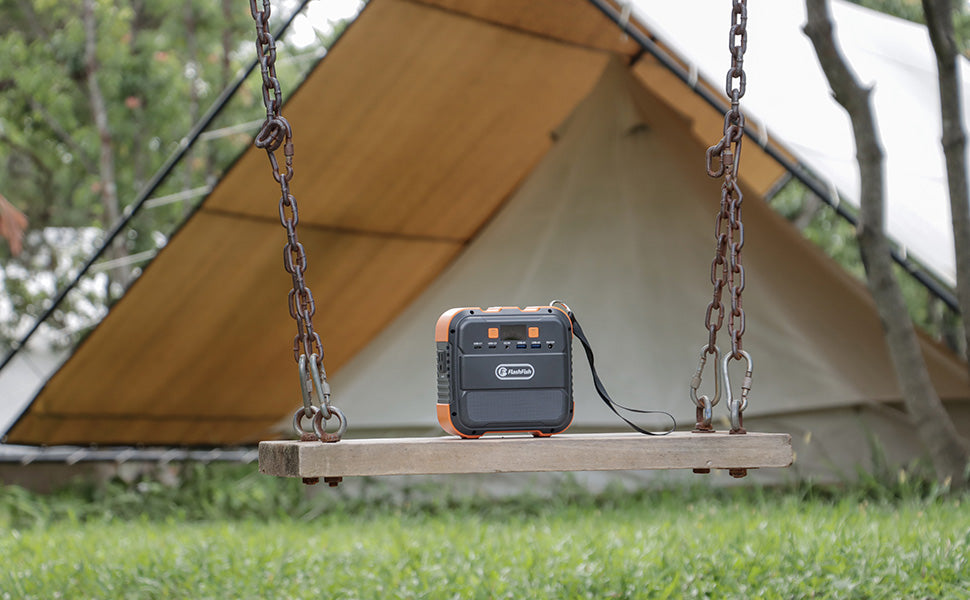
The FlashFish portable power stations collection provides station records that can be reviewed against your documented equipment. A compact model such as the FlashFish E200 should be treated as a station-side record only; it does not establish that a particular gaming console, display, controller charger, cable, or adapter will work.
Frequently asked questions
Can I use the console's own adapter?
Follow the console manufacturer's current instructions. The adapter's label is a key record for the comparison, but it does not remove the need to verify the intended station output path.
Do controllers and a display change the plan?
Yes. Treat each item that will be powered as a separate component with its own documentation.
Does a bigger battery prove a console setup will work?
No. Capacity and output-path compatibility are separate questions, and neither should be assumed from the other.
What information means I should not proceed?
Pause when the exact console or approved-adapter record is missing, the planned output path is unclear, or an adapter or cable would need to be improvised.

Commenta
Questo sito è protetto da hCaptcha e applica le Norme sulla privacy e i Termini di servizio di hCaptcha.