











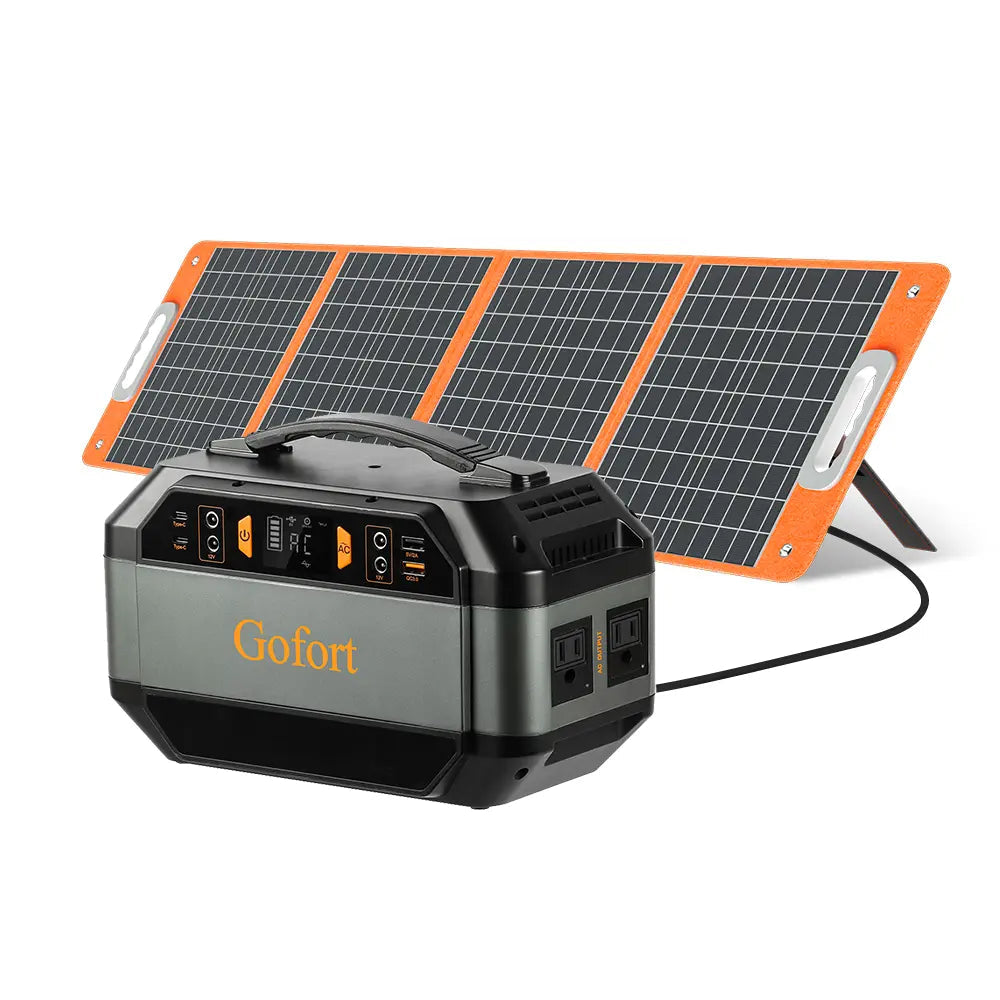
Short answer: Plan a scorekeeping table from the labels on the tablet, phone, chargers, and cables, then keep the equipment dry and out of traffic. A portable power station is only a fit after the league or venue permits the setup and the exact device requirements match the documented outputs.
Build a table plan before packing power
A scorekeeping table works best when its powered jobs are clear: recording the score, communicating with organizers, and charging only the equipment that needs to remain at the table. Make a short inventory that names each device, its charger, its connector, and the power label on the charger. Do not substitute a similar-looking cable or assume that a phone and a tablet have the same charging needs.
- Photograph the input labels on each device and charger.
- List the cables actually required for the shift.
- Ask the organizer where equipment and cords may be placed.
- Bring paper scorekeeping materials as a non-power backup.
Keep people, weather, and cables in view
Set the table where players, spectators, and volunteers will not step over a cable or pull a connector. Keep beverages, wet gear, and loose balls away from the station and its connections. If rain, a field change, or an organizer instruction makes the arrangement unsuitable, stop using the powered setup and switch to the backup process until a permitted dry location is available.
Match labels to documented station outputs
The FlashFish A101 record lists 97.68Wh capacity, two USB-C outputs and two USB-A outputs rated up to 18W. Its AC socket version varies by region, so the exact outlet configuration must be checked before any AC use. The FlashFish E200 record lists 151Wh capacity, three USB-A outputs, and a 200W rated AC output; its manual identifies that AC output as modified sine wave. These station specifications do not establish that a particular scoreboard tablet, phone, charger, or combination of devices is compatible.
Use a label-first setup checklist
| Item | Record before setup | Decision |
|---|---|---|
| Tablet | Model, charger label, cable | Use only the documented charging path. |
| Phone | Connector and charger requirements | Keep it separate from assumptions about the tablet. |
| Power station | Exact model, ports, manual | Compare its specifications with each device label. |
| Sideline table | Placement, traffic, weather exposure | Follow the organizer’s and venue’s requirements. |
Where a compact station may fit
An A101 or E200 can be a specification-comparison starting point for a compact, permitted scorekeeping table. Capacity and port ratings are useful for narrowing the list, not for predicting runtime, simultaneous-load behavior, or device compatibility. Confirm the station manual, the device documentation, and the exact destination-market configuration before connecting equipment.
FAQ
Can one station power the scorekeeping tablet and every volunteer phone?
Do not assume that it can. Check every device requirement and the station’s documented limits before connecting more than one item.
Is it okay to run cables across the sideline?
Only when the organizer or venue permits the placement and the setup can avoid creating a trip or weather-exposure issue.
How long will the tablet run?
That depends on the exact tablet, charger, settings, and complete power path. It should be calculated from documented equipment data rather than guessed from station capacity alone.
Once the labels and placement are confirmed, compare the exact FlashFish specifications with the equipment documentation and select the simplest setup that keeps scorekeeping reliable.
Next step: Compare FlashFish A101 specifications with your equipment list.


Commenta
Questo sito è protetto da hCaptcha e applica le Norme sulla privacy e i Termini di servizio di hCaptcha.