


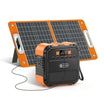

A charger document alone does not establish the certification scope of an entire portable power station. Keep adapter and station evidence separate unless the exact document expressly covers the complete product and its version. If the issuer, model, document number, or scope cannot be matched, record whole-station coverage as unconfirmed. This is a document-checking decision, not a safety ranking or finding of legal compliance.
The FlashFish certificate verification guide calls for exact product identity, document identity, scope, and destination-market checks. It makes no universal certification claim. The worksheet below helps you ask a precise question when available material identifies only an included charger.
Start with the exact claim
Copy the wording you want to verify and retain its source. A description of an adapter, a statement about a station, and a claim about a complete kit concern different subjects. Keep the named subject rather than substituting the item you intended to buy.
Identify the actual adapter and station separately. Record complete model labels and regional versions from the supplied documents or labels. A station model in a shopping cart does not identify the adapter model. If that model has not been supplied, record the gap rather than guessing from a similar kit.
Build a claim-to-document table
Use one row for each claim and physical item. This is a blank evidence worksheet, not a record of a verified FlashFish certificate.
| Claim and source | Item covered | Issuer and listing/document ID | Model/version | Standard and scope | Result |
|---|---|---|---|---|---|
| Copy adapter claim | Included adapter | Enter from the document | Match adapter label | Transcribe stated coverage | Matched or unresolved |
| Copy station claim | Complete station | Enter independently | Match station and U.S. version | Check whether the complete station is named | Matched or unresolved |
| Copy complete-kit claim | Specified assembly | Enter supporting record | Match listed configuration | Retain conditions and exclusions | Matched or unresolved |
Keep the document title, date, revision, named applicant or manufacturer, and source copy with the table. Where an official issuer record is available, compare its identifiers and scope with the supplied document. A shared brand name does not answer the model or coverage question.
Keep the conclusion within the evidence
An adapter model match answers whether the document identifies that adapter. It leaves the station row unanswered. Even a document naming the station needs a version and scope check before you rely on it for a purchasing requirement.
Keep the result precise: identifying an adapter is different from resolving complete-station documentation. If your purchasing policy requires a particular record, provide the exact file to the person applying that policy. This article does not choose a required standard, interpret a certification mark, or determine workplace, insurer, or legal acceptance.
Three hypothetical document situations
These fictional situations describe no FlashFish listing, logo, certificate, or test result.
Hypothetical example 1: only the adapter is named
A packet identifies Adapter A and gives an issuer reference but never names Station B. Even if the adapter details match, leave Station B's whole-product coverage unresolved. Request the station-specific evidence rather than rewriting the adapter row to cover both.
Hypothetical example 2: the version differs
A document names the model family but describes another electrical version. Preserve that difference and request a record matching the U.S. item. Do not delete a suffix or regional qualifier to make names appear identical.
Hypothetical example 3: an identifier cannot be reconciled
The supplied report and claimed issuer reference show different identifiers. Save both and request clarification. Record an unresolved identifier mismatch. One unsuccessful search does not establish that a product is uncertified or noncompliant.
Applying the worksheet to E200 and T300Pro
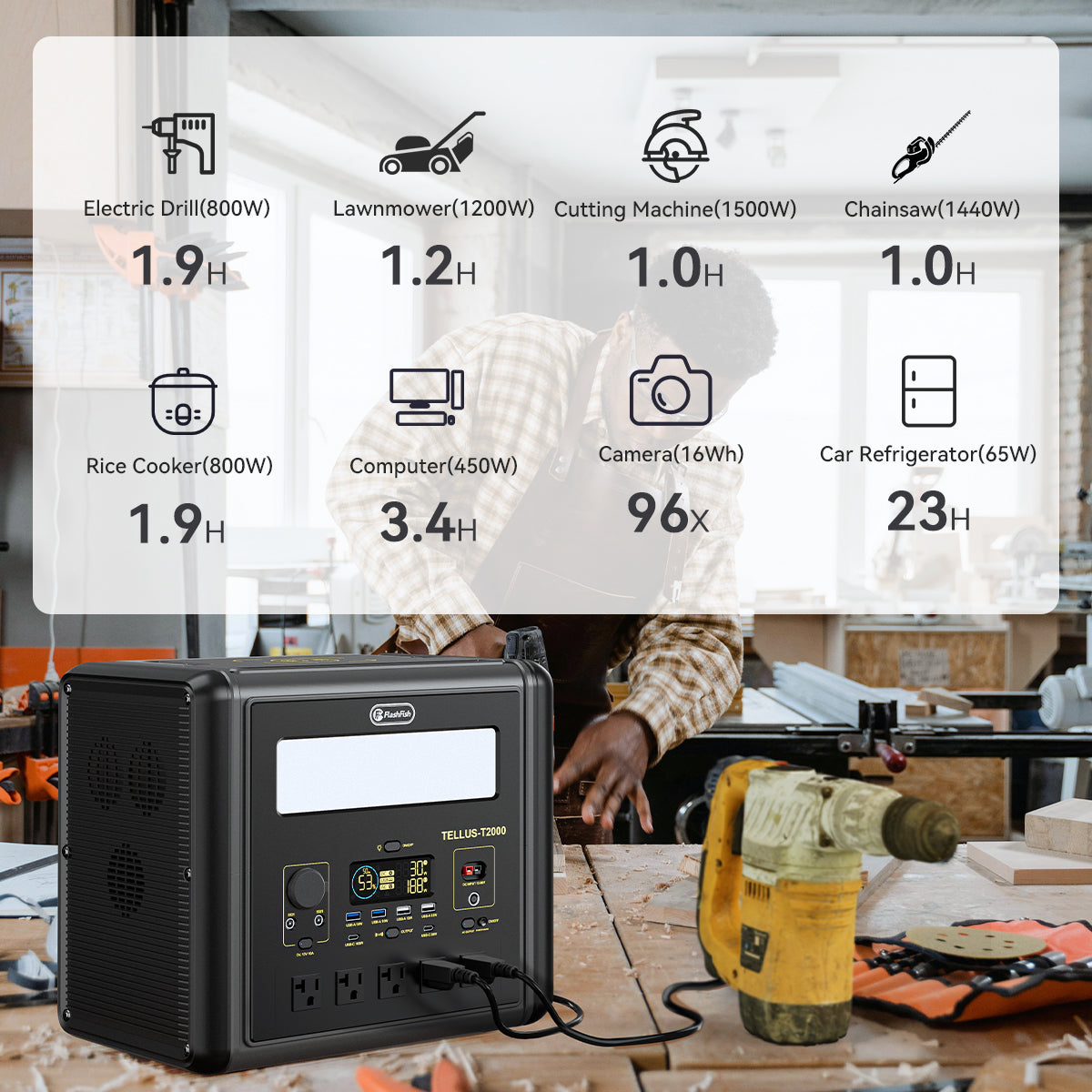
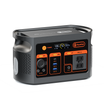
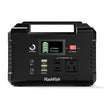
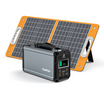
The FlashFish E200 package information names a power adapter but does not identify its model or an issuer listing ID. Including an adapter does not establish whole-station certification. The available T300Pro information does not provide a complete package inventory. Do not copy E200's accessory description into the T300Pro row.
The available product information does not establish a certification claim for either model. This article therefore makes no certification or relative-safety claim for E200, T300Pro, or their chargers. Manual-derived specifications and protection descriptions cannot fill an absent certificate field.
Use the FlashFish U.S. manual directory to help identify the exact model and electrical version. A manual directory is not an issuer listing search or proof of certification.
Method: a scope-checking worksheet based on FlashFish's document-verification guidance and package information. No exact issuer certificate, adapter label, or complete-station listing was authenticated for this article.
FAQ
Does a document in the box cover every item?
Its location in the packet does not answer coverage. Read the identities and scope stated in the document and keep separate rows for items it does not identify.
Does missing evidence here mean a model is unsafe?
No safety verdict follows from missing worksheet fields. They describe an evidence gap. Resolve a document-dependent purchasing requirement before relying on the claim.
What belongs in a document request?
Include station model, U.S. electrical version, available adapter label details, exact claim, required document, and purchasing context. Ask which item the record covers and retain the answer with the file.
Choose the next step from the evidence
If complete-station documentation is a purchase condition, pause that decision until the requirement is resolved. Keep E200 or T300Pro on your shortlist only if its documentation and task fit meet your needs. Compare specifications after the scope question has a supported answer; a different accessory does not resolve a missing station document.
Next step: Review the FlashFish E200 specifications for your equipment list.


Commenta
Questo sito è protetto da hCaptcha e applica le Norme sulla privacy e i Termini di servizio di hCaptcha.