

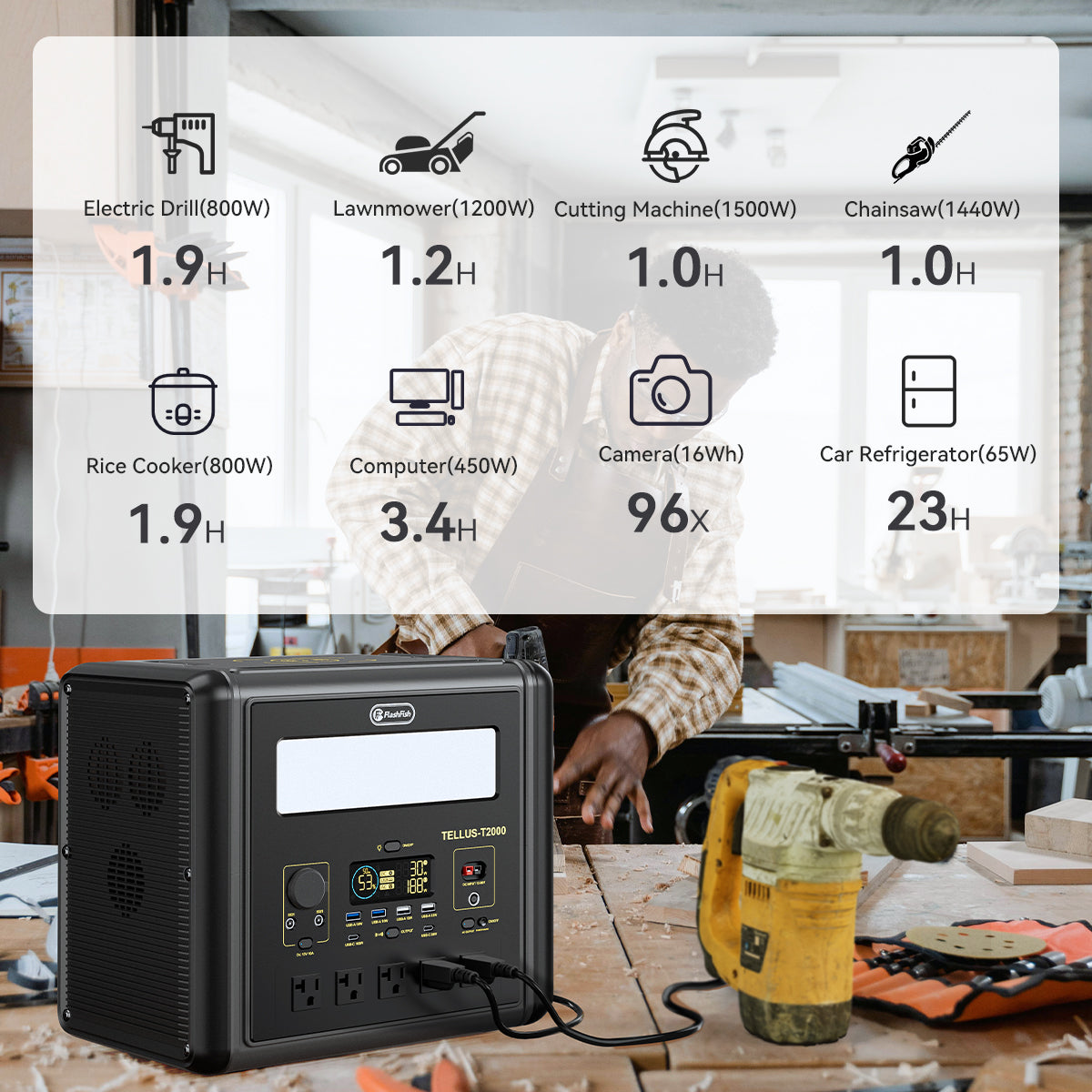
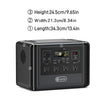
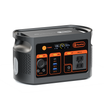
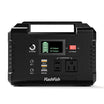

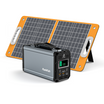
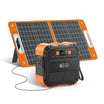
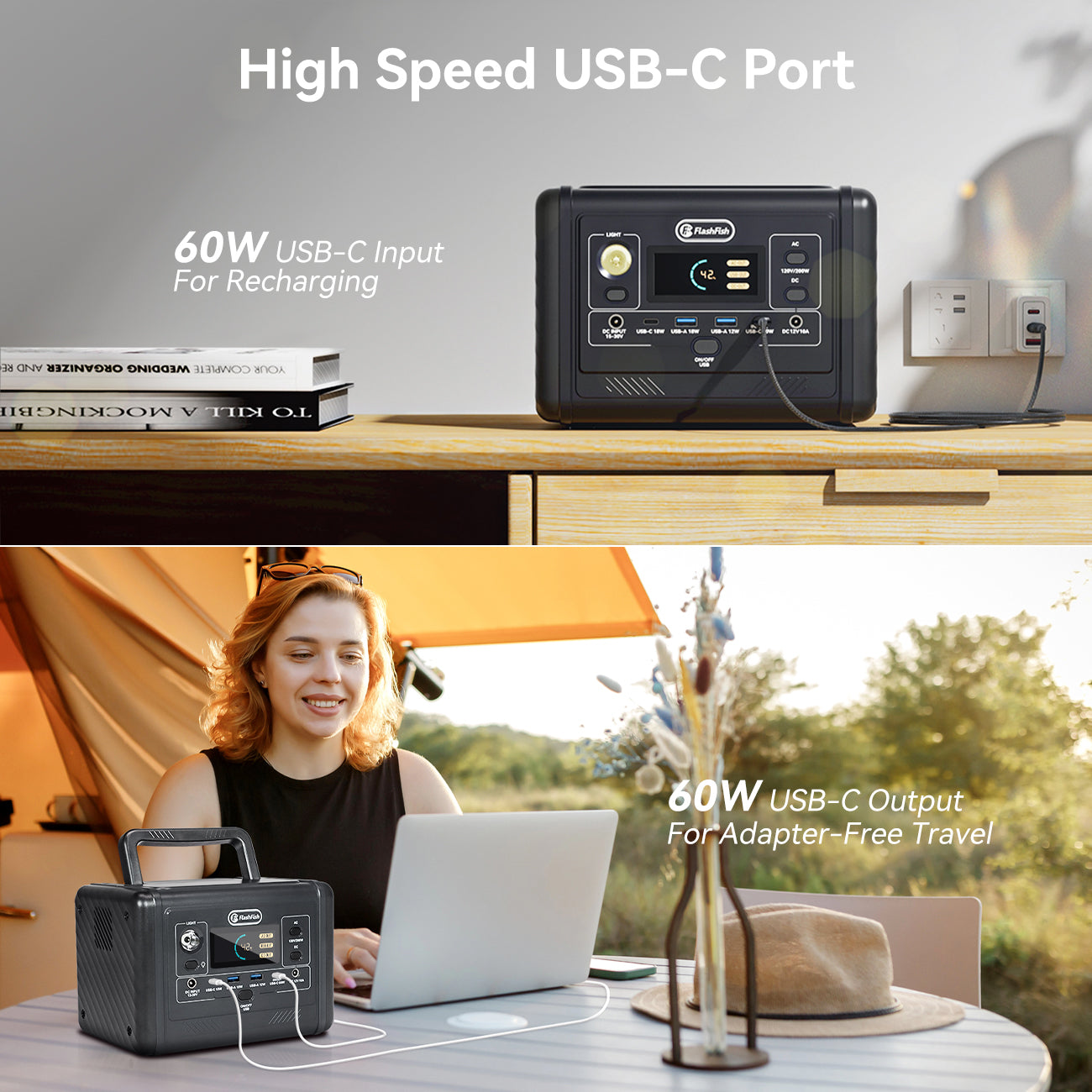
Quick answer: The FlashFish T200 has two USB-C Power Delivery outputs: USB-C1 up to 60 W and USB-C2 up to 18 W. USB-C1 is also a documented input up to 60 W for recharging the station. These are maximum port capabilities, not universal charging promises. The device, charger, cable, and negotiated USB-C profile must all be compatible.
T200 USB-C ports at a glance
| Port | Documented role | Maximum | Planning use |
|---|---|---|---|
| USB-C1 | PD input and output | 60 W | Compatible laptops, phones, tablets, or station recharging |
| USB-C2 | PD output | 18 W | Compatible lower-power devices |
| USB-A1 | QC / constant-voltage output | 18 W | Compatible USB-A devices |
| USB-A2 | USB-A output | 12 W | Compatible basic USB-A charging |
These values come from the T200 manual record in the FlashFish product database. The manual should still be checked before listing-critical or compatibility-critical use.
What "up to 60W" actually means
Sixty watts is the maximum documented power for USB-C1, not the amount every connected device will draw. USB Power Delivery uses supported power profiles between compatible equipment. The USB-IF Power Delivery material provides the standards context, while the device and charger manuals provide the model-specific requirements.
A laptop that needs a supported profile within the port's limit may charge through USB-C1. A laptop that requires more power, a different profile, or a proprietary charger may charge slowly, may only charge while idle, or may not accept the connection. Check the laptop and cable documentation before relying on it at camp.
USB-C1 is a bidirectional planning path
The FlashFish T200 manual documents USB-C1 as both a 60 W PD output and a USB-C input up to 60 W. That means the same physical port can serve two different roles at different times: powering a compatible device or accepting power from a compatible PD charger.
Do not assume that any phone charger will recharge the station at 60 W. The charger and cable must support the required PD profile and power. The available product data does not justify a universal recharge-time promise.
How to check a laptop before a trip
- Read the laptop's official USB-C charging requirements.
- Confirm the laptop supports USB Power Delivery rather than only USB-C data.
- Check the required voltage and wattage against the T200 USB-C1 limit.
- Use a cable rated for the intended PD power.
- Test the laptop in the operating mode you plan to use, not only while asleep.
- Confirm stable charging and watch the station's output display where available.
A 60 W label does not prove compatibility with a specific laptop. The laptop's own power requirement is the deciding evidence.
Phones, tablets, cameras, and other USB-C devices
Many phones and tablets can use a compatible PD port, but their accepted profiles and maximum charging rates differ. Camera batteries often charge through a separate cradle, and the cradle's input specification matters. Do not infer compatibility from the device category.
Start with USB-C2 for a compatible lower-power device when its requirements fit the documented 18 W maximum. Reserve USB-C1 for a compatible device that benefits from the higher limit or for recharging the station. This is a planning suggestion, not a requirement to keep both ports active.
Power is not the same as stored energy
The U.S. Energy Information Administration distinguishes watts, which measure power at a moment, from watt-hours, which measure energy used over time. The T200's 60 W USB-C maximum describes a port limit. Its 153.6 Wh capacity describes stored energy.
Neither figure alone predicts exact device runtime. Conversion losses, battery state, device behavior, temperature, standby use, and charging protocol affect the result. Use the watt-hours planning guide rather than dividing capacity into a guaranteed duration.
When AC may be the better path
Use the T200's AC outlet only when the device's official charger and load are compatible with the station's 200 W continuous pure-sine AC output and 400 W peak boundary. AC may be relevant when the device does not support compatible USB-C charging, but it introduces the device's AC adapter and additional conversion steps.
Do not move a device to AC simply because USB-C did not work. First determine whether the device's charger is supported and whether its running or startup requirements stay within the station limits.
When a higher USB-C limit may matter
The FlashFish T300PRO is documented with USB-C1 up to 100 W input/output and USB-C2 up to 30 W output. It may be the stronger candidate when a compatible device requires more than the T200's 60 W maximum. It also weighs more and has different output, capacity, and input limits, so USB-C should not be the only selection criterion.
USB-C packing checklist
- Device manual with required PD profile or charger specification.
- Cable rated for the required power.
- Compatible PD wall charger if USB-C recharging is part of the plan.
- Backup charging path only when documented and tested.
- Pre-trip test with the actual device under realistic use.
Browse the FlashFish portable power station collection only after the device and cable requirements are clear.
Frequently asked questions
Does the FlashFish T200 have 60W USB-C output?
Yes. The T200 manual documents USB-C1 as a PD port with up to 60 W output. The connected device and cable must support a compatible profile.
Can the T200 be recharged through USB-C?
Yes. USB-C1 is documented as an input up to 60 W, subject to a compatible PD charger and cable.
Can the T200 charge every USB-C laptop?
No. The laptop and cable must support a compatible USB Power Delivery profile within the T200 port's limits.
Is USB-C2 also a 60W port?
No. The product database documents USB-C2 as a PD output up to 18 W.

Commenta
Questo sito è protetto da hCaptcha e applica le Norme sulla privacy e i Termini di servizio di hCaptcha.