











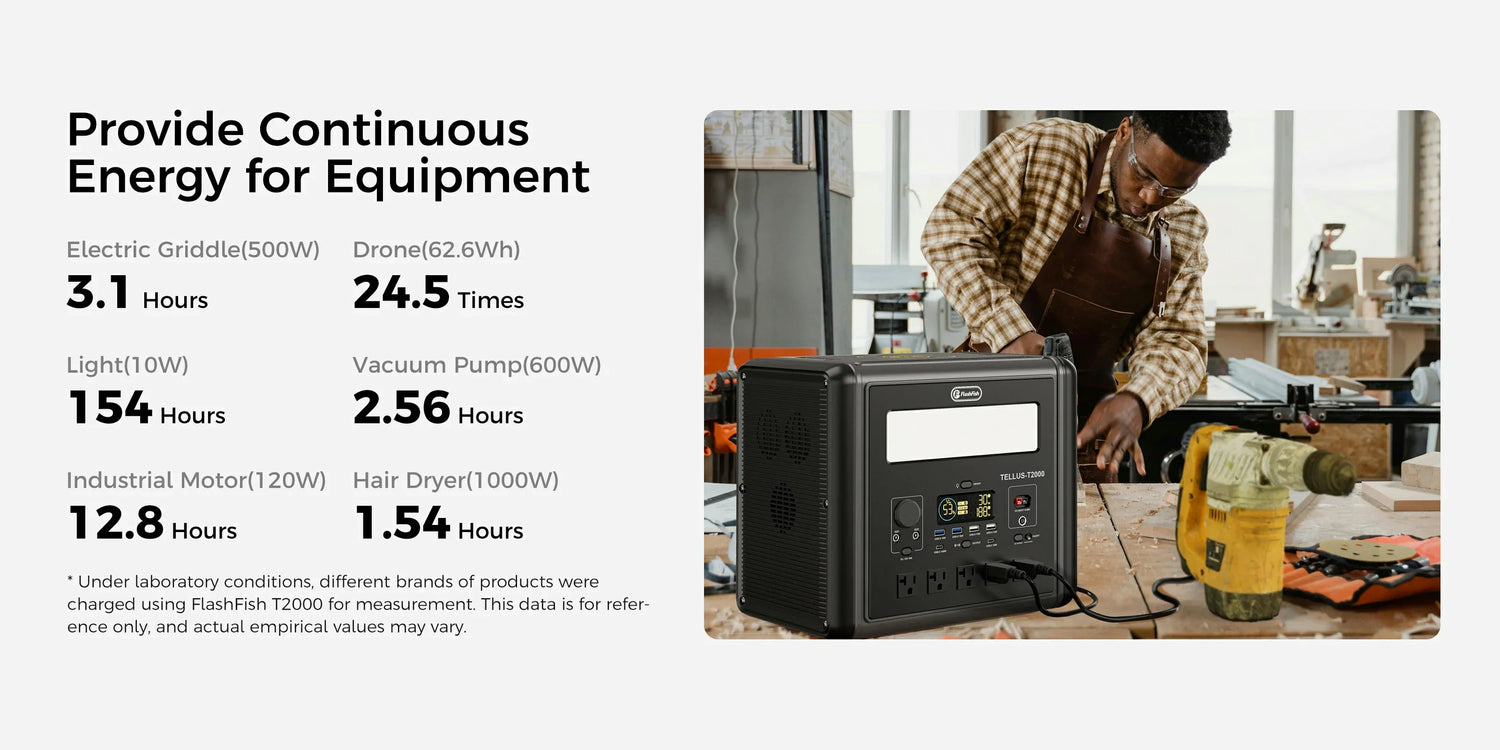
FlashFish T2000 Power-Saving Mode: Low-Load Shutdown Guide
The FlashFish T2000 manual states that USB/wireless charging light-load shutdown time is six hours and that AC power-saving-mode standby time is six hours by default. Verify the intended output path, selected mode, and original manual before treating the station as an unattended low-load source. The documented note does not guarantee a result for a particular device, every port, or every operating condition.
High output is not the same as low-load behavior
A larger power station can be part of a broader camping or home-prep plan, but a capacity or output specification does not answer every low-load question. The relevant issue is whether the device?? labeled input, the station?? output path, and the documented mode have been checked together. This keeps a product fact from being mistaken for a compatibility or always-on claim.
| T2000 planning item | Supported fact | Reader action | Boundary |
|---|---|---|---|
| USB/wireless light-load behavior | The manual notes a six-hour shutdown time. | Verify the intended output path before travel. | Do not draw an all-device conclusion. |
| AC power-saving mode | The manual notes six-hour standby by default. | Confirm the relevant mode in the original manual. | Do not promise fixed behavior in every condition. |
| Capacity and output | 1536Wh capacity; 2000W continuous and 4000W peak pure-sine 120V, 60Hz AC. | Use these as selection criteria alongside the device label. | No runtime claim. |
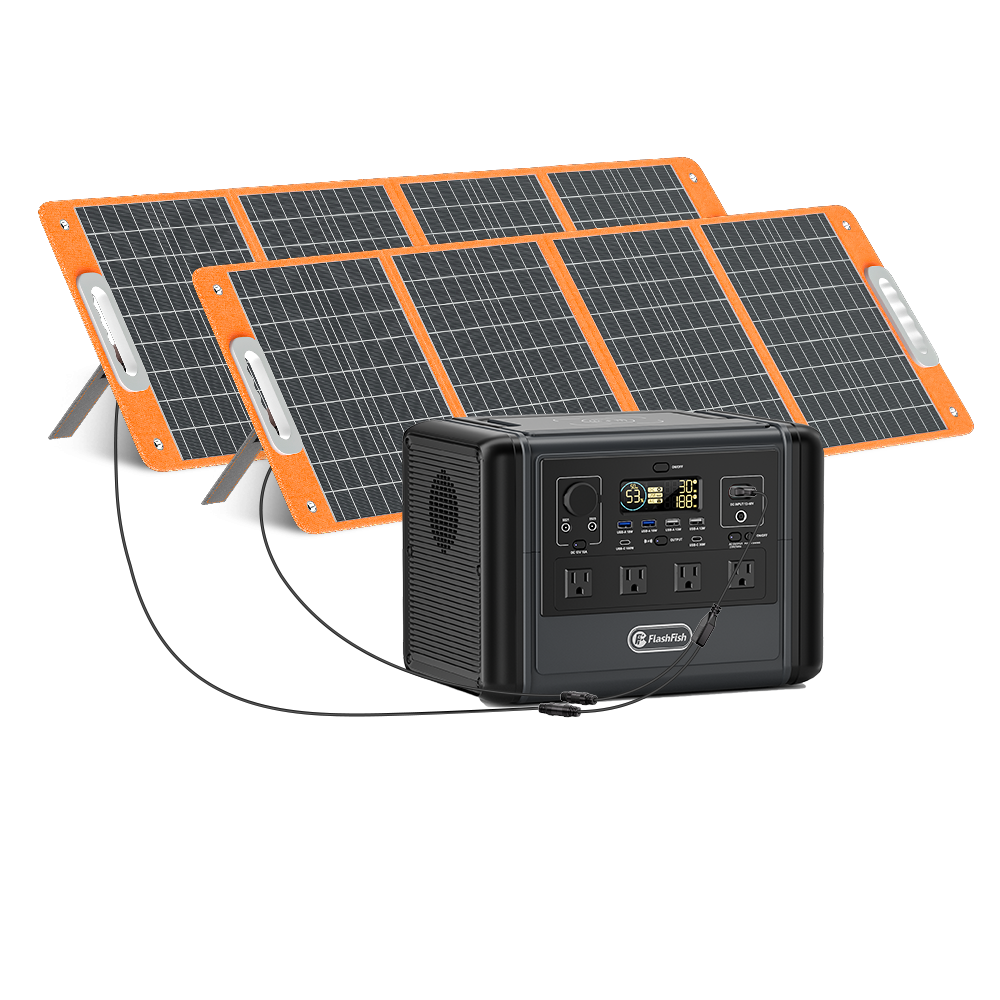
| Solar input | 600W maximum solar input is listed. | Keep charging-path planning separate from low-load operation. | No solar-yield or recharge-time claim. |
Documented T2000 facts for broader planning
The FlashFish T2000 is listed with 1536Wh capacity, LiFePO4 battery chemistry, four AC ports, and 2000W continuous / 4000W peak pure-sine 120V, 60Hz AC output. It also lists 600W maximum solar input and 15W wireless charging. None of these product specifications converts the manual?? low-load note into a guaranteed outcome for a named or unnamed device.
How to prepare without guessing
- Start with the device manufacturer?? label and instructions.
- Identify the T2000 output path you plan to use.
- Check the original manual?? low-load and power-saving wording for that context.
- Confirm the selected setting without assuming a menu sequence, firmware version, or unlisted condition.
- Use a non-critical pre-trip check to learn about your own setup, while keeping a backup plan for anything that needs uninterrupted power.
Limits for camping and home-prep readers
The T2000?? larger capacity and output can inform a broader selection process, but they do not remove the need for a low-load setting check. Do not use the six-hour manual note as a prediction of runtime or as proof that a router, fan, phone, medical device, or any other device will remain powered. For essential equipment, follow the equipment maker?? guidance and obtain appropriate expert advice.
Related reading
For a general product-use overview, read What Is FlashFish T2000 Used For?. For output-path definitions, see Portable Power Station Ports: AC, USB-C, USB-A and DC.
Frequently asked questions
What does the T2000 manual say about USB or wireless light-load shutdown?
It states a six-hour shutdown time for USB/wireless charging light loads. Recheck the original manual and your intended output path before relying on it.
What does the T2000 manual say about AC power-saving mode?
It states a six-hour standby time by default for AC power-saving mode. The note is not a fixed-behavior guarantee.
Does a 2000W station automatically suit a small load?
No. Output rating is one selection factor. The device label, output path, and applicable manual setting remain separate checks.
Is the documented six-hour setting a runtime estimate?
No. It is a model-specific manual note for specified low-load and power-saving contexts, not a runtime calculation.

Commenta
Questo sito è protetto da hCaptcha e applica le Norme sulla privacy e i Termini di servizio di hCaptcha.