

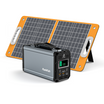
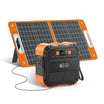
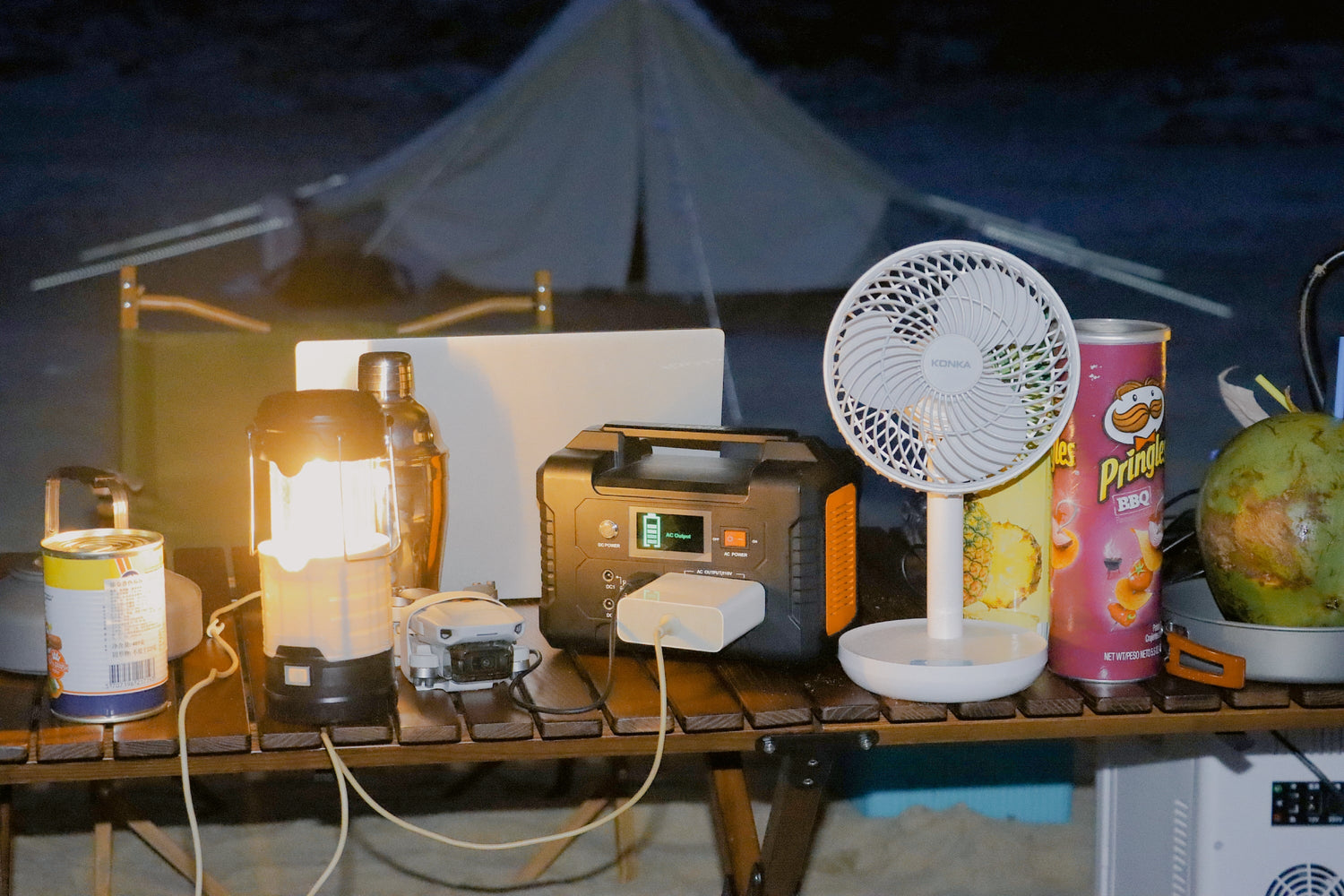
An emergency communication charging kit should start with phones, a rechargeable radio, hotspot or router, small light, and the exact cables or chargers each device needs. A portable power station helps only when its AC, USB, or DC outputs match those devices and its watt-hours fit your charging rotation. It cannot guarantee cellular service, internet access, emergency alerts, or emergency communications.
Quick answer: prioritize communication loads first
During a short outage, the communication kit should stay narrow. The goal is not to power a whole home or make promises about emergency service access. The goal is to keep essential communication devices organized, charged in a practical order, and matched to the right output path.
Build the kit around devices you already own and know how to charge. Phones, a rechargeable radio, a hotspot or small router, a task light, a backup power bank, and spare cables are the usual starting points. Anything medical, food-safety related, hardwired, or public-safety specific belongs outside this simple charging-kit plan.
List the communication devices
Write one line for each device: what it is, what cable it uses, what the official input label says, and whether it can wait for a turn. A phone may be fine on USB-C or USB-A. A router may need its AC adapter. A rechargeable radio may use USB, AC, or a DC input depending on the model.
Do not plan from plug shape alone. A barrel plug, USB-C connector, or wall adapter can look familiar while requiring a different voltage, wattage, cable, or charging profile. The device label is the source that matters.
| Communication item | What to record | Station check | Do not claim |
|---|---|---|---|
| Phone | Cable and charger wattage | USB-C or USB-A port and cable fit | Network availability |
| Rechargeable radio | Official input label | USB, AC, or DC path | Emergency alert receipt guarantee |
| Hotspot or router | Official adapter or input | AC or USB path and wattage | Internet uptime |
| Small light | Label watts and connector | AC, USB, or DC path | Safety or rescue outcome |
| Backup power bank | Input wattage and cable | Charging rotation plan | Exact recharge time |
Separate USB loads from AC loads
USB loads are usually easier to rotate because phones, power banks, small lights, and some radios can charge directly from USB-C or USB-A. AC loads need a wall adapter and should be checked against continuous AC output. A station with enough watt-hours can still be a poor fit if it lacks the output path your device needs.
Keep AC for devices that require their wall adapter. Use USB only where the device and cable support it. Avoid adapter chains unless the device manual supports that path and the voltage, connector, and polarity are clear.
Plan charging rotation instead of running everything at once
Communication planning is often a rotation problem. Top up one phone, then the second phone. Charge the radio before it is empty. Run the router or hotspot only when needed. Keep a light charged, but do not assume it has to stay connected all night.
Rotation reduces simultaneous output demand. It does not guarantee the number of hours a phone, radio, hotspot, or router will stay useful, because real device draw and network conditions vary.
Check watt-hours without promising emergency uptime
Watt-hours are useful because they show stored-energy scale. A compact station can make sense when the kit is mostly phones, radios, and small USB devices. A higher-capacity model can make sense when the household adds an AC-powered router, multiple phones, more lights, or repeated charging cycles.
Do not translate watt-hours into guaranteed emergency communications. Cellular service, internet access, alert delivery, and radio reception depend on systems outside the power station.
When a compact station is enough and when to step up
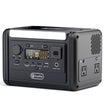
A compact station can be enough for a communication-first kit when the device list is small, the loads are low, and charging can happen in turns. FlashFish documentation lists A101 with 97.68Wh capacity, 120W continuous AC output, two USB-C outputs up to 18W each, two USB-A outputs up to 18W each, and 1.2kg weight. The reviewed documentation does not provide A101 battery chemistry.
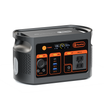
FlashFish documentation lists E200 with 151Wh capacity, 200W continuous AC output, 400W peak AC output, modified sine AC output, USB-A outputs, and 1.85kg weight. The reviewed documentation does not list USB-C output for E200, so do not plan an E200 USB-C path unless a separate current source supports it.
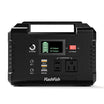
Step up when the device map includes higher AC demand, more simultaneous loads, or a longer rotation. FlashFish documentation lists T200 with 153.6Wh, 200W continuous AC output, LiFePO4 battery chemistry, pure sine AC output, and a 60W USB-C input/output port. T300PRO is listed with 230Wh, 300W continuous AC output, LiFePO4 battery chemistry, pure sine AC output, and a 100W USB-C input/output path.
Optional solar top-up boundaries
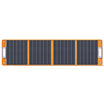
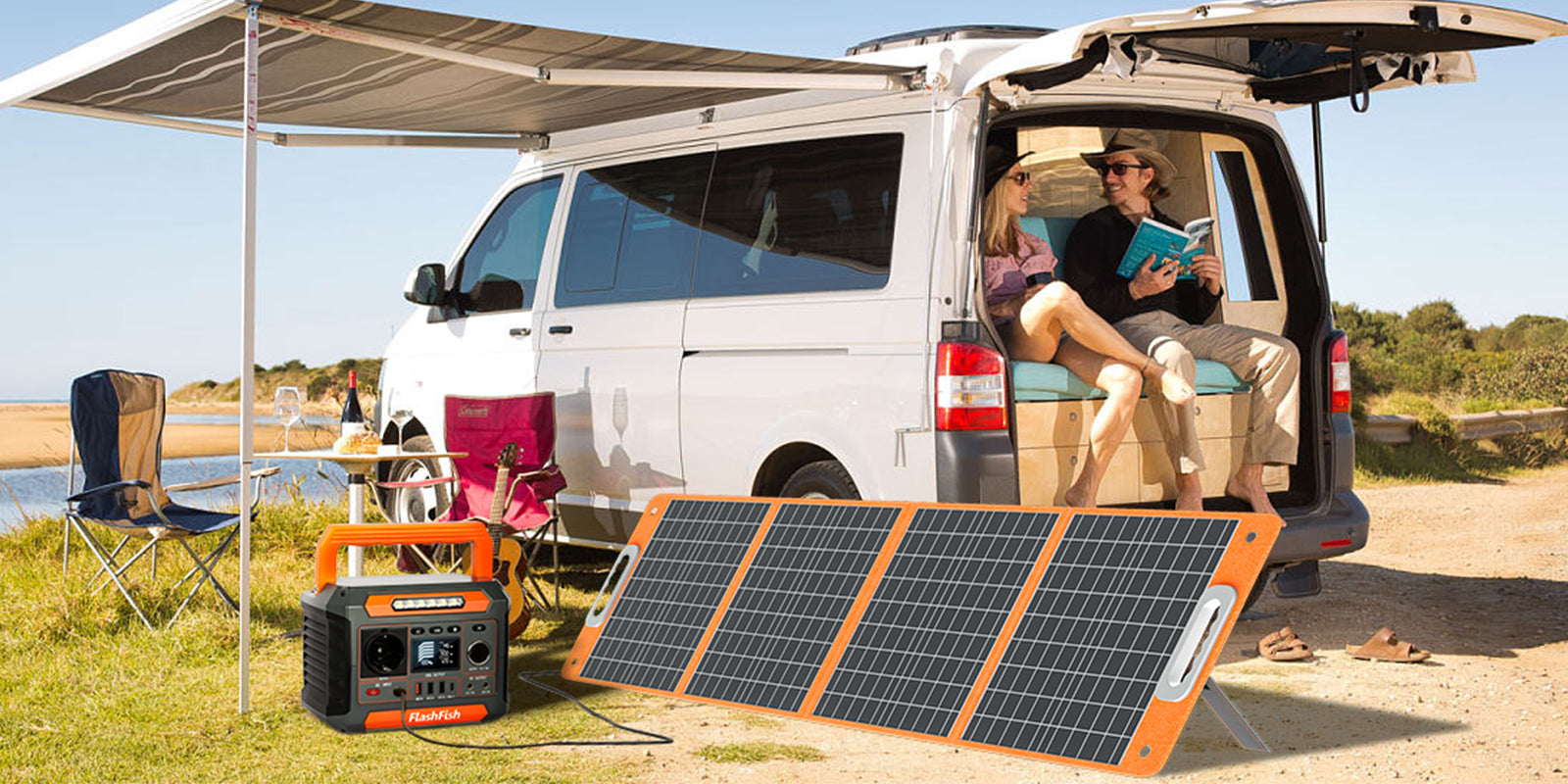
A solar panel can help top up a compatible power station when there is direct sunlight, room to place the panel, and a matched input path. It should not be the only plan for communication charging because weather, shade, orientation, and station input limits can change the result.
The FlashFish TSP60 is documented as a 60W foldable solar panel with 18V DC output, 45W USB-C output, 18W USB-A output, and 1.9kg weight. The TSP100 is documented as a 100W foldable solar panel with 18V DC output, 65W USB-C output, 18W USB-A output, and 2.8kg weight. These panels convert sunlight to electricity and do not store power by themselves.
Where FlashFish models can fit after the checklist
Start with the FlashFish portable power stations collection if your kit includes mixed USB and AC charging. Use the FlashFish A101 for very compact charging plans only after checking that its 120W AC output and 18W USB ports fit the devices.
The FlashFish E200 can support compact AC and USB-A planning where a modified sine AC output is acceptable for the device. The FlashFish T200 and FlashFish T300PRO are better examples when the kit needs documented LiFePO4 chemistry, pure sine AC output, and stronger USB-C planning.
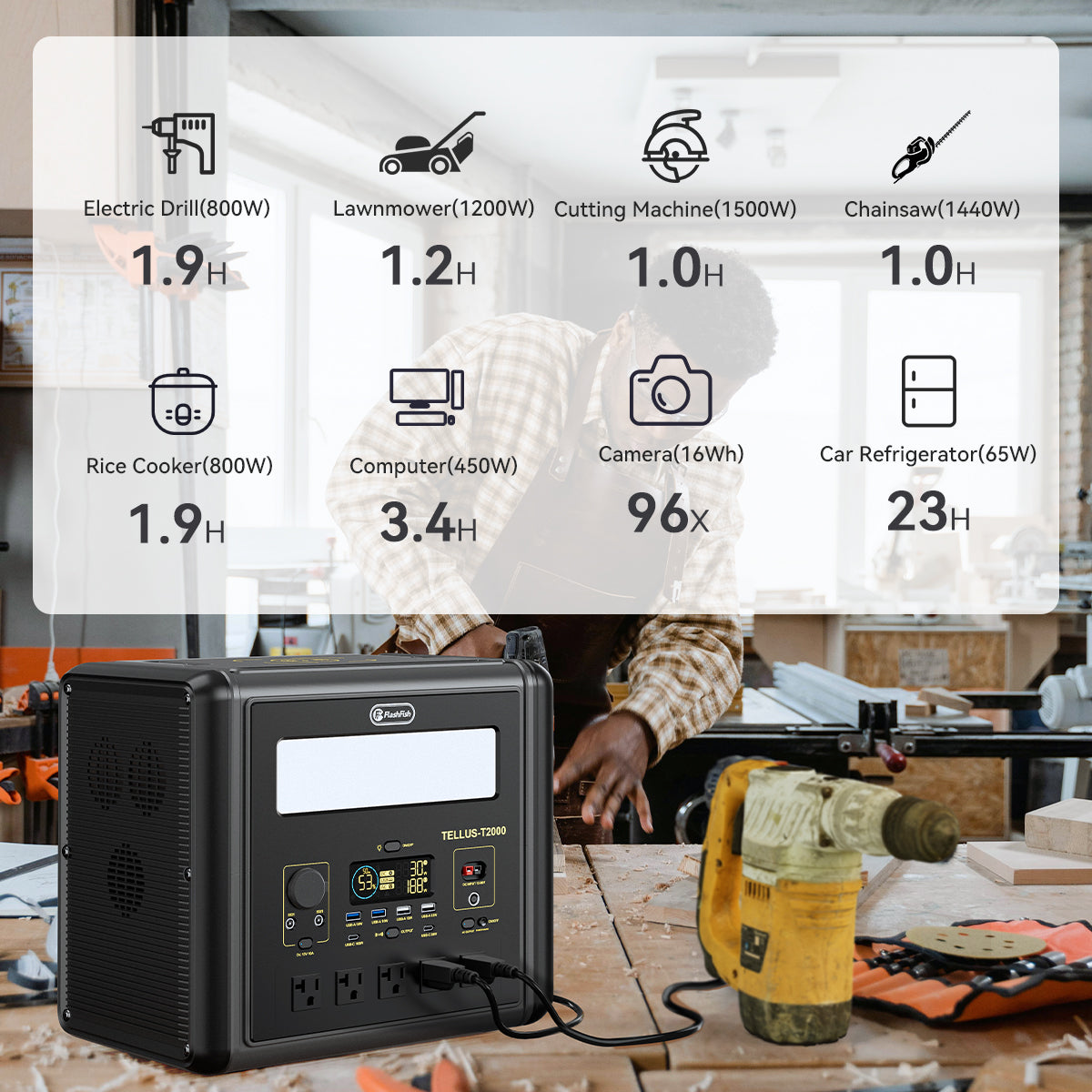
Use the FlashFish T1200S or FlashFish T2000 only when the communication kit grows into a larger backup plan with more devices, more AC demand, and a carry/storage plan for the larger unit.
When FlashFish fits
FlashFish fits when the household has a clear communication-device list, each charger path matches documented station outputs, and the plan uses charging rotation instead of vague whole-home expectations. It is especially practical for phones, small USB accessories, and selected AC-adapter devices after label checks.
When FlashFish may not fit
Do not use this plan for medical devices, food safety, whole-home backup, public-safety radios, emergency-service guarantees, or internet reliability claims. Follow official emergency-preparedness guidance for the full household kit, and use FlashFish product facts only for the portable-power capability.
FAQ
What should an emergency communication charging kit include?
Start with phones, a rechargeable radio, hotspot or router, small light, backup power bank, and the exact cables or wall chargers those devices require. Add official emergency-preparedness supplies separately.
Can a portable power station keep phones charged during an outage?
It can help charge phones when the USB or AC path matches the phone charger and the station has enough stored energy for your rotation. It cannot guarantee cellular service.
Can a power station run a hotspot or router?
Only if the hotspot or router's official adapter or input matches the station's supported output and wattage. Powering the device does not guarantee internet uptime.
Should I power everything at once or rotate charging?
Rotation is usually the safer plan for a communication kit because it lowers simultaneous load and keeps priority devices topped up. It still does not guarantee total duration.
Can a solar panel help during an outage?
Yes, a compatible panel can help top up a station in direct sunlight with enough setup space. It depends on sunlight, input limits, cables, and placement, and it does not store power by itself.

Leave a comment
Laman ini dilindungi oleh hCaptcha dan tertakluk pada Dasar Privasi dan Terma Perkhidmatan hCaptcha.