












A fall-festival lost-and-found desk should plan portable power by documenting each phone and tablet's input label, choosing one appropriate station output at a time, keeping cables managed, and retaining a paper intake log. Confirm the organizer's rules and the equipment manuals before setting up outdoors.
Start with the desk's job, not a runtime estimate
List the essential tasks: receiving a contact, recording an item, and communicating with staff. Record the power input printed on every device and its original charger. Do not turn a capacity figure into a promise of device runtime; settings, battery condition, charging state, and the actual accessories all affect the result.
Make a label-first power checklist
- Copy each device's input rating and connector from its label or manual.
- Identify which original cable and adapter belong with that device.
- Keep one clear cable route and leave the station's ventilation unobstructed.
- Use the festival's approved location and stop if conditions no longer match the organizer's instructions.
- Keep a paper intake sheet and a pen ready for continuity if electronic records are unavailable.
Product-fit notes for compact desk planning
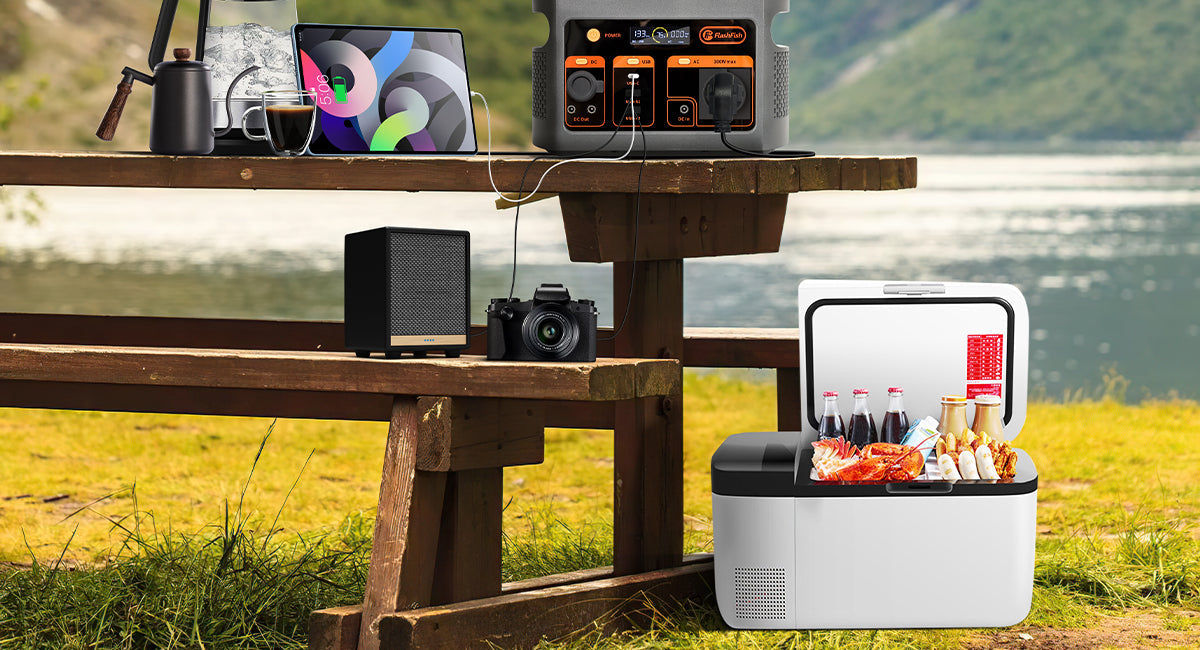
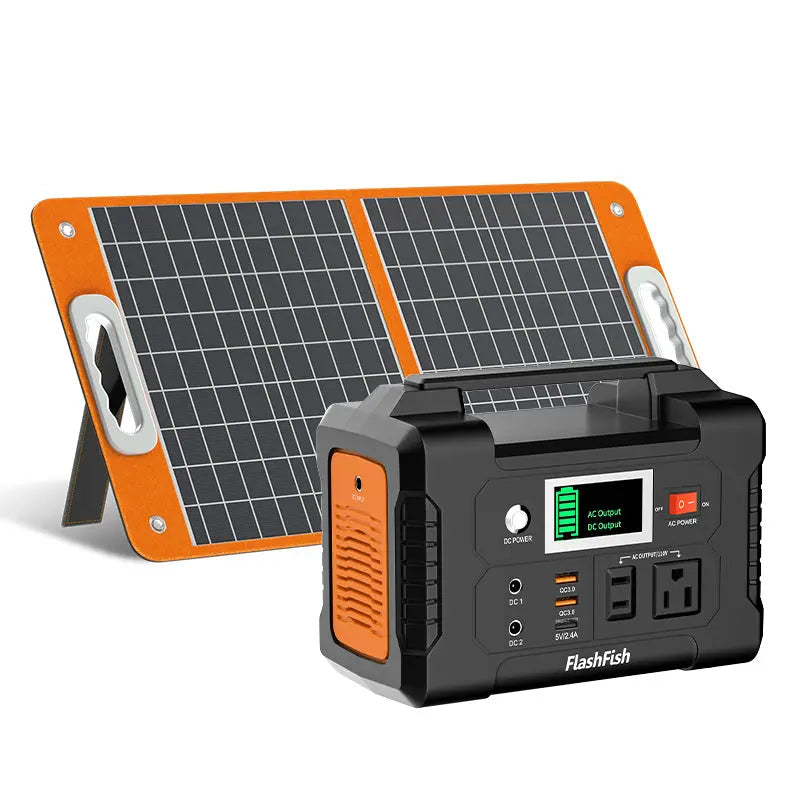
FlashFish E103 is documented in the local product record as a 179.2Wh LiFePO4 portable power station with 300W rated pure-sine AC output and USB-C up to 60W. FlashFish T200, recorded as TELLUS-T200, is documented as a 153.6Wh LiFePO4 station with 200W rated pure-sine AC output. Those specifications help frame a label comparison, but they do not establish that any particular phone, tablet, adapter, or combined setup is supported.
Keep the outdoor setup conservative
Outdoor conditions, cable placement, and organizer policies are site-specific. Keep electronics out of conditions their manufacturers do not permit, follow the event's rules, and do not treat a portable power station as a substitute for venue electrical planning. A supervised, tidy desk with a manual fallback is easier to pause and restart than an improvised multi-device setup.
When to step back from the plan
Pause and get direction when a device label is missing, a charger is damaged, an accessory is not documented, or the event rules restrict the setup. Do not guess from a connector shape or a product name.
FAQ
Can I calculate how long a phone or tablet will run from a station's Wh rating?
Not reliably from that number alone. Check the device and charger documentation, then treat the result as a setup decision requiring verification rather than a runtime promise.
Does a USB-C output prove a tablet is compatible?
No. Confirm the tablet's charging requirements, cable, adapter, and manufacturer instructions.
What should the desk do if electronic logging stops?
Use the prepared paper intake log and follow the festival's communication process.
Next step
Before the festival, compare the exact device labels and organizer requirements with the specifications for any portable power station you are considering, then test only the approved setup under supervision.
Next step: Compare FlashFish E103 specifications with your equipment list.

Leave a comment
This site is protected by hCaptcha and the hCaptcha Privacy Policy and Terms of Service apply.