











A school robotics team should treat portable power at a pit table as a supervised documentation task: separate permitted device charging from restricted equipment, check every label and event rule, manage cables, and maintain a non-electronic fallback. Do not assume that a station is approved for a robot, battery charger, tool, or laptop without exact event and manufacturer confirmation.
Separate the pit-table categories
Make one list for phones, laptops, and approved low-draw accessories, and a separate list for any robot-related equipment, chargers, tools, or batteries. The second list needs the event's explicit rules and the relevant manufacturers' instructions. A portable power station's output rating does not by itself authorize or validate those uses.
Pre-event checklist
- Read the current event rules for power, batteries, chargers, and pit-table layout.
- Match every approved device to its manufacturer-specified input, cable, and adapter.
- Label the permitted devices and keep restricted equipment separate.
- Plan a clear cable path and keep the work surface orderly.
- Bring printed schedules, contact details, and checklists for a manual fallback.
Product-fit notes for specification review
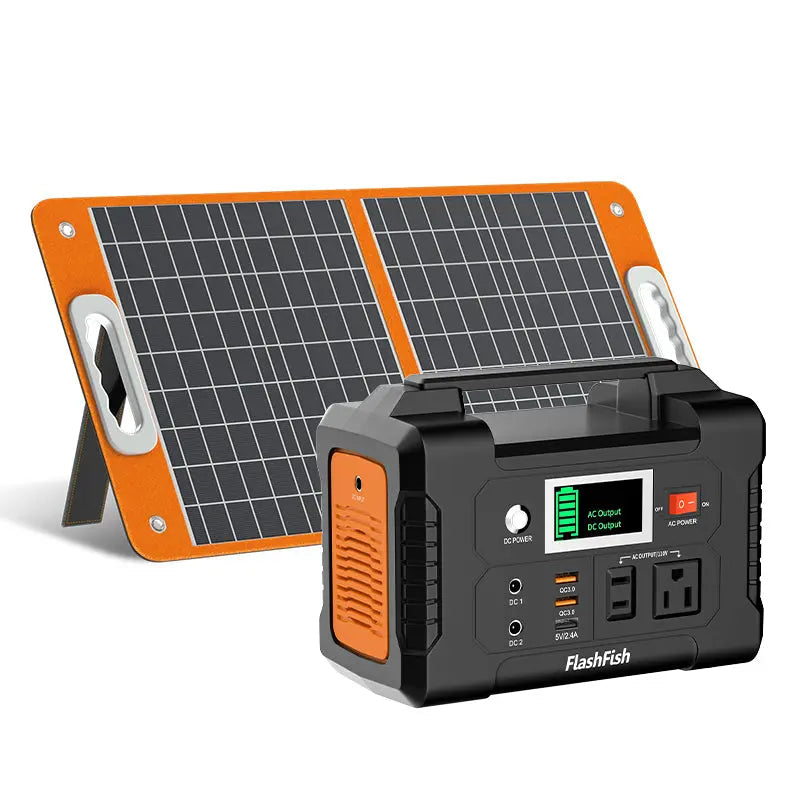
FlashFish E103 is documented as a 179.2Wh LiFePO4 station with 300W rated pure-sine AC output and USB-C up to 60W. FlashFish E200 is documented as a 151Wh lithium-ion station with 200W rated modified-sine AC output and USB-A outputs up to 18W. Use those records only as starting points for comparing exact specifications; they do not confirm robot, charger, tool, laptop, battery, adapter, or combined-load compatibility.
Keep supervision and layout central
The team should follow school and event procedures for supervision, cable routing, and equipment handling. Keep the station in a permitted location with clear space around it, do not use damaged accessories, and pause the setup if a label, rule, or instruction is unclear. Do not substitute general internet advice for the event manual.
A practical decision boundary
Use portable power only after the equipment category is permitted and the exact device documentation matches the proposed setup. If the item is a robot-related battery, charger, tool, or unfamiliar adapter, ask the event official or the equipment manufacturer rather than extrapolating from a wattage number.
FAQ
Can a 300W station run any robotics pit-table equipment?
No. The station rating alone does not determine approval, compatibility, startup behavior, or combined-load suitability.
Are phones and laptops automatically permitted at a robotics meet?
Check the current event rules and the school team's procedures; policies vary by event.
What is the safest fallback for a disrupted electronic workflow?
Use printed schedules and checklists, then follow the team's event-approved communication process.
Next step
Bring the current event manual, each device's original documentation, and the station specification sheet to the team's pre-event equipment review.
Next step: Compare FlashFish E103 specifications with your equipment list.


Leave a comment
This site is protected by hCaptcha and the hCaptcha Privacy Policy and Terms of Service apply.