











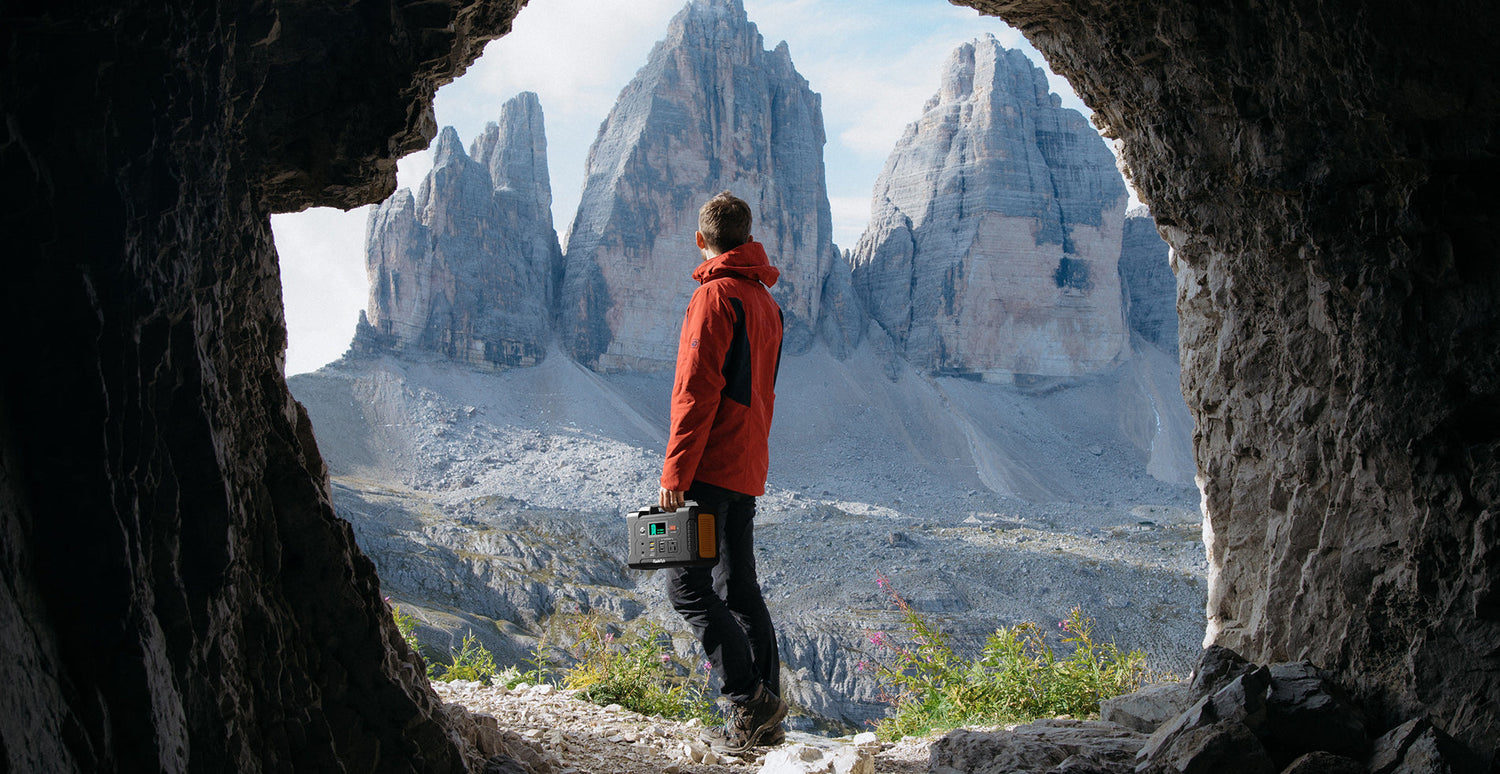
A portable power station can help with an outdoor family photo session when you treat it as a planned, low-draw support tool—not a substitute for checking every charger and accessory. Start with the labels on the camera-battery chargers, laptop power supply, and light. Add their stated input or output needs, leave margin, and protect the equipment from weather.
Quick answer
For a short outdoor shoot, list only the equipment you truly need: camera charging, a laptop task, and a small light if its label supports the planned power path. Confirm the station’s documented capacity and continuous-output limit against those labels, carry a conservative reserve, and keep all electronics dry and stable.
Build the session around essential loads
Family sessions move quickly. That makes a simple priority list more useful than bringing every accessory in the studio bag. Put communication, camera-battery charging, and the one editing task that cannot wait at the top. A light belongs on the list only after its power supply and connection method are confirmed.
- Write down each device, its manufacturer-specified power requirement, and the cable or power brick it needs.
- Decide which items can wait until you are back at a wall outlet.
- Plan one conservative reserve instead of trying to run every item continuously.
Check the power path, not just the device name
A camera, laptop, or LED light name does not establish compatibility. Check the actual charger or adapter label, its connector, and the instructions supplied by that manufacturer. Do the same for every cable and adapter you intend to use. If a label is unclear or a connection is not documented, leave that item out of the field setup until you can confirm it.
| Before packing | What to verify |
|---|---|
| Camera charging | The charger label, its power requirement, and the supplied cable or adapter. |
| Laptop task | The laptop power supply label and whether the planned outlet or USB-C path is documented. |
| Small light | The light’s power supply, connector, and a stable placement away from people and gear. |
| Station | Its documented capacity, continuous-output limit, current condition, and the connection you plan to use. |
Choose a FlashFish fit by documented limits
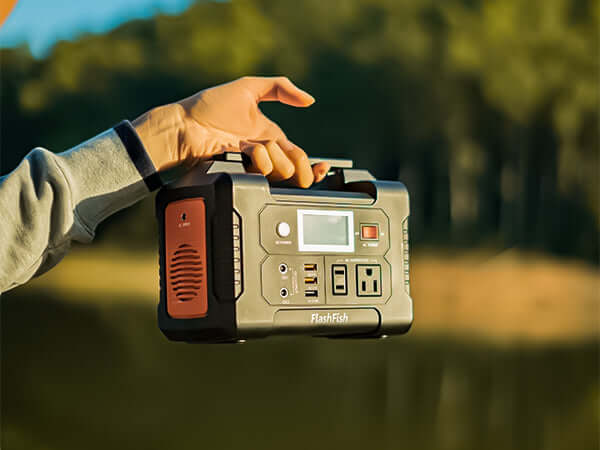
For a compact creative-field plan, the FlashFish E103 is documented with 179.2Wh of capacity, a 300W continuous pure-sine AC output, and LiFePO4 battery chemistry. The FlashFish TELLUS-T300Pro is documented with 230Wh of capacity, a 300W continuous pure-sine AC output, and LiFePO4 battery chemistry. Those figures are starting points for label comparison, not a promise that any particular camera, laptop, light, charger, or combination will operate.
Set up for changing outdoor conditions
Keep the station and connections on a dry, stable surface where they will not become a trip point for the family or crew. Shade can make the work area more comfortable, but it does not make equipment weatherproof. Pause the setup if moisture, unstable footing, or an uncontrolled cable route creates uncertainty. Bring the device manuals and follow their care instructions.
A simple pre-session checklist
- List the essential devices and the exact charger or power supply for each.
- Compare each label to the station documentation before leaving home.
- Pack only documented cables and adapters in good condition.
- Choose a dry, stable location and route cords out of walking paths.
- Keep a reserve and stop rather than forcing an uncertain connection.
Related outdoor photography power guides
Use these current FlashFish pages and guides to continue your comparison:
- Browse current portable power stations
- Plan a battery setup for outdoor photography
- Review power checks for photography and video shoots
FAQ
Can I assume a portable power station will run my camera charger or laptop?
No. Check the specific charger or power-supply label, the connector, and the manufacturer’s instructions before use.
Is the larger capacity always the right choice?
Not by itself. Compare the documented station limits with the actual devices, use time, connection path, and reserve you need for the session.
What should I do if weather changes during the shoot?
Protect the equipment, stop using any setup that may be exposed to moisture or unstable footing, and follow the device manufacturers’ instructions.

Leave a comment
This site is protected by hCaptcha and the hCaptcha Privacy Policy and Terms of Service apply.