











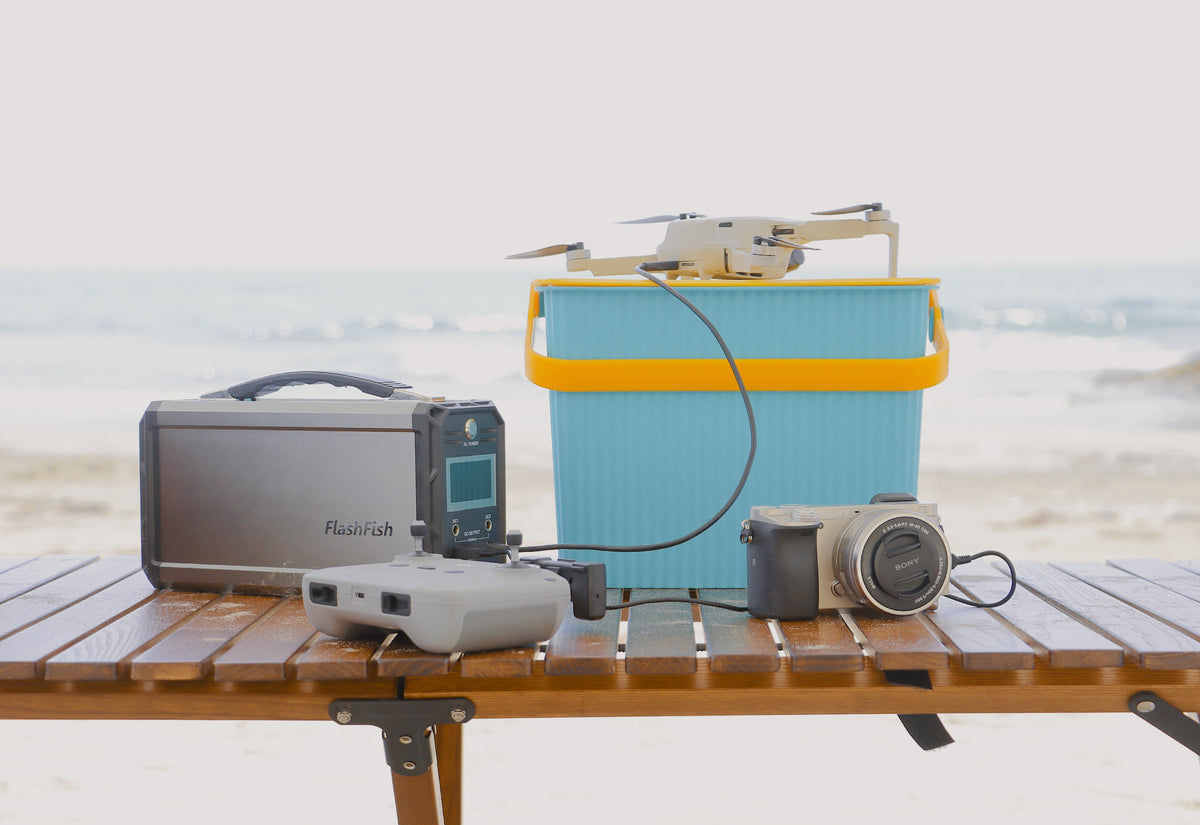
For a supervised science-fair table, power only the tablet, small light, and display devices that have been identified in advance. Record each input label, assign one cable path, keep cords outside visitor space, and obtain venue approval before setup. Choose a station only after that plan is complete.
Start with the exhibit, not the power station
A school science fair is not a public charging station. The power plan should support the exhibit itself: for example, one presentation tablet, one low-draw task light, and any small demonstration device approved by the teacher or event lead. Personal phones and unplanned accessories should stay outside the load list unless the supervisor deliberately adds and checks them.
Create one row for every powered item. Record the device name, input voltage and current or wattage, connector, required cable or adapter, planned use period, and whether the item must remain on continuously. If a label is unreadable or the correct charger cannot be identified, remove that device from the portable-power plan rather than guessing.
| Planning item | What to record | Reason to pause |
|---|---|---|
| Tablet | Input rating, connector, cable, display schedule, and whether it can be charged before the event | The tablet or cable requirements are unknown |
| Task light | Rated input, adapter, planned brightness, and placement | The light exceeds the chosen output path or creates glare or heat near the project |
| Demonstration device | Normal and startup demand, adapter, and supervision needs | Its load behavior or school approval is uncertain |
| Cables | Connector at both ends, length, condition, and assigned route | A cable is damaged, unidentified, or crosses visitor traffic |
A101 and E103 support different table designs
The FlashFish A101 is the lighter, smaller-capacity candidate. It has 97.68Wh of stored energy, 120W continuous and 240W peak AC output, two USB-C PD outputs rated up to 18W each, two USB-A QC 3.0 outputs rated up to 18W each, and a weight of about 1.2 kg. Its product record does not provide battery chemistry or AC waveform, so neither should be assumed.
The FlashFish E103 offers more capacity and output headroom. It has 179.2Wh, 300W continuous and 600W surge pure-sine AC output, one 60W PD USB-C output, two 18W QC USB-A outputs, and a weight of about 3 kg. It uses LiFePO4 cells. Those specifications make it a different planning option, but they do not prove compatibility with a particular tablet, light, or demonstration device.
| Decision factor | FlashFish A101 | FlashFish E103 | Science-fair implication |
|---|---|---|---|
| Capacity | 97.68Wh | 179.2Wh | E103 starts with more stored energy; neither rating guarantees event-long runtime. |
| AC output | 120W continuous, 240W peak | 300W continuous, 600W surge | Use the continuous rating for planning and check any adapter or startup demand. |
| AC waveform | Not provided in the product record | Pure sine wave | Do not assign a waveform to A101; follow the device and adapter documentation. |
| USB-C | Two outputs up to 18W each | One output up to 60W | Connector count and maximum wattage answer different questions. |
| USB-A | Two outputs up to 18W each | Two outputs up to 18W each | Confirm the device, cable, and protocol instead of relying on connector shape alone. |
| Carry weight | About 1.2 kg | About 3 kg | A101 is easier to carry; E103 needs a more deliberate table position. |
Choose the output path device by device
Use direct USB only when the device input and cable match a documented station output. An 18W USB-C port and a 60W USB-C port are not interchangeable promises: the connected device controls what it requests, the cable must support that path, and the station must remain within its documented limits. If the exhibit relies on the device's own AC adapter, verify the adapter input and the station's continuous AC capability before setup.
Do not add every port rating and assume all ports can deliver their maximum simultaneously. The available records do not provide a complete shared-output budget for every combination. Build the table around a short essential-device list, test that exact arrangement under adult supervision before the fair, and retain a reserve rather than filling every connector.
Estimate energy without promising a runtime
Capacity in watt-hours is a starting point, not a guaranteed operating time. Device behavior, screen brightness, light settings, conversion losses, cable condition, temperature, and simultaneous loads all affect the result. A defensible plan records observed demand during a supervised test and uses that result only for the same checked setup.
- Charge the tablet and other rechargeable devices before arrival.
- Run the exact exhibit arrangement for a representative test period.
- Watch the station display and device behavior for unexpected changes.
- Keep an energy reserve for orderly shutdown and pack-out.
- Retest after changing a cable, adapter, device, or display schedule.
Lay out the table for visitors and supervisors
Place the station on the supervised side of the table where its vents, controls, and display remain clear. Route short cables behind the exhibit or through venue-approved covers; do not run loose cords across aisles or accessible paths. Keep liquids, paper decorations, and fabric away from the station and adapters. Label both ends of each cable so a volunteer can restore the intended connection without improvising.
Ask the venue whether portable battery stations, AC adapters, extension cords, cable covers, or overnight charging are allowed. If any part of the fair is outdoors, use only a permitted sheltered setup and stop when moisture, heat, or wind makes cable management unreliable. The product records used here do not provide a weatherproof rating for either station.
Assign roles before the doors open
One adult or designated event lead should approve the device list, one exhibitor should know the normal shutdown sequence, and volunteers should know not to add personal devices. Post a small connection map behind the display. If a device, cable, adapter, or station becomes unusually warm, damaged, wet, or unstable, disconnect the exhibit according to the equipment instructions and notify the supervisor.
FAQ
Is A101 or E103 better for a science-fair tablet display?
A101 is lighter and offers two documented 18W USB-C outputs. E103 provides more capacity, a 60W USB-C output, and more AC headroom. The better fit depends on the exact tablet, light, adapters, table space, and venue rules.
Can capacity tell us whether the display will run for the whole fair?
No. Watt-hours do not include the effects of actual device demand, conversion losses, settings, temperature, or simultaneous loads. Test the exact supervised setup and keep a reserve.
Can visitors charge personal phones at the display table?
Only if the school deliberately creates and supervises that service. For a normal exhibit, keep the station dedicated to the approved display devices so unplanned cables and loads do not change the tested setup.
Next step: Compare FlashFish A101 specifications with your equipment list.

Leave a comment
This site is protected by hCaptcha and the hCaptcha Privacy Policy and Terms of Service apply.