

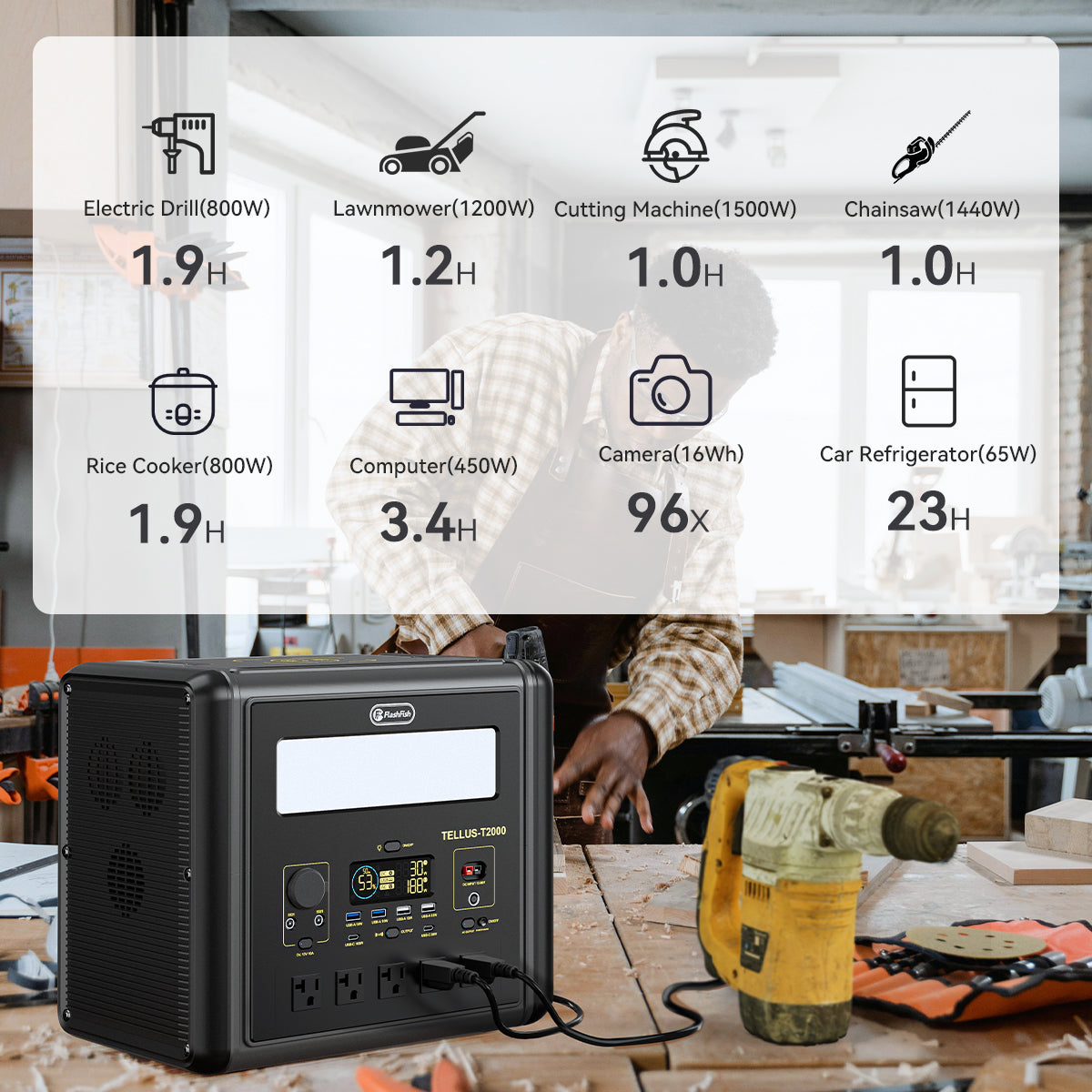
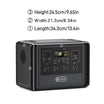

Place an outdoor power station only where its documented operating requirements and the venue's permitted walking and cable routes can all be met. Draw those boundaries before connecting equipment. A case that fits on the table does not establish ventilation clearance or permission to run a cable.
For a supervised phone-and-tablet table, the most convenient position may face the wrong way: a socket points toward a walkway, or a chair moves into the space beside the station. A measured sketch exposes that conflict before you buy an accessory or rearrange a powered setup.
Method: This is a document-based placement worksheet, not an inspected installation. The examples are hypothetical. Your actual venue requirements, equipment orientation and missing clearance instructions must be supplied before a position can be accepted.
Draw three boundaries on one plan
- The equipment envelope: draw the case in its permitted orientation, then mark handles, vents, controls and connector access using the matching instructions.
- The operating space: add any documented clearance and environmental restrictions. Do not substitute the case dimensions for this space.
- The venue boundary: mark entrances, required pedestrian routes and the organizer's permitted cable areas. Include the positions occupied by chairs when pulled out, not just when tucked away.
Keep the first pass disconnected. Use a paper outline or other unpowered representation; do not lay loose cords across an active pedestrian route to demonstrate a proposal. Ask the organizer to resolve route requirements rather than inventing a universal walking width.
What the FlashFish dimensions do, and do not, establish
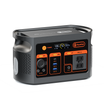
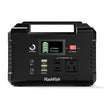
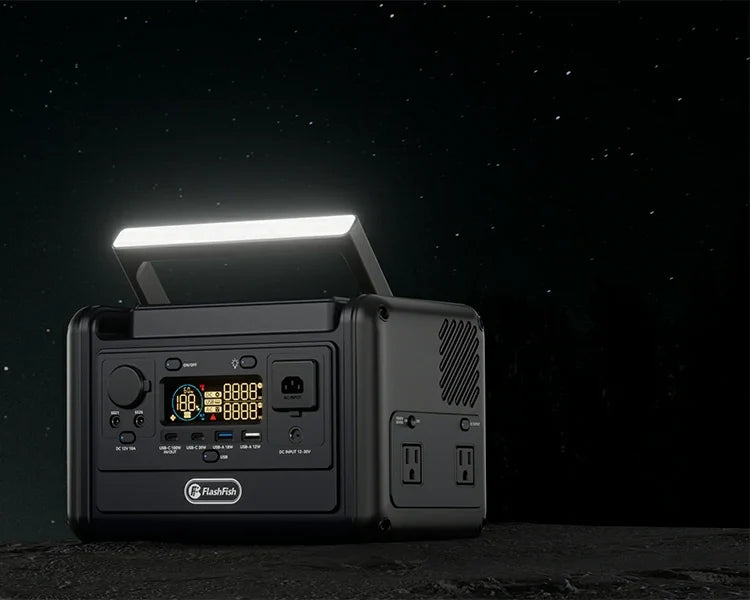
The available model records list E200 at 208 x 110 x 158 mm and T300PRO at 256 x 169 x 169 mm. These are case dimensions, not a complete operating-space allowance. Confirm how each dimension maps to the actual unit and its permitted orientation before placing an outline on your plan.
The TELLUS-T300Pro manual, English pages 2-3, identifies the case size, prohibits obstructing the fan and cautions against rain and humid environments. Those instructions do not give this worksheet a numerical air gap or approve an improvised enclosure. An outdoor photograph is not weather-protection evidence.
Use the U.S. manual directory to locate the matching regional document. Do not transfer the T300PRO instructions to E200 or assume that a different-voltage manual identifies your unit. If a placement detail is missing, ask support about that exact detail before treating the drawing as complete.
Record conflicts, not just available table area
| Item | Evidence to put on the sketch | Conflict to look for | Decision |
|---|---|---|---|
| Case and orientation | Exact model dimensions and permitted orientation | Outline extends off the supporting surface | Revise the position; do not rotate into an undocumented orientation |
| Ventilation and surroundings | Matching manual's restrictions; exact clearance if supplied | Vent faces a bag, wall or proposed cover | Resolve the obstruction or request missing instructions |
| Connector and control access | Port location and documented cable arrangement | Required plug space meets an edge or moving chair | Evaluate another position without improvising an adapter |
| Pedestrian route | Organizer's actual access boundary and cable rules | Proposed cable enters a prohibited route | Ask for an authorized revision or omit the powered task |
| Final change | Revised sketch, permission source and date | A new table or device invalidates the earlier layout | Review all boundaries again before use |
Draw the intended path between the actual endpoints, not a straight line through furniture. A route that needs a longer cable creates a separate specification question. This worksheet supplies no cable gauge, maximum length, cord-cover rating or power-strip approval.
Three hypothetical layout decisions
Example 1: The case fits, but its operating space does not
A proposed T300PRO outline fits beside a bag, but the bag obstructs the fan location shown in the manual. The case-fit result is insufficient. Move the proposed bag or station location on the disconnected plan, then check the revised arrangement against the remaining instructions.
Example 2: The short cable crosses the permitted route boundary
An organizer has prohibited cables across a marked access route. The proposed device and station positions would require that crossing. A cord cover is not automatically an exception. Request a different authorized table arrangement; if none is available, remove that powered task rather than treating extra battery capacity as the solution.
Example 3: Permission exists, but a product instruction is missing
The organizer accepts the proposed cable area, yet the owner cannot establish the station's required spacing beside a partition. Mark the placement unresolved and send support a measured sketch and unit identity. Venue permission cannot fill the missing product instruction.
FAQ
Does a larger table automatically solve the problem?
No. More surface area may offer another position, but the required operating space, connector direction and permitted route still need to work together. Compare a revised drawing rather than table size alone.
Can I put a cover over the station if rain is possible?
Do not infer that an improvised cover is permitted or preserves ventilation. Follow the exact environmental instructions and the venue's plan. A location without a documented acceptable arrangement remains unsuitable.
Does the sketch approve the electrical connection?
No. It addresses physical placement. Device input, output limits, cables and regional electrical compatibility require their own matching documentation before connection.
Leave with a usable drawing or a precise open question
Record the model, orientation, measured surroundings, instruction source, permitted route and final revision on one sheet. For broader equipment selection, the vendor-booth power planning guide covers device loads. Shortlist E200 or T300PRO only after the proposed location survives this separate placement check.
Next step: Compare FlashFish E200 specifications with your equipment list.

Leave a comment
This site is protected by hCaptcha and the hCaptcha Privacy Policy and Terms of Service apply.