

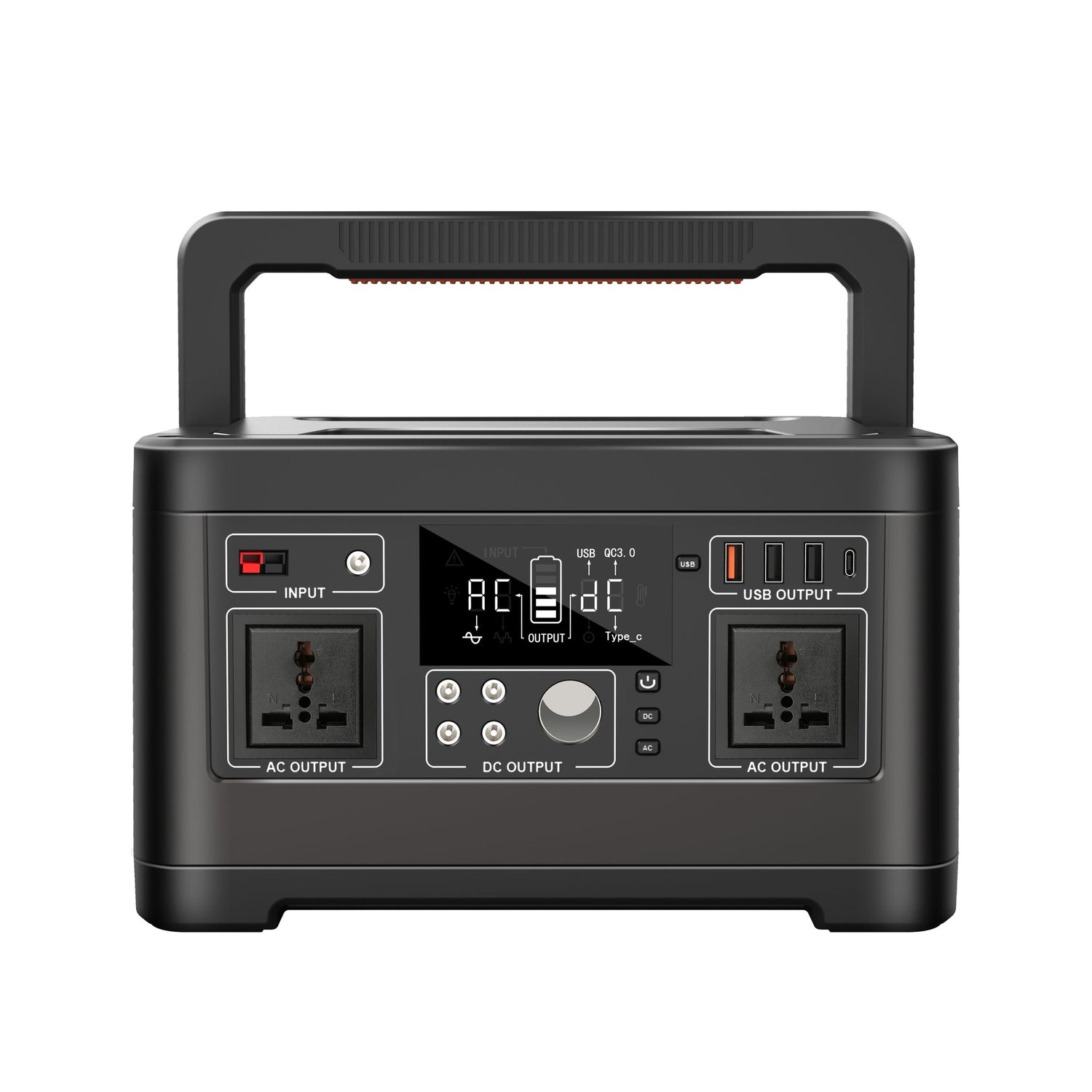
Short answer: Add the watts for the TV, modem, Wi-Fi router, phone chargers, and any small lights, then multiply by the hours you want to run them. A compact setup may fit a smaller power station, while a larger TV, soundbar, and longer outage window need more watt-hours.
This is a practical outage topic because information, alerts, and family communication matter. FCC/FEMA emergency communication tips recommend charging phones, laptops, or tablets before a storm and considering backup power sources such as extra batteries, a solar charger, or a car charger.
Build the load list first
| Device | Why include it? | Planning tip |
|---|---|---|
| TV | News, alerts, weather updates, and entertainment | Check the label or TV settings for power draw |
| Modem | Connects the home to the internet provider | Needed when separate from the router |
| Wi-Fi router | Shares internet around the home | May not help if the provider network is down |
| Phone chargers | Backup calls, messages, alerts, and hotspot use | USB ports can save AC outlets |
| LED light | Safe room lighting | Choose low-watt lights first |
Use watt-hours to estimate size
Use this planning formula: total watts x desired hours / 0.85 = battery Wh to target. The 0.85 factor is a conservative allowance for conversion losses. It is not a product guarantee, because real draw changes with screen brightness, Wi-Fi traffic, battery state, and temperature.
If the TV, modem, router, and phone chargers together use 120W, a three-hour target would require roughly 424Wh by that formula. A lower-watt setup might need less. A larger screen, soundbar, game console, or desktop computer can raise the load quickly.
Which FlashFish models fit?
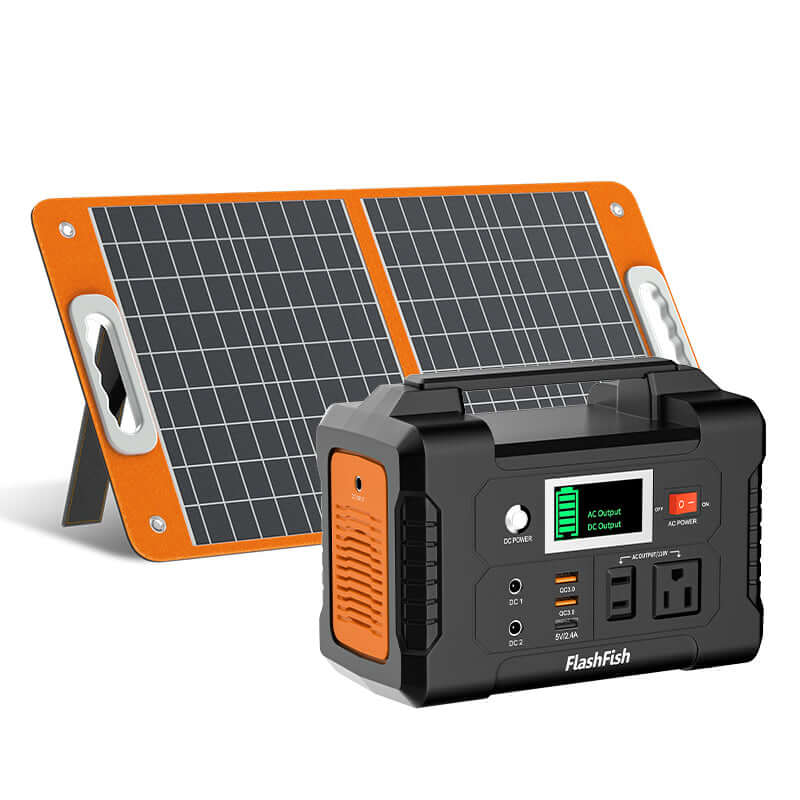
For light device charging and compact electronics, the FlashFish E200 Portable Power Station lists 200W output and 151Wh capacity. For a stronger TV-and-Wi-Fi buffer, the FlashFish P63 Portable Power Station lists 500W output and 520Wh capacity. For a longer outage window or more devices, the FlashFish T1200S Portable Power Station lists 1200W output and 768Wh capacity.
Choose based on your measured load, not just TV size. A modest TV and router may be easy to support, while adding heaters, microwaves, or kitchen appliances belongs in a separate high-draw plan.
Outage setup checklist
- Charge the station before storm season or planned utility work.
- Label the modem and router plugs so they are easy to move in the dark.
- Use low screen brightness and skip soundbars when runtime matters.
- Keep a phone hotspot plan in case home internet service is also down.
- Do not run fuel-burning generators indoors or near openings.
- Test the setup before relying on it for alerts or work calls.
FAQ
Will Wi-Fi work during a power outage if I power the router?
Sometimes. Your modem and router need power, but the internet provider network also has to remain online. Keep a phone backup plan.
Can a small power station run a TV?
It depends on the TV wattage, the station's AC output, and the desired runtime. Check the label and use watt-hour math before choosing a model.
Should I power a TV or save battery for phones?
During an emergency, phones, alerts, and communication usually come first. Use the TV when battery capacity and safety allow.
Sources and product links
- FCC/FEMA emergency communication tips
- CDC power outage safety guidance
- Competitor signal: Anker SOLIX common outage load guide
- FlashFish portable power stations collection
Human review checklist
- Confirm product specs, active links, and image before publication.
- Keep runtime math labeled as an estimate.
- Confirm no guarantee that home internet will stay online.
- Preview tables and FAQ on mobile.

Dejar un comentario
Este sitio está protegido por hCaptcha y se aplican la Política de privacidad de hCaptcha y los Términos del servicio.