

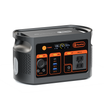
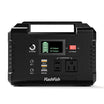

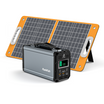
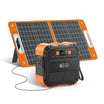
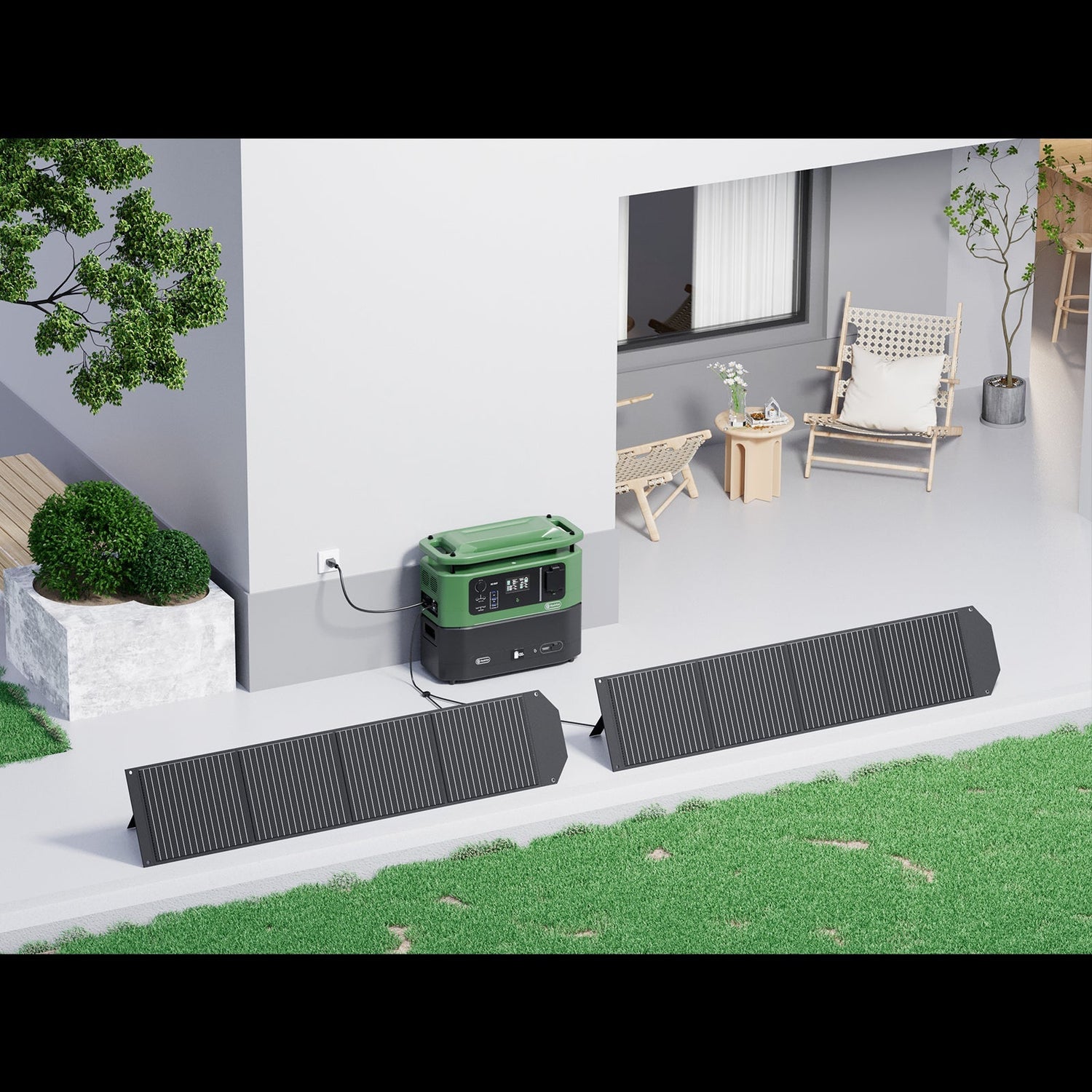
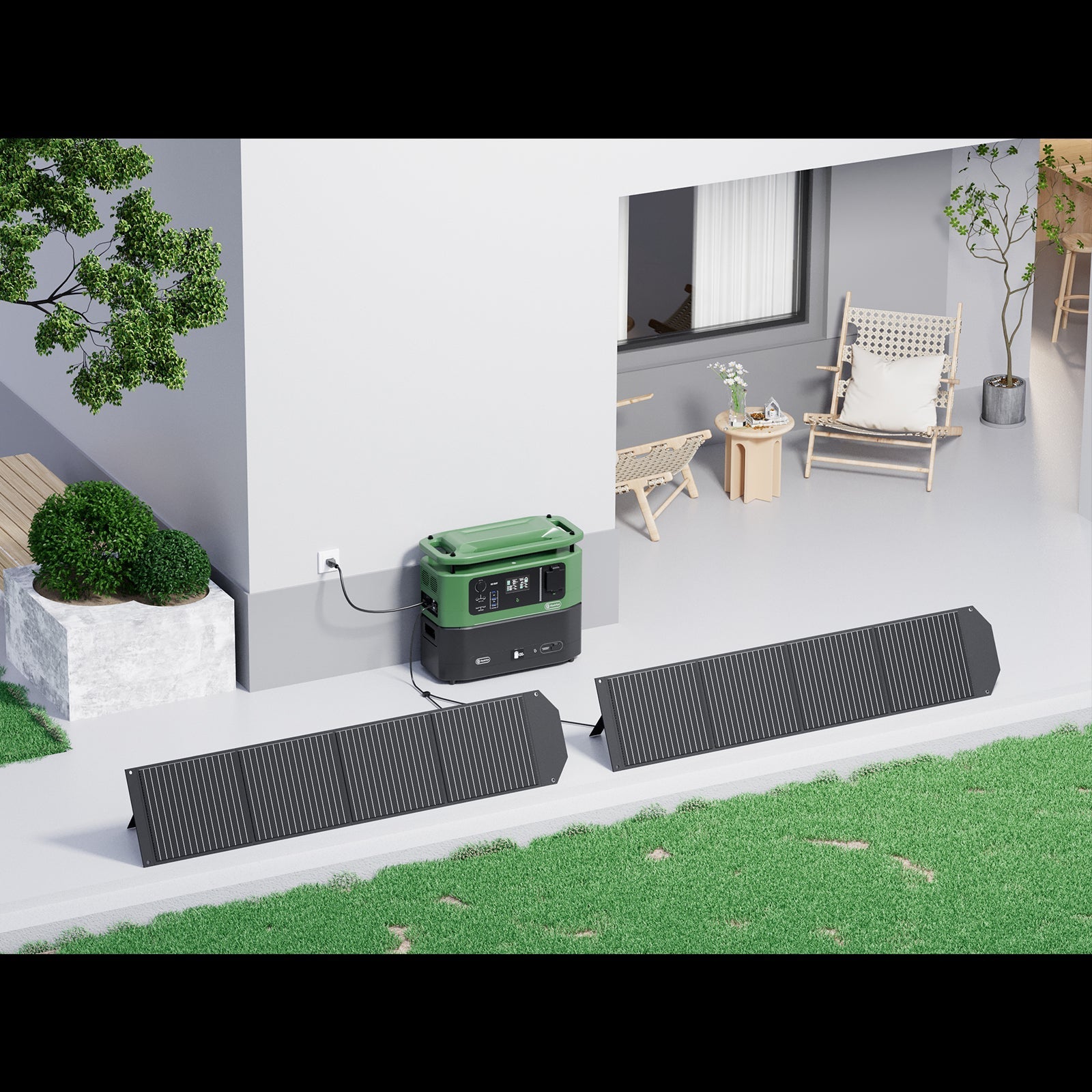
Quick answer: Place the portable panel where its active face receives direct sunlight, orient that face toward the sun, and connect it only after confirming the power station?? voltage, current, power, connector, and polarity requirements. Recheck the setup as the sun and shade move. A panel?? nameplate wattage is not guaranteed field output.
Confirm panel-to-station compatibility before setup
Read both manuals before connecting a panel and power station. Confirm the station?? accepted input-voltage range, current and power limits, connector, polarity, and any required approved adapter. A plug that fits physically does not establish electrical compatibility.
Stop when any required value is incompatible or unknown. Do not solve an evidence gap with an improvised adapter or by assuming that products from the same brand are automatically compatible.
Choose an open campsite location
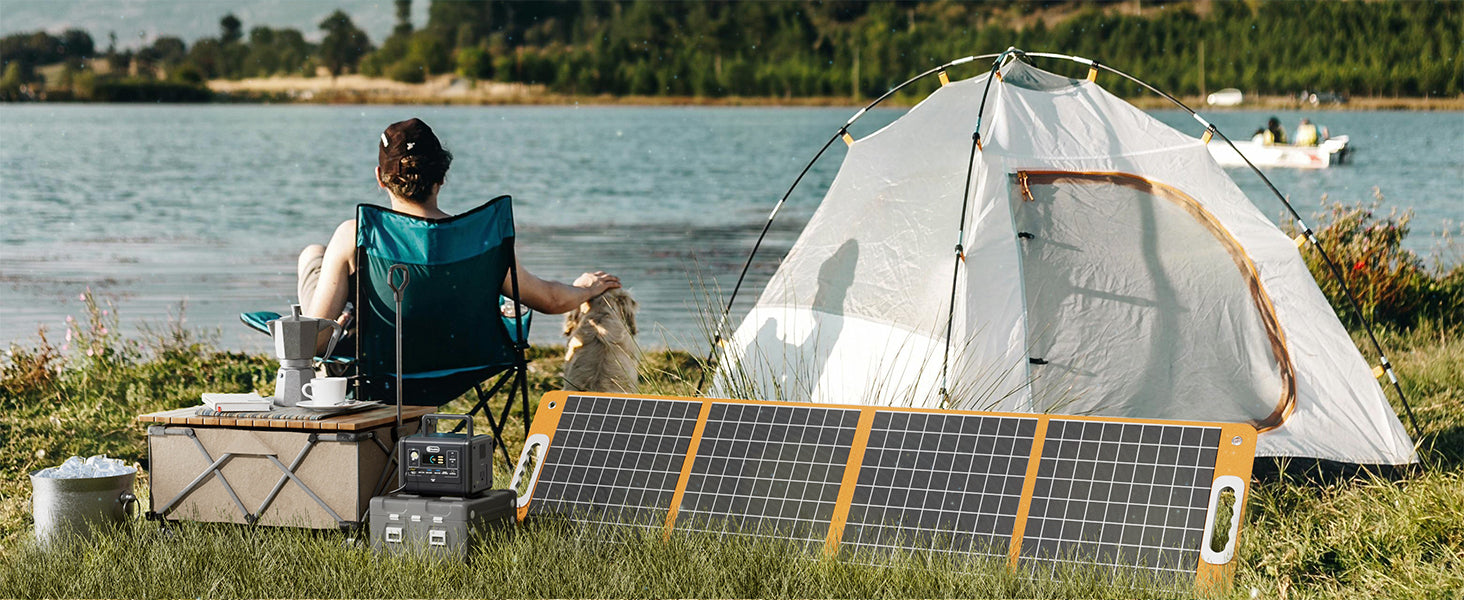
Look for a stable location with direct-sun access. Consider shade that may move across the panel from trees, buildings, vehicles, or other campsite structures. The U.S. Department of Energy's solar radiation overview explains that available solar energy varies with geographic location, time of day, season, landscape, weather, and orientation, so a location that works in the morning may need to be reassessed later.
Avoid placing the panel behind a window when direct outdoor sun is available. Glass, shade, and changing light can reduce the energy reaching the active surface. Follow all campsite and land-manager rules that apply to your location.
Face the active side toward the sun
Unfold the panel according to its manual and aim the active face toward the sun. There is no single compass direction or tilt angle that works for every campsite, date, and charging window. Use the current sun position and a stable setup rather than relying on a universal number.
Do not treat nameplate wattage as an output promise. Angle, temperature, weather, time, and shade all affect field conditions.
Lay out the panel and cable carefully
Use the manual?? handling instructions. Arrange the panel and cable so they are not sharply bent, pinched, stepped on, punctured, or placed near a heat source. Do not immerse the panel or connectors. The available FlashFish product documentation does not provide an IP rating for the TSP60 or TSP100, so it does not support a rain-safe or waterproof claim.
If the only available position would expose the equipment contrary to its manual or create an unstable cable route, stop and choose another location.
Connect and verify input
- Confirm compatibility from both manuals.
- Position the panel in direct sunlight with the active face toward the sun.
- Make the documented connection without forcing a plug or adapter.
- Where the station provides an input display, check that it reports incoming power.
- If there is no documented way to verify input, do not assume charging from connector fit alone.
An input reading can confirm that energy is reaching the station at that moment, but it is not a promise that the same rate will continue.
Recheck the setup during the charging window
Return periodically to check the sun position, new shade, weather changes, cable stability, and the station?? input indication. Reorient the panel only when you can do so safely and within the manuals??instructions.
A portable panel converts sunlight to electricity; it does not store energy. The connected station or another compatible storage device is what holds energy for later use.
TSP60 and TSP100 setup facts
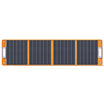
The FlashFish TSP60 has a 60 W nameplate rating, 18 V / 3.34 A DC output, weighs 1.9 kg, and is approximately 832.1 ? 455.93 mm unfolded. The TSP100 has a 100 W nameplate rating, 18 V / 5.6 A DC output, weighs 2.8 kg, and is approximately 1562.1 ? 402 mm unfolded.
Both manuals direct the user to face the front side toward the sun and note that conversion depends on direct-sun angle, temperature, weather, and charging time. Both include documented connector sets, but the presence of a connector does not prove compatibility with every station.
Campsite setup checklist
| Check | What to verify | Stop condition |
|---|---|---|
| Direct sunlight | Panel manual and current conditions | Panel remains shaded or behind glass |
| Orientation | Active face is toward the sun | No stable sun-facing setup |
| Electrical input | Station voltage, current, and power range | Any value is incompatible or unknown |
| Connector and polarity | Both product manuals | Physical fit without verified electrical match |
| Cable route | Manual-led handling | Panel or cable would be pinched, stepped on, sharply bent, or exposed contrary to the manual |
| Expected result | Documented input display, when available | No supported way to verify input |
When FlashFish may fit??nd when it may not
Review the FlashFish portable solar panel collection when the panel?? documented electrical output, connector, packed weight, and unfolded size fit your station and campsite plan. A panel may not fit when compatibility is uncertain, direct sunlight is unavailable, the setup cannot remain stable, or weather and handling requirements cannot be met.
Frequently asked questions
Which direction should a portable solar panel face while camping?
Face the active side toward the sun. The useful direction changes with location, time, season, landscape, and weather, so there is no universal compass answer.
Do I need to move the panel during the day?
Recheck it as sun and shade move. Reposition it when needed and when the manuals and site conditions allow a stable setup.
Can a portable solar panel work in shade or through a window?
It may produce some input under less-than-ideal light, but no result should be promised. Direct outdoor sunlight and correct orientation provide the clearer setup target.
Can I leave a portable solar panel out in the rain?
Do not assume that you can. The available product documentation says not to immerse these panels and does not provide an IP rating, so it does not support a rain-safe claim. Follow the exact manual.
How long will a TSP60 or TSP100 take to recharge a power station?
There is no fixed campsite answer. Station input limits, starting charge, conversion losses, sunlight, orientation, temperature, shade, and weather all affect charging time.

Leave a comment
Situs ini dilindungi oleh hCaptcha dan berlaku Kebijakan Privasi serta Ketentuan Layanan hCaptcha.