












Short answer: For a craft classroom, compare the E103 and T300Pro by the labeled inputs on the actual devices, the documented output configuration, the table layout, and the lifting plan. Neither model should be treated as automatically compatible with a classroom device or a group of devices.
Frame the comparison around the class plan
A useful classroom comparison starts with the job list: a phone, tablet, task light, label maker, or other low-draw labeled device may each have a different adapter and connector. Record the exact device model, charger label, cable, and whether the instructor needs it at one table or in more than one place. A station’s headline wattage is not a substitute for that inventory.
What the bundle documents
The FlashFish E103 record lists 179.2Wh capacity, LiFePO4 battery chemistry, a 300W rated pure-sine AC output, one USB-C output up to 60W, and two USB-A outputs up to 18W. The record lists a 230V AC configuration, so an instructor must confirm the exact destination-market outlet and voltage configuration before considering AC equipment. The T300Pro, resolved as TELLUS-T300Pro in the product bundle, lists 230Wh capacity, LiFePO4 battery chemistry, a 300W continuous pure-sine AC output, two 120V AC outputs, USB-C outputs up to 100W and 30W, and USB-A outputs up to 18W and 12W. Its documented weight is about 4.5kg.
Read those facts as comparison points, not promises
The E103 and T300Pro both supply documented specifications worth checking against device labels, but the records do not establish runtime, a particular device’s compatibility, or how a combined class setup will behave. A printer, heat tool, cutting machine, or charger may have requirements that are not apparent from its purpose. Keep each product manual and device manual in the decision process.
Set up a classroom comparison table
| Planning question | E103 record | T300Pro record |
|---|---|---|
| Capacity listed in the bundle | 179.2Wh | 230Wh |
| Documented AC output | 300W rated; confirm listed 230V configuration | 300W continuous; two 120V AC outputs |
| Documented USB-C output | One port up to 60W | Ports up to 100W and 30W |
| Physical handling note | About 3kg in the record | About 4.5kg in the record |
Make room layout part of the decision
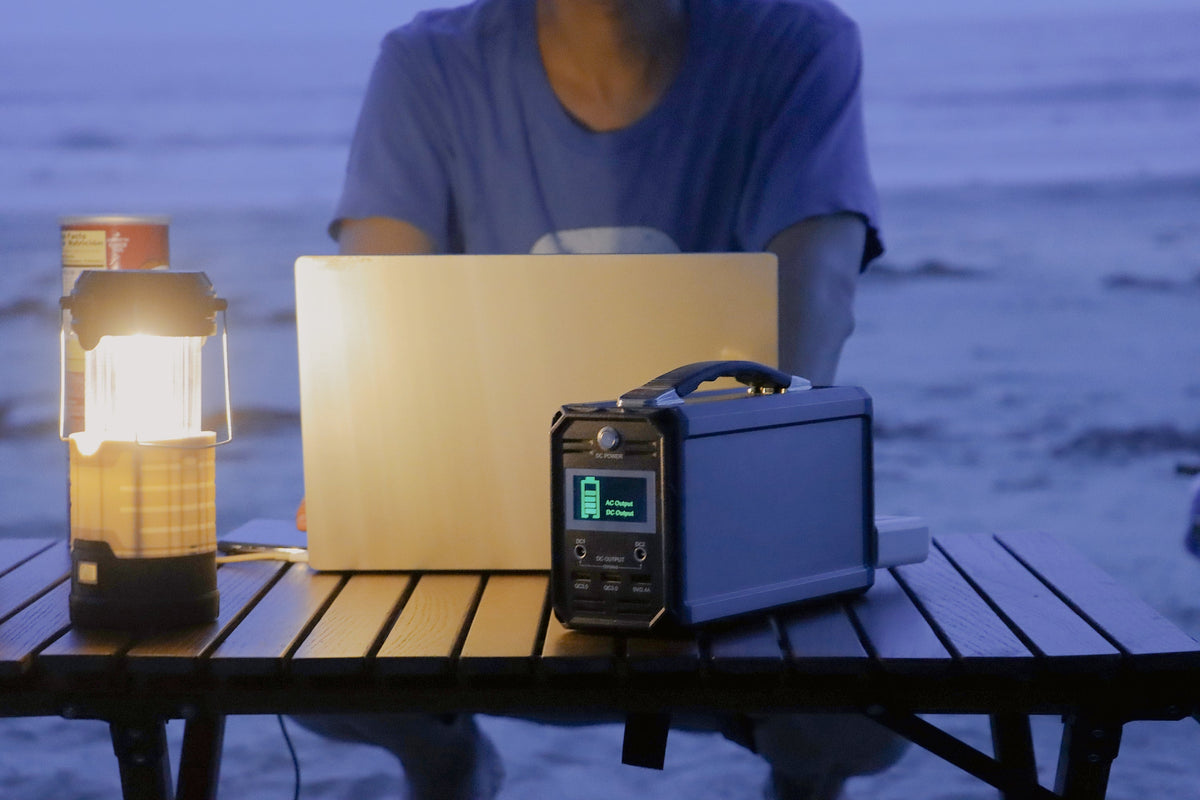
Choose a table where the station, connected devices, and class materials can remain organized. Keep the cables identified, avoid routing them through a work area, and let the instructor decide whether the venue permits the arrangement. If a device label, station variant, or placement cannot be verified, leave that item out of the powered plan rather than filling the gap with an assumption.
FAQ
Which model is better for a craft class?
There is no universal answer. Compare the exact device labels, station documentation, room arrangement, and handling needs for the class being planned.
Does 300W mean either station will work with every classroom device?
No. The output figure does not establish compatibility, startup behavior, or combined-load results for a particular device set.
Can the E103’s listed AC outlet be used in a U.S. classroom?
Confirm the exact destination-market outlet and voltage configuration before any AC use; the bundle record lists a 230V configuration.
Once the class inventory is complete, compare the exact FlashFish model documentation with each device label and select a setup the instructor can verify and manage.
Next step: Compare FlashFish E103 specifications with your requirements.


Commenta
Questo sito è protetto da hCaptcha e applica le Norme sulla privacy e i Termini di servizio di hCaptcha.