











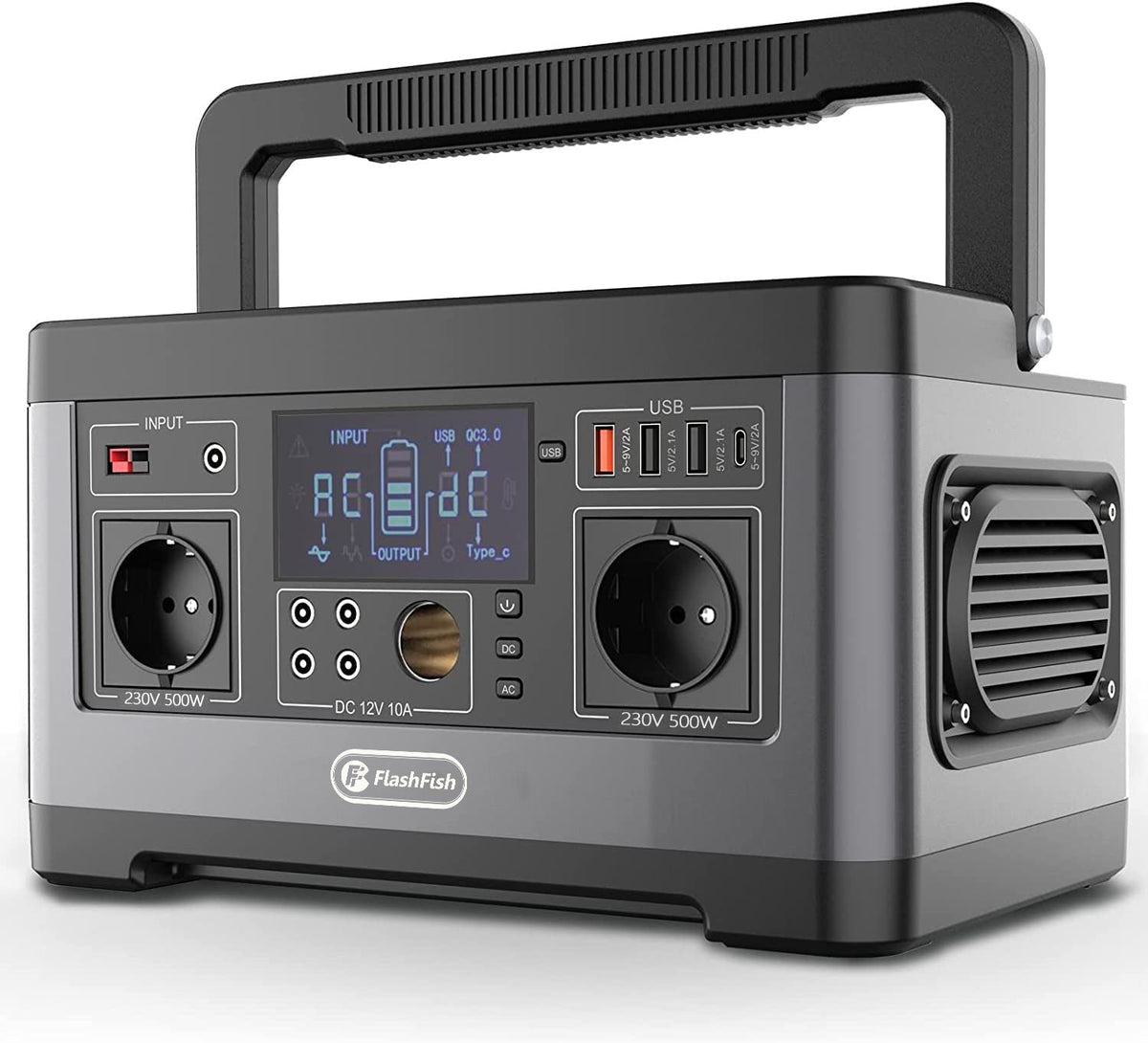
Direct answer: Plan the sign-in table around the labels on the tablet charger, phone charger, and task light—not around a guessed runtime. Choose the charging connection each item actually needs, add only equipment whose labeled requirements fit the station and its manual, and route every cable away from the public walkway.
Start with the table, not the power station
A repair-cafe welcome desk is usually more useful when it stays simple: one place to sign in, one place to answer questions, and a clearly managed charging area. Before choosing portable power, make a short inventory of the exact items that will be used at the table. Record the connection type, the power information printed on each item or its charger, and whether the item is needed continuously or only briefly.
- List the tablet and its actual charging adapter.
- List the phone or phones, including the correct cables.
- List the task light and its stated power requirement.
- Keep one person responsible for turning equipment on and off.
This process prevents a common mistake: treating a collection of familiar devices as if their total power need were obvious. Labels, adapters, and the station manual are the decision documents. The venue’s own rules still govern where a portable station may be placed and how cables must be managed.
Match ports before considering an AC outlet
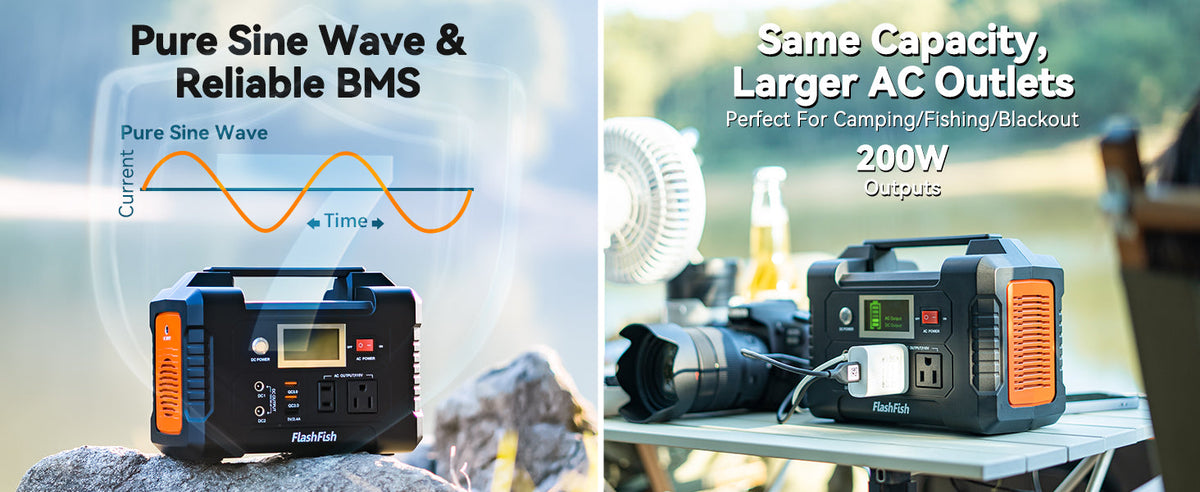
For a sign-in setup, direct USB charging may be a cleaner starting point when the device and cable support it. The FlashFish A101 manual-backed record lists two USB-C outputs rated up to 18W each and two USB-A outputs rated up to 18W each. Its capacity is listed as 97.68Wh. Those figures describe the station; they do not establish that a particular tablet, phone, cable, or charger will work as intended. Verify the device documentation and the exact regional version before connecting anything.
The A101 record also lists one AC output rated at 120W continuous, but its socket version varies by region. That makes an AC adapter a verification point, not a default shortcut. Confirm the station’s outlet format and voltage for the unit in hand, then compare the adapter label with the manual before use.
When a larger compact station may be easier to organize
If the setup needs more than simple direct charging, a model with a different port arrangement may be worth comparing. The FlashFish E103 record lists 179.2Wh of capacity, one USB-C output rated up to 60W, two USB-A outputs rated up to 18W, and 300W rated pure-sine AC output. It also carries a destination-market plug and voltage verification boundary. These are useful comparison points, not a promise about combined loads or a specific device.
For either station, avoid assuming that several devices can be added together without checking. Read every relevant label, follow the manual’s limits, and keep the setup within the organization’s and venue’s rules.
Build a calmer, safer table layout
| Area | Practical setup choice | What to verify |
|---|---|---|
| Volunteer side | Place the station where the assigned volunteer can see it. | Manual placement guidance and venue permission. |
| Guest side | Keep sign-in and cable connections behind the table edge. | Walkway and accessibility requirements. |
| Charging area | Use labeled, untangled cables for only the planned devices. | Device, cable, and adapter documentation. |
| Closeout | Disconnect and account for every cable before packing. | The station manual’s storage instructions. |
A short pre-event check
Set up the complete table before the event rather than improvising during registration. Confirm the exact port you intend to use, inspect cables for damage, and decide where guests will stand while volunteers work. If any label, plug format, or venue condition is uncertain, use a different arrangement until it is resolved.
FAQ
Can a portable power station run a tablet, phone, and task light together?
That cannot be determined from the device names alone. Compare the labeled requirements of the exact devices and adapters with the station’s documented ports and limits, then follow the manual.
Should a sign-in table use USB ports or an AC outlet?
Use the connection supported by the specific device and its documentation. Direct USB charging can reduce adapter clutter, but it is not automatically correct for every device.
Is the A101 the right station for every repair-cafe desk?
No. Its manual-backed port and capacity details can inform a comparison, but the final choice depends on verified labels, the exact regional unit, the venue, and the planned setup.
Use the labeled-load list as your shopping and setup filter: select a compact station only after its documented ports, output limits, and regional configuration match the equipment you have actually verified.
Next step: Compare FlashFish A101 specifications with your equipment list.

Commenta
Questo sito è protetto da hCaptcha e applica le Norme sulla privacy e i Termini di servizio di hCaptcha.