

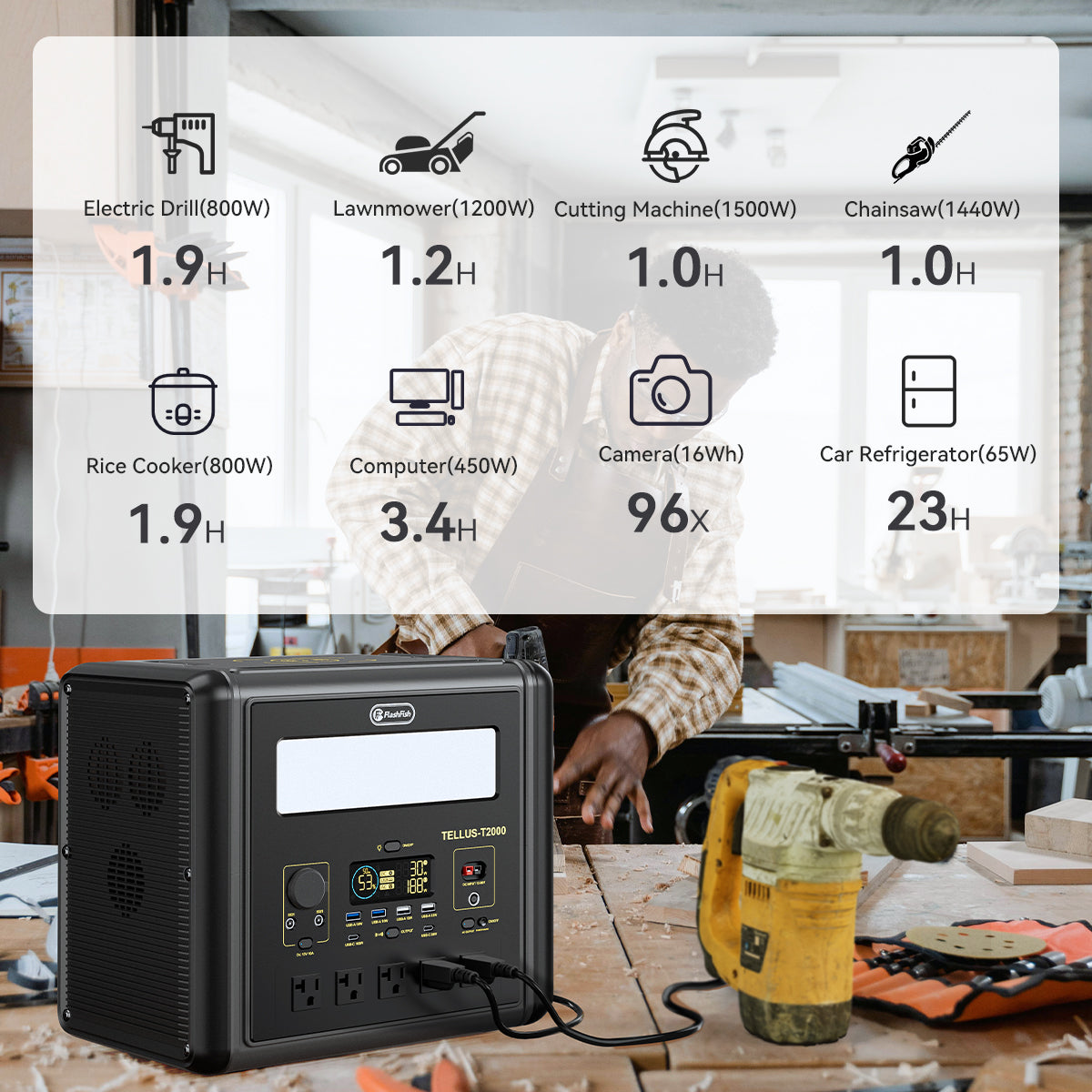
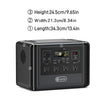

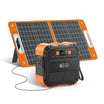
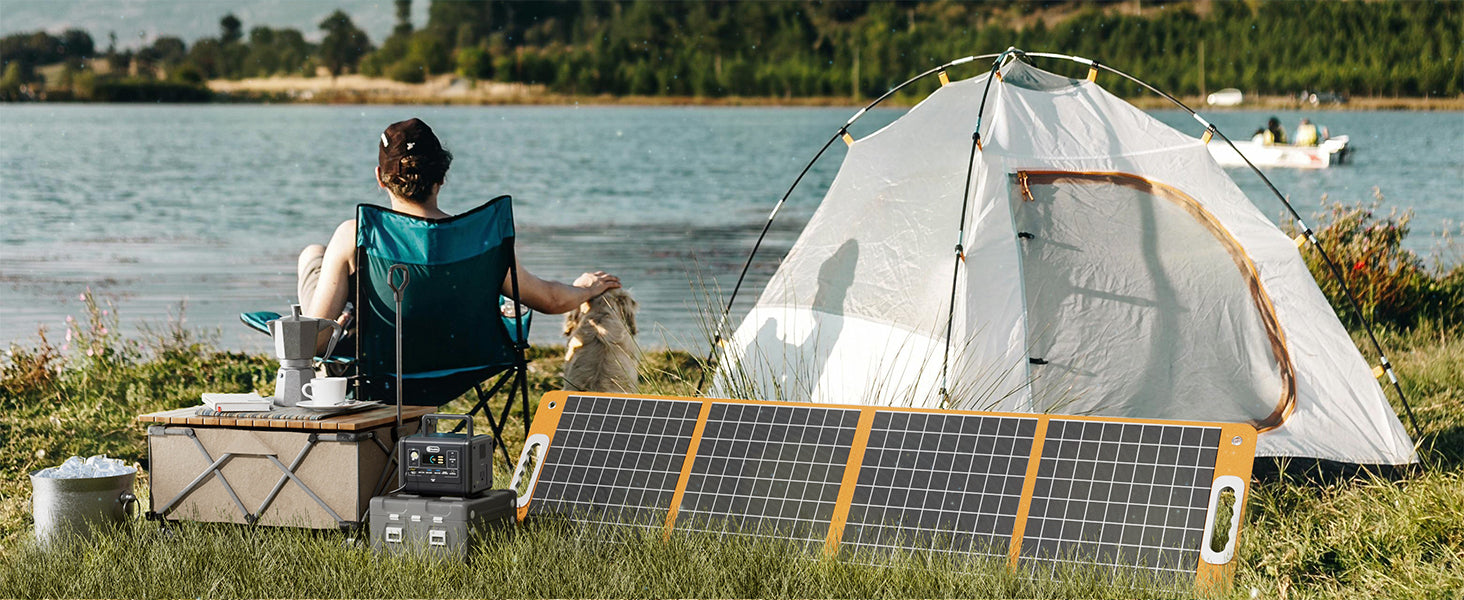
Quick answer: Test a camping power station with the exact devices, cables, and port combinations you plan to pack. Confirm each device starts, settles below the station's continuous-output limit, uses a supported port, and consumes a realistic amount of stored energy. Then test the recharge path separately. A successful check improves planning, but it is not a guarantee of campsite runtime.
Why a pre-trip power test is worth doing
The National Park Service camping guidance recommends testing equipment before a trip. For portable power, that means more than switching the station on. The useful test recreates your planned load with the same device chargers, cables, adapters, and operating sequence you expect to use away from home.
A pre-trip test can reveal a missing cable, an unsupported connector, a startup load above the station's limit, or an energy plan that is too optimistic. It cannot reproduce every campsite condition, so keep a margin and follow the manuals for the station and every connected device.
Step 1: build a device and load list
List every item you may power: phone, camera charger, laptop, lights, fan, radio, or another documented load. Read the device label or manufacturer manual and record its running watts, possible startup demand, required voltage, connector, and charging protocol. Do not substitute a number from a similar-looking device.
If the load has a motor, compressor, pump, or heating element, the startup or maximum demand may matter more than the ordinary running figure. The published running-watts and surge-watts guide explains why the two limits should not be treated as interchangeable.
Step 2: separate watts from watt-hours
The U.S. Energy Information Administration defines watts as power at a moment and watt-hours as energy used over time. Use watts to decide whether the station can support a device. Use watt-hours to plan how much energy the trip may consume.
Do not turn nameplate capacity into an exact runtime promise. Conversion losses, standby consumption, temperature, device cycling, battery state, and the output path affect usable energy. The published portable power station watt-hours guide provides a deeper planning method.
Step 3: inspect the station, ports, and cables
- Read the current station manual and check for damage or unresolved warnings.
- Confirm that every planned cable and adapter matches the documented port and electrical requirements.
- Check USB-C device and cable requirements, not just the connector shape.
- Confirm AC loads remain within continuous output and do not rely on a peak rating for normal operation.
- Pack the charging cable for the station itself and any documented solar or vehicle adapter you intend to use.
A plug that fits is not proof of compatibility. Voltage, current, power, polarity, protocol, and cable capability can all matter.
Step 4: test devices one at a time
Start with the station at a known charge level. Connect one device using the planned cable and port. Confirm that it starts normally, remains stable, and does not trigger an overload or other warning. Where the station displays output power, record the observed value as a planning note rather than a universal specification for that device.
Repeat the process for every planned load. If a device behaves differently across operating modes, test the mode you expect to use. Stop when the station or device manual indicates a fault, when the load exceeds a documented limit, or when compatibility remains uncertain.
Step 5: test realistic combinations
After individual tests pass, connect only the combinations you expect to run together. Add the observed loads and compare them with the station's shared and per-port limits. Multiple outlets do not multiply the station's total continuous AC rating.
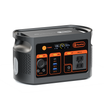
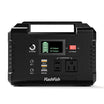
For example, the FlashFish T200 is documented at 200 W continuous AC and 400 W peak, while the T300PRO is documented at 300 W continuous AC and 600 W peak. Those figures are boundaries, not recommendations to operate continuously at the maximum.
Step 6: estimate energy with a margin
Record how much charge the test uses over a known period, but treat the result as one observation. Build the trip plan from device energy needs, expected hours of use, and a practical reserve. Essential communication and lighting loads should not depend on a best-case estimate.
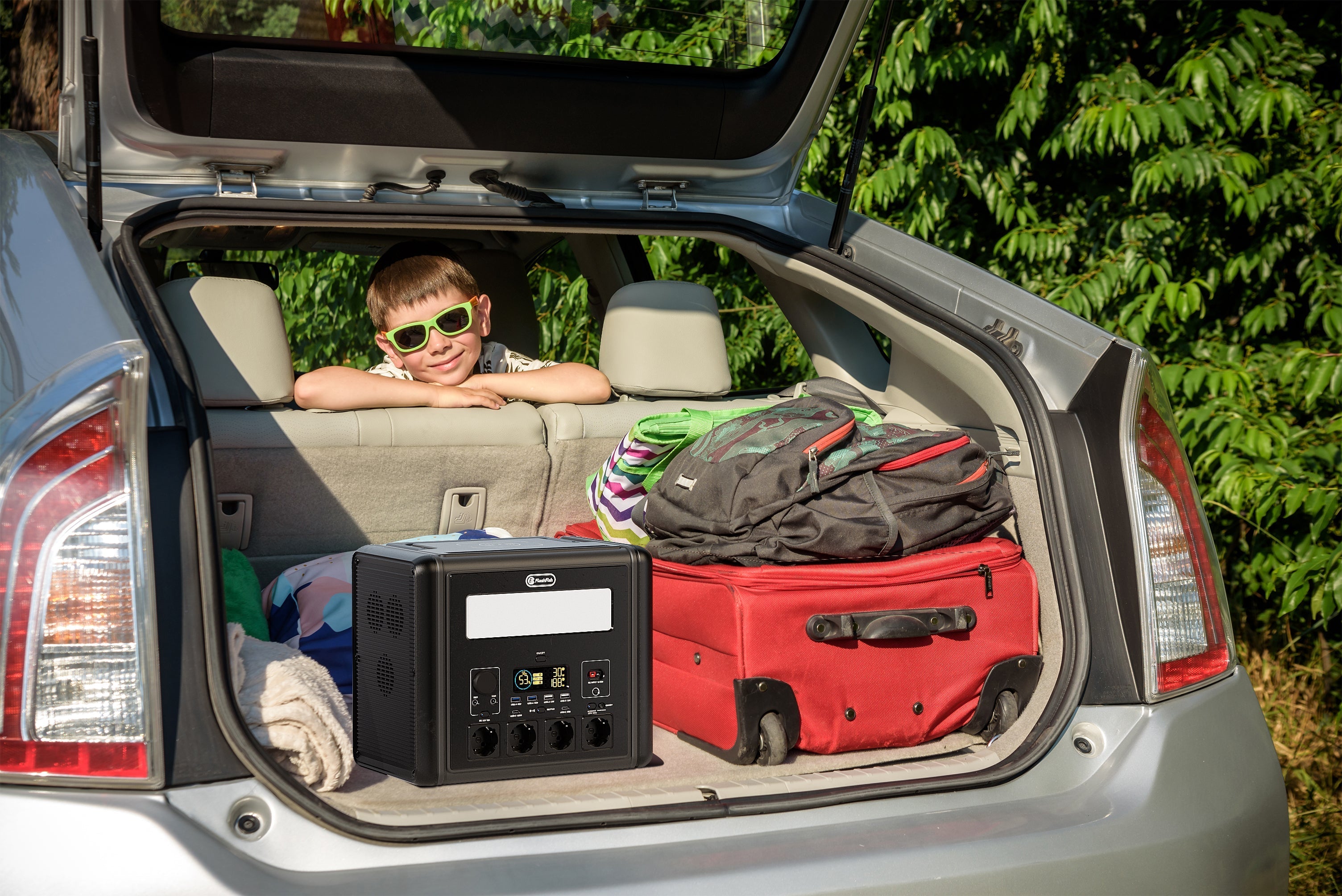
The T200 stores 153.6 Wh and weighs 2.5 kg. The T300PRO stores 230 Wh and weighs 4.5 kg. Greater capacity can support a larger energy plan, but carried weight and the complete gear list still matter.
Step 7: test recharging separately
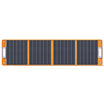
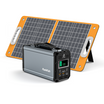
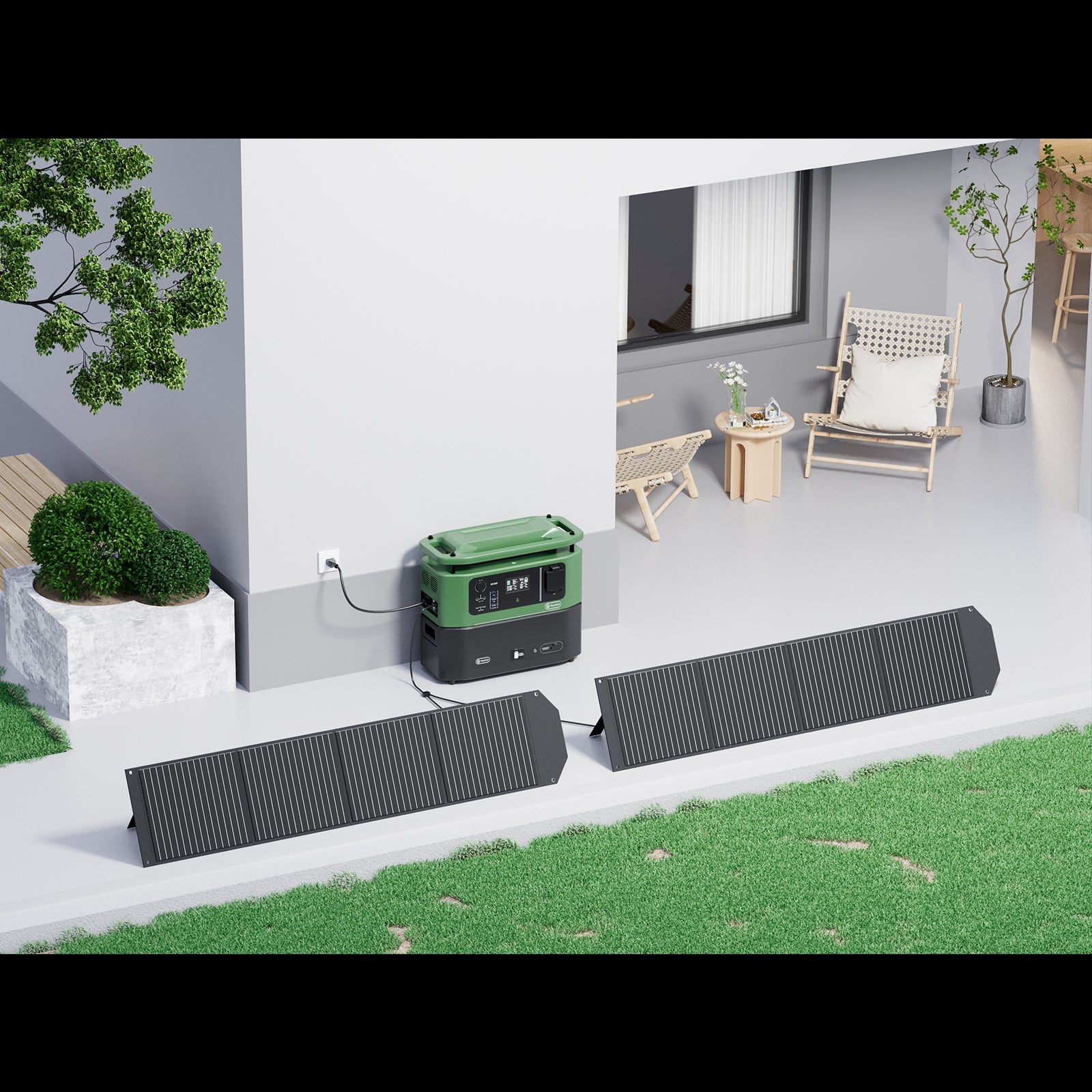
Verify wall, vehicle, USB-C, or solar charging only through methods documented for the station. For solar, match voltage range, current limit, power limit, connector, and polarity before connecting a panel. The U.S. Department of Energy solar resource overview explains why location, time, season, landscape, weather, and sun angle change available solar energy.
Do not assume that a successful sunny-yard test will produce the same input at camp. Begin the trip with enough stored energy for essential use and treat solar as a conditional recharge path.
Record a simple go or no-go result
| Check | Pass condition | No-go condition |
|---|---|---|
| Device load | Starts and runs within documented limits | Overload, fault, or unknown requirement |
| Port and cable | Electrical and protocol requirements match | Physical fit without verified compatibility |
| Combined use | Planned combination stays within shared limits | Total or per-port limit is exceeded |
| Energy plan | Observed use supports the plan with reserve | Plan depends on a best-case runtime |
| Recharge path | Method is documented and verified | Adapter, polarity, or input limits are uncertain |
When FlashFish fits and when it may not
Review the FlashFish portable power station collection after the device list is complete. The T200 can fit a lighter load plan that stays within 200 W continuous AC and its documented ports. The T300PRO can fit when the plan needs up to 300 W continuous AC, more stored energy, or higher USB-C capability.
Choose another solution when the required output, energy, waveform, port, environment, or manual instructions are not supported. A brand or capacity label alone is not enough to approve a load.
Frequently asked questions
How long should I test a portable power station before camping?
Run every planned device long enough to confirm its startup, steady load, port, cable, and charging behavior, then repeat the combinations you expect to use. The goal is verification, not a universal minimum number of minutes.
Should I test all camping devices at the same time?
Test devices individually first. Then test only the combinations you realistically plan to run together while staying within documented output and per-port limits.
Does a successful home test guarantee campsite runtime?
No. It improves planning, but temperature, device behavior, conversion losses, standby use, and recharge conditions can change the result.
Should I test the solar panel too?
Yes, if solar is part of the plan. Verify electrical compatibility and basic input, but do not treat one test condition as guaranteed campsite yield.

发表评论
此站点受 hCaptcha 保护,并且 hCaptcha 隐私政策和服务条款适用。