

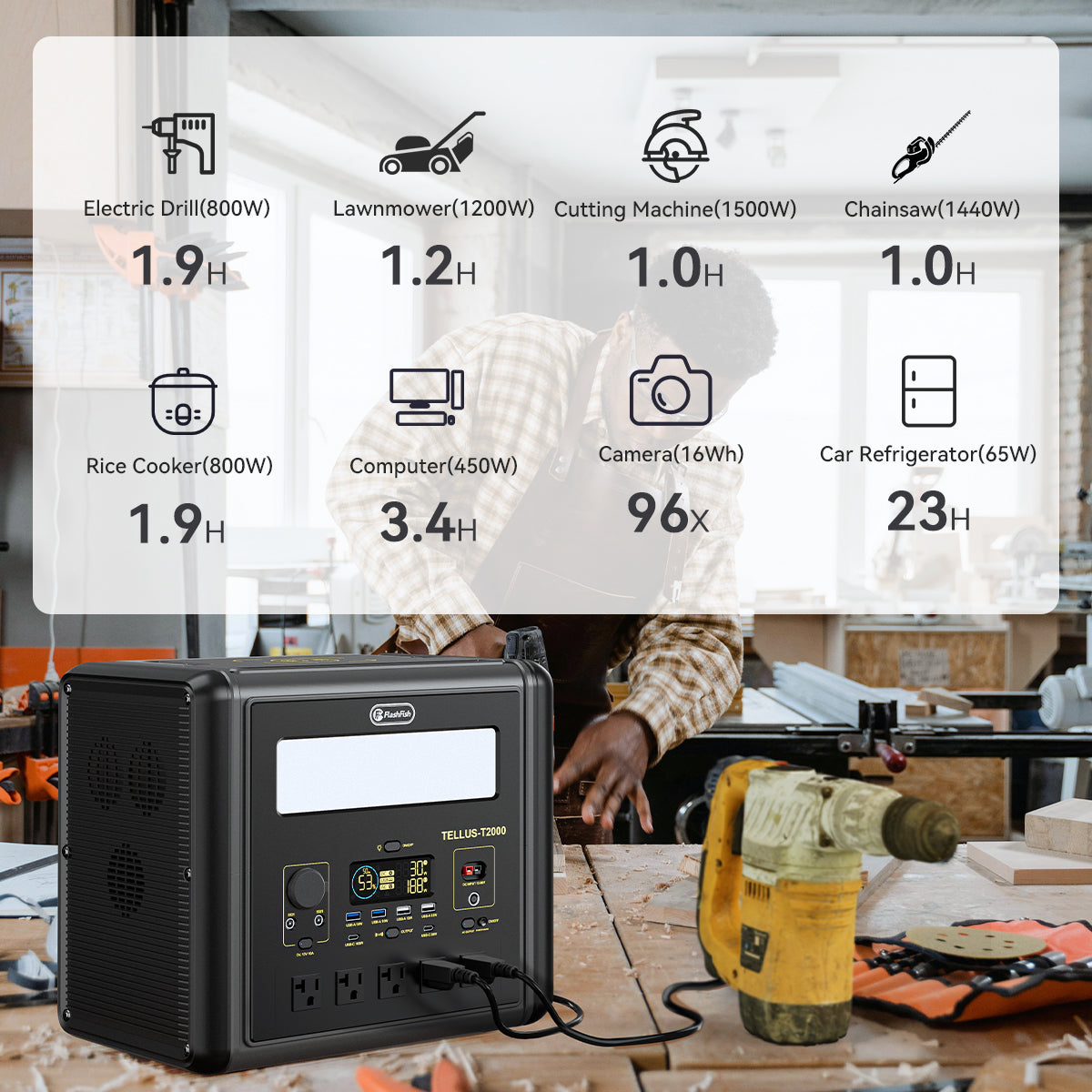
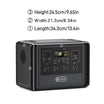
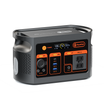
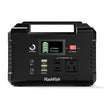

For an E103 that unexpectedly flashes, identify the LED control and read the matching manual before pressing through more modes. The E103 110V manual separates ordinary brightness settings from SOS and strobe. It also documents a long press of the LED switch to turn the light off. Use that instruction only after confirming that the manual and control match your unit; this guide does not demonstrate flashing signals.
This is a reading guide to the original controls, not a hands-on test, emergency signaling tutorial or medical recommendation. It makes no claim about flash frequency, signal effectiveness, brightness or lighting runtime.
Find the control on the light side of the station
Open the E103 110V original manual. Printed page 5 shows the front ports and the separate light-side control; printed page 6 identifies the LED light switch and LED light. Printed page 9 contains the section titled “LED Light.” Use those locators rather than assuming the AC, DC or main power control performs the same action.
The manual notes regional differences in AC sockets, voltage and frequency. This article uses the 110V file linked in the FlashFish U.S. manual directory; it does not replace a conflicting label or establish that every E103 revision has identical controls. If your product's layout differs, obtain the matching instructions from support.
Read the light settings as two different kinds of output
The E103 lighting list uses Dim, Medium, Strong, SOS and Strobe. The English manual uses “weak” for the first brightness setting and “strobe” for the last flashing setting. These are label differences, not a reason to invent an additional mode.
| Exact document scope | Mode label | Type of setting | Original control locator | Boundary |
|---|---|---|---|---|
| E103; matching 110V manual | Dim/weak, medium, strong | Ordinary brightness choices, distinct from the flashing choices | Printed page 9, LED Light | No lumen or runtime value is established here |
| Same model/document | SOS | Flashing choice | Printed page 9, LED Light | A mode name is not a monitored distress service |
| Same model/document | Strobe | Flashing choice | Printed page 9, LED Light | No demonstration or frequency claim |
| Same model/document | Off | Light off | Printed page 9, third LED instruction | Confirm the LED switch first; do not substitute another output button |
Use the documented off instruction before reconsidering the setting
Printed page 9 says a short press turns the LED on, repeated short presses change modes, and a long press of the LED switch turns it off. The section gives no number of seconds for that LED long press. Do not borrow the timed AC-switch instruction printed below it.
For a matching unit, the documented LED-off action avoids intentionally cycling through further flashing settings to find a steady one. If you want ordinary task lighting afterward, consult the same section for the brightness choices and confirm the resulting setting. Do not rehearse SOS or strobe as part of this guide.
If the control or response does not match the document, do not improvise a button sequence or open the case. Note the exact unit and manual mismatch and ask FlashFish support for the applicable instructions. No alternative reset, hidden menu or firmware procedure is established here.
Three hypothetical owner decisions
These fictional examples illustrate document checks; none describes an observed user, test or emergency.
The owner recognizes the matching LED switch
An owner sees unexpected flashing and confirms the light-side switch against the manual illustration. The owner consults the LED-off instruction instead of treating the adjacent AC-output directions as light controls.
The station layout differs from the file
A second owner's control labels do not match the diagram. The owner records the model and electrical version and requests the correct document, without treating a similar-looking control as equivalent.
The owner needs ordinary campsite lighting
A third owner is comparing the non-flashing brightness choices. The owner uses the matching LED section for those settings. The SOS label supplies no reason to choose it for routine illumination or assume someone will receive a signal.
Prepare a focused support question
Include the model, regional electrical version, manual filename and printed page, plus which exterior control you identified. Describe the existing observation in words; there is no need to recreate flashing for a video. Keep serial numbers and purchase details in the private support exchange.
Ask support to identify the correct light-control instructions for that exact unit. A clear description of a document mismatch is more useful than a guessed fault diagnosis. This guide does not determine whether a particular station is defective.
FAQ
Should I use the AC switch's timed press for the LED light?
No. The manual gives separate instructions for those controls. The LED-off instruction specifies a long press without a duration; do not import timing from the AC section.
Does the SOS label mean someone is monitoring the signal?
No monitored service is established by this light-mode label. Do not treat selecting the mode as contacting help or confirming that a signal has been received.
Can a video of another E103 replace my manual?
It cannot establish the revision or control mapping for your unit. Match the product label and original instructions, and ask support when they disagree.
Next step: Review the FlashFish E103 product details.

发表评论
此站点受 hCaptcha 保护,并且 hCaptcha 隐私政策和服务条款适用。