











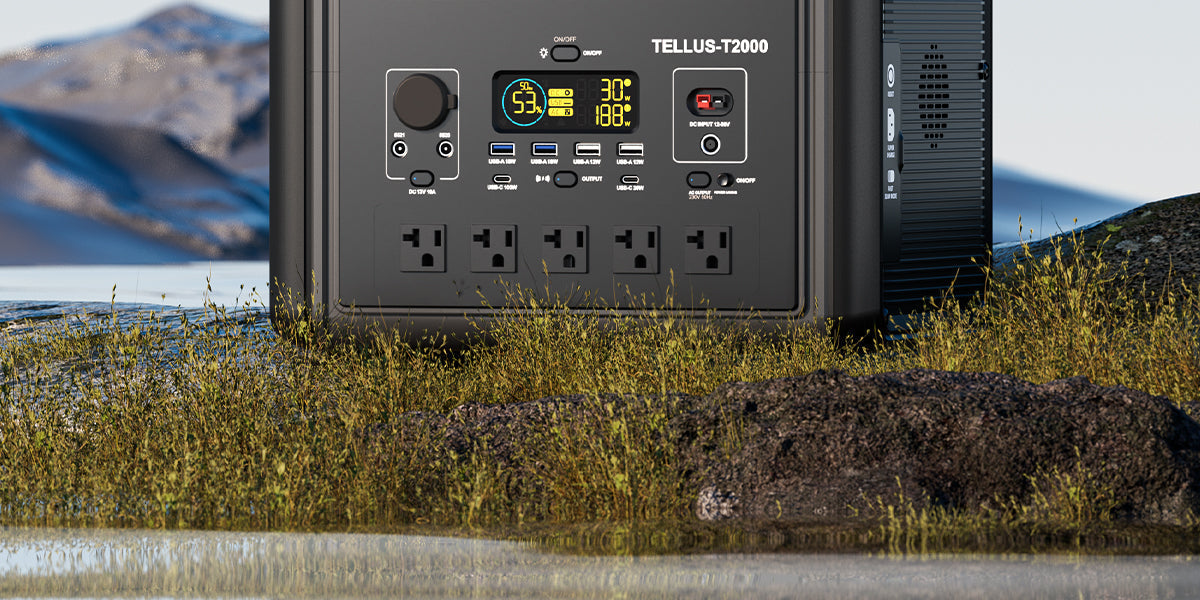
Short answer: build a birding festival data-entry power plan around the exact phones, tablets, hotspot, card reader, and task light used by volunteers. Record each device's charging input and expected hours, add the watt-hour estimates, check simultaneous output, and keep essential data entry separate from optional guest charging. The power station should stay dry, ventilated, stable, and outside foot traffic.
A field tent usually needs less power than a food or production booth, but it has less tolerance for a missing cable or depleted tablet. Observation records may arrive in bursts, network service may vary, and volunteers may bring unfamiliar chargers. A written device plan is more useful than choosing the largest battery without knowing the load.
Define the minimum working system
Start with the equipment the team needs to accept, verify, and preserve records. That may be one primary tablet, one phone for coordination, a hotspot where the event permits it, and a small task light. A second tablet, camera-battery charging, or visitor phone charging belongs in an optional layer.
| Record before the event | Why it matters | Evidence to use |
|---|---|---|
| Input voltage, current, or watts | Establishes the load instead of guessing from device type | Device label, original adapter, and manual |
| Connector and charging protocol | Prevents a cable that fits but cannot deliver the required profile | Manufacturer documentation |
| Expected active and charging time | Turns power into a watt-hour planning estimate | Shift schedule and test run |
| Essential or optional status | Creates a clear order for disconnecting loads | Volunteer operating plan |
Estimate energy without promising runtime
Multiply each device's verified wattage by its expected hours of use. Add those watt-hour figures, then leave a reserve for conversion losses, idle draw, temperature, battery condition, screen brightness, and unexpected shifts. This calculation is a planning method, not a guarantee that a station will deliver its full labeled capacity to the devices.
For illustration only, a 10W tablet used for six hours represents 60Wh. A 5W hotspot used for the same period adds 30Wh. A 4W light used for three hours adds 12Wh, producing a 102Wh planning total before losses and reserve. Replace every example number with the labels and test results from the actual event kit.
Check power and energy separately
Watt-hours help frame how long the energy budget might last. Continuous watts determine whether the station can support the simultaneous load. Also verify the output type. A device that requires its original AC adapter cannot automatically use a USB port, while a USB-C connector does not by itself prove support for the required charging profile.
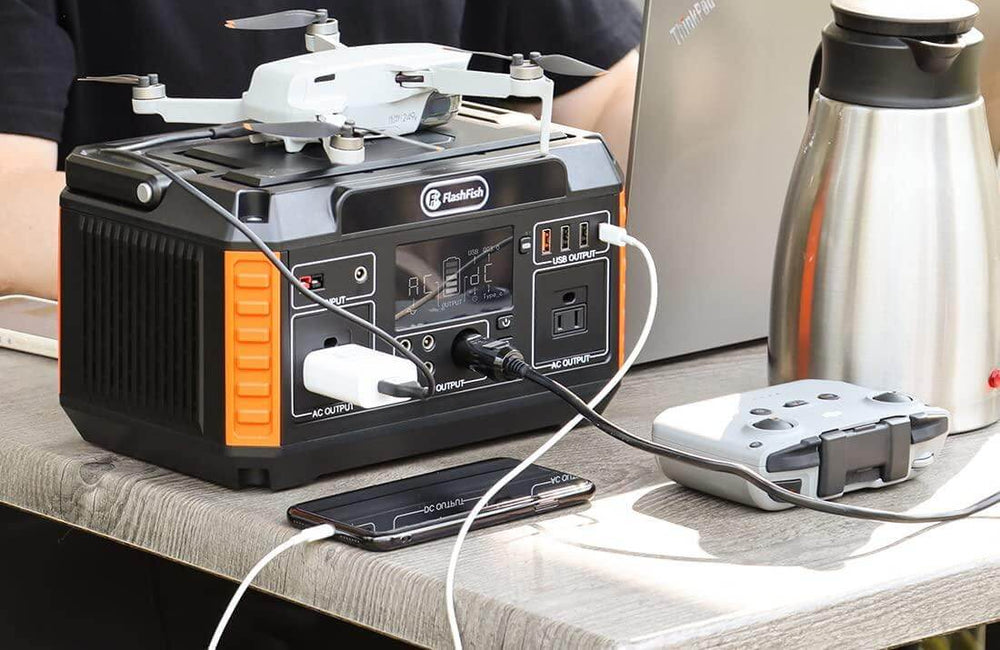
Two compact FlashFish models can serve as comparison points. The local product record lists A101 at 97.68Wh with 120W continuous AC output. It lists E103 at 179.2Wh with 300W continuous pure-sine AC output and USB-C output up to 60W. Those facts define different planning classes; they do not prove compatibility or runtime for a particular tablet, hotspot, charger, or simultaneous setup.
Build a port map before packing
Draw the station and assign one verified cable to each output. Label both ends. Bring the original adapters and one tested spare cable for the primary data-entry device. If a volunteer arrives with a device that is not on the map, do not connect it until the label, cable, and remaining budget have been reviewed.
Protect the records as well as the equipment
Power is only one failure point. Configure the data-entry tool for the event's approved offline workflow where available, schedule exports or backups, and keep a paper capture form for observations that cannot be entered immediately. The fallback should preserve the observer, time, location, and species details required by the event's process.
Set up the tent safely
- Place the station on a firm surface above damp ground.
- Keep ventilation openings clear and follow the product manual.
- Route cables behind the volunteer table, not across an entrance.
- Protect electronics from rain, spray, dust, food, and drinks.
- Follow festival, park, refuge, or property rules for electrical equipment.
- Stop using equipment that is wet, damaged, unusually hot, or behaving abnormally.
Run one realistic rehearsal
Use the exact tablet, network path, brightness, cables, adapters, and station outputs planned for the event. Enter sample records while all essential devices operate together. Check whether connections remain stable and whether the power display changes as expected. A short connection test is not a substitute for a rehearsal that resembles a volunteer shift.
FAQ
How large a power station does a birding data tent need?
There is no universal size. Add the verified watt-hour needs of the exact devices, check simultaneous watts and required outputs, then select a station with a deliberate reserve.
Can volunteers charge personal phones from the same station?
Only if personal charging is an approved optional load with assigned ports and enough reserve. Disconnect it before any essential data-entry or communication device.
Is a solar panel necessary for a one-day festival?
Not necessarily. A fully charged station may cover a verified one-day plan. Solar adds compatibility, weather, placement, cable, and site-rule questions, so include it only when the operating plan benefits from daytime recharging.
What should the team do if rain reaches the tent?
Follow the event weather plan and product manual. Disconnect and move equipment before it becomes wet; do not improvise a cover that traps heat or blocks required ventilation.
Next step: Compare FlashFish A101 specifications with your equipment list.

コメントを書く
このサイトはhCaptchaによって保護されており、hCaptchaプライバシーポリシーおよび利用規約が適用されます。