


Give each removable camera battery an anonymous ID and track it through ready, in-use, depleted, and unresolved states. Move it into ready only when the exact battery and charger instructions support the recorded completion evidence. A familiar pouch, a connected cable, or time spent beside a power station does not establish readiness. If identity or evidence conflicts, keep that item unresolved rather than counting it as a ready spare.
This is an inventory method for an existing, manufacturer-approved camera-battery setup. It does not approve a battery, charger, cable, or power-station pairing. No particular camera or charger model, actual battery log, or charging result is supplied here.
Make identity stable before sorting by state
Choose simple private IDs such as B1, B2, and B3. Associate each with the exact battery model and your own identifying record. Put removable labels on the storage organizer or tracking card without covering required battery markings. If you cannot reliably distinguish two items, record that identity problem before trying to track separate histories.
Keep the camera, battery, charger, and station documentation separate. The camera maker's battery approval answers one question; the charger's supported battery list and completion-indicator definition answer others. The station's output documentation concerns the supply path. One document cannot stand in for the whole chain.
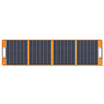
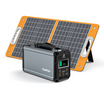
FlashFish's U.S. User Guides directory provides model and electrical-version matching guidance for the station side. For the removable camera battery, use its own manufacturer's instructions. Do not infer camera-battery approval from the FlashFish name on the supply.
Define what each state means in your log
| State | Evidence to retain | Transition rule |
|---|---|---|
| Ready | Known identity and recorded manufacturer-defined completion evidence | Move to in-use when issued to the camera |
| In-use | Battery ID, issue time, and camera assignment | Record its return and the observed indication |
| Depleted | Known identity and the camera's documented low/depleted indication | Keep out of ready until the approved recharge process has supported completion |
| Unresolved | Missing identity, missing completion evidence, or conflicting records | Resolve the specific discrepancy before changing its state |
“Ready” is a planning label for the recorded condition at that time. It is not a promise of battery health, remaining shooting time, or successful operation in every situation. Preserve the timestamp so an old completion record is not mistaken for a fresh check.
An item currently charging should remain outside the ready count. Add an “attended charging in progress” note to its depleted or unresolved record. A charging note describes an activity; it is not completion evidence.
Use a short transition record at each handoff
A practical record can fit on a card or phone note: anonymous battery ID; last confirmed state; charger model and supported-battery reference; completion-indicator source; observation and time; current organizer location; and any discrepancy. Keep private identifying details out of shared photographs.
When a battery goes to the camera, update its state and camera assignment together. When it returns, enter what the camera actually indicated and consult the matching instructions before interpreting it. If it was removed early without a clear indication, do not automatically call it depleted or return it to ready.
During an attended recharge using the approved equipment, record the relevant observation as it occurs. Interpret the indicator according to that exact charger's instructions. A light color or pattern has no universal meaning in this worksheet. If you did not see the required evidence, leave the completion field empty.
Physical separation helps make the record visible, but organizer location follows the evidence. A ready pouch cannot turn an undocumented item into a ready battery. If someone moves an item without updating the record, reconcile the ID and state before issuing it.
Three hypothetical inventory corrections
Example 1: A battery appears in the ready pouch
B1 is in the ready location, but its last entry says depleted and there is no completion record. The photographer marks B1 unresolved and removes it from the ready count. The next task is to resolve its history using the approved equipment instructions, not assume the pouch location is correct.
Example 2: One item completes, another is still charging
B2 has the recorded completion evidence defined by its matching charger instructions. B3 remains in an attended charging session without that evidence. B2 can move to ready under the inventory method; B3 cannot. The power station's own display does not settle either camera battery's state.
Example 3: Two similar items cannot be distinguished
Two returned batteries no longer have reliable ID associations. One log has a completion entry, but the photographer cannot connect it to a specific item. Both records stay unresolved until identity is established. The log cannot transfer one item's evidence to whichever battery is needed next.
Count ready spares without predicting a shoot
Count each uniquely identified item in its current confirmed state once. The ready-spare total includes only ready items; a battery already assigned to the camera belongs in the in-use count. Keep depleted and unresolved items outside the ready total, even if every physical item is packed in the same kit.
That count helps decide whether the next planned handoff is supported by the inventory. It does not tell you how many photographs, clips, or hours remain. Do not convert a station's nominal watt-hours into a number of camera-battery charges from this record, or treat recorded charging sessions as battery cycles.
Where E103 and T200 fit in the supply record
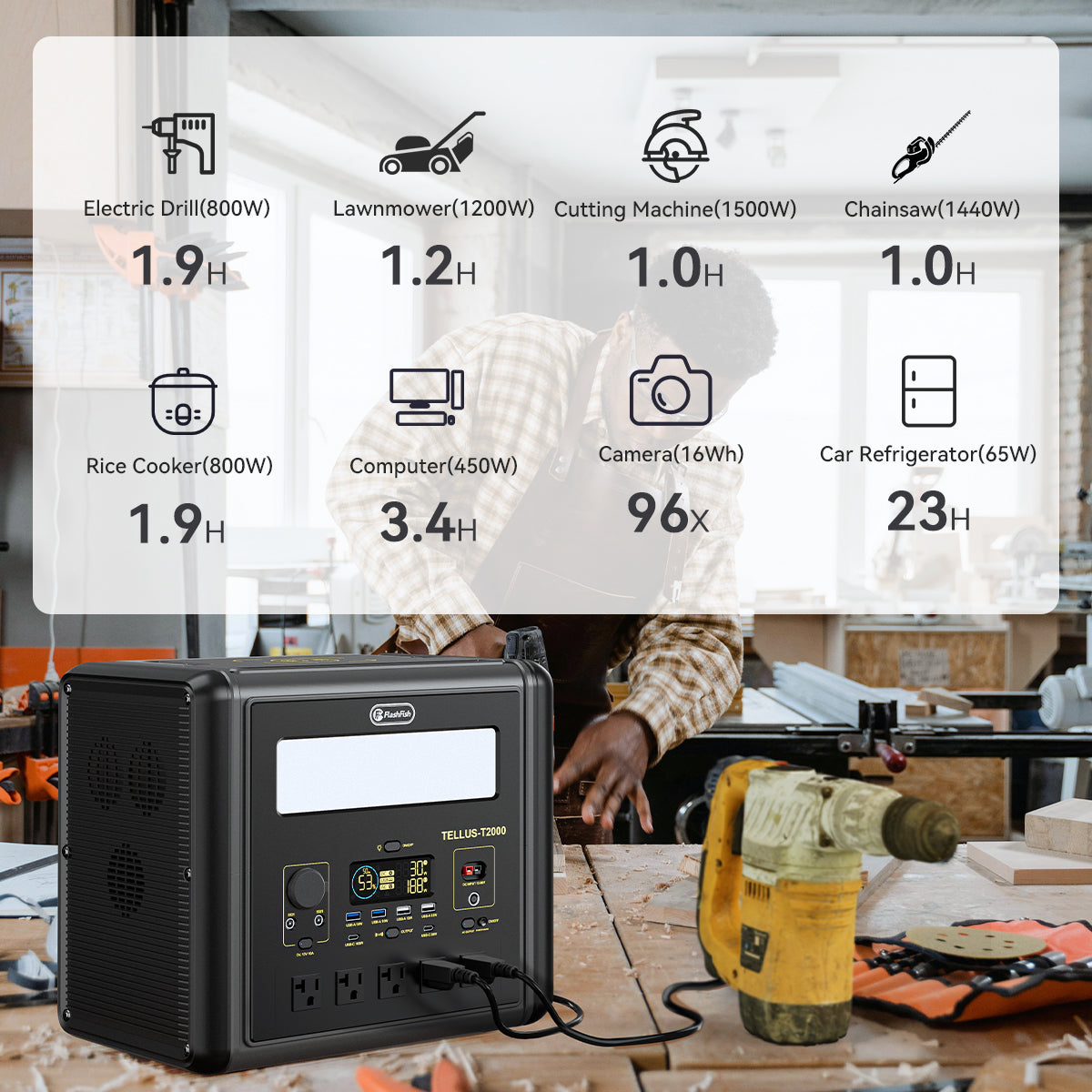
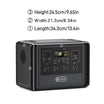
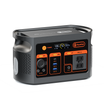
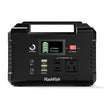
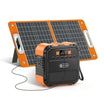
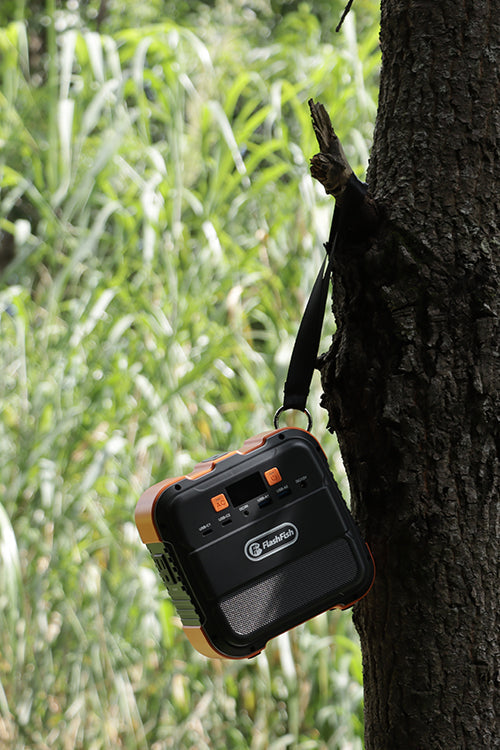
The FlashFish E103 lists 179.2Wh and a USB-C output rated up to 60W. T200, also named TELLUS-T200, has a documented 153.6Wh capacity, USB-C1 up to 60W, and USB-C2 up to 18W. Record the exact port only after the receiving charger and cable requirements have been matched. These ratings alone do not establish a compatible camera-battery charging path.
The E103 reference manual describes a 230V AC version. It cannot approve an AC charger connection to a U.S. unit. Use the electrical label and matching regional documentation for the actual station. Whatever supply is approved, readiness still comes from the camera battery and charger evidence, not the station's charge indication.
Frequently asked questions
Can I use organizer location as the only record?
Location is a useful reminder, but it cannot explain an accidental move or identify which completion evidence belongs to which item. Keep a short ID-and-state entry so the physical arrangement can be checked against the record.
Does a completed charge certify battery health?
No. This method uses the exact manufacturer's completion indication for an inventory decision. It does not test capacity or certify condition. Follow the equipment instructions for any indication that requires attention rather than treating a log entry as clearance.
What should another photographer see at handoff?
The anonymous item ID, current confirmed state, time of the supporting observation, and relevant camera assignment are enough to explain the inventory decision. Include unresolved discrepancies so the next person does not silently promote an uncertain item to ready.
Set up the next battery handoff
Create the ID list and four state categories before packing. Reconcile the physical items with their records, then count only confirmed ready spares. If E103 or T200 is being considered as the supply, first compare the exact output documentation with the approved charger's requirements; choose the documented path before adding it to the inventory process.
Next step: Compare FlashFish E103 specifications with your equipment list.


コメントを書く
このサイトはhCaptchaによって保護されており、hCaptchaプライバシーポリシーおよび利用規約が適用されます。