











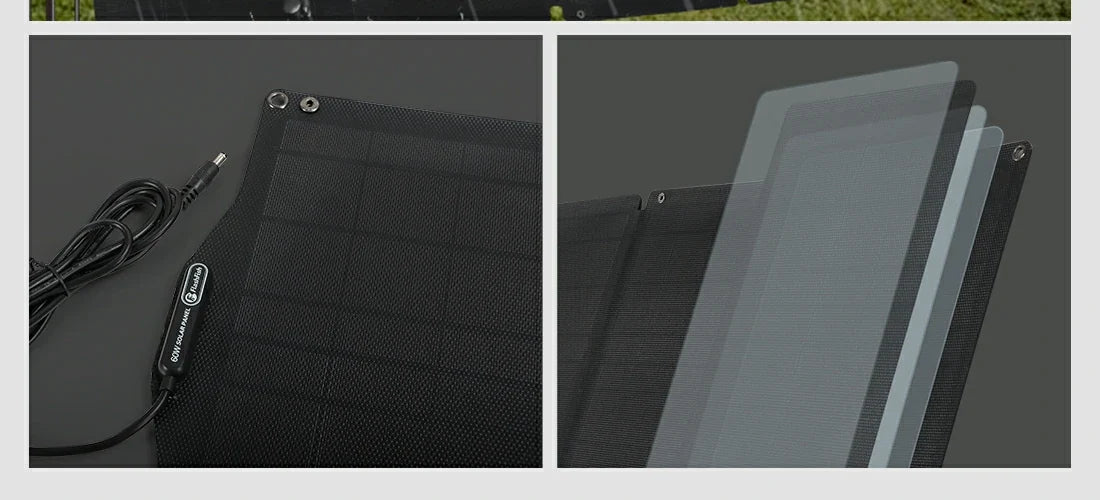
Before connecting a portable solar panel, read the panel label, the station’s input label, and both manuals. Confirm the exact model, connector designation, voltage and current information, and any included cable or adapter documentation. If any of those details are missing or conflict, stop and verify them before making a connection.
Read both sides of the connection
A connector shape alone is not a compatibility decision. The panel-side information and the station-side input limits must be evaluated together, using the exact versions in hand. A product family may have more than one cable, connector, or regional variant, so a name that sounds similar is not enough.
| Check | Where to find it | Why it matters |
|---|---|---|
| Exact model name | Product label and manual cover | Prevents mixing records from similar products. |
| Panel output details | Panel label and manual | Provides the values to compare with the station documentation. |
| Station input details | Station label and manual | Sets the input boundary for that exact station. |
| Cable or adapter identity | Included-accessories list and cable markings | Confirms what the manufacturer documents for the connection. |
Use a pause-and-verify workflow
- Photograph or transcribe every printed label before unpacking adapters.
- Match the model codes to the correct manuals.
- Compare the documented electrical information; do not infer it from connector fit.
- Identify the cable by its markings and the documentation that came with the exact product.
- Follow the manufacturer’s sequence and instructions only after the records agree.
This is intentionally slower than plugging in the first connector that appears to fit. It is also easier to hand off: a second volunteer can review the same labels and manual pages.
Examples from the local FlashFish manual records
The FlashFish TSP18V100W record describes a 100W foldable monocrystalline panel with 18V DC output and 5.6A output current. Its record lists DC, MC4, or DC5521 cable arrangements depending on the model, so the specific cable documentation remains essential.
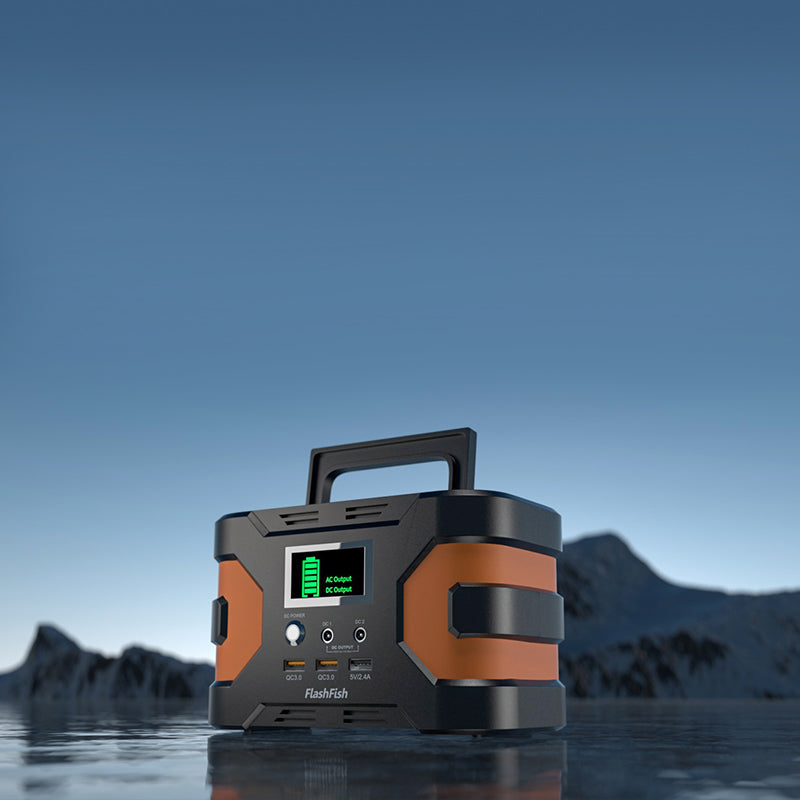
The FlashFish E200 record lists a DC/solar input of 11–24V with a 40W maximum input-power note. That record shows why a panel’s advertised wattage is not, by itself, a statement about what a particular station will accept. It also does not confirm the present U.S. variant or a connection outcome for equipment not documented together.
Questions to resolve before connection
- Are the panel and station model codes exact matches for the manuals being read?
- Is the cable named in the documentation for this product version?
- Do the documented output and input values belong to the same intended connection?
- Has the manufacturer provided instructions for the configuration you plan to use?
FAQ
If the plug fits, is it safe to connect?
No conclusion follows from physical fit alone. Verify the documented electrical information and the manufacturer’s instructions for the exact models.
Can I use a connector list from another FlashFish panel?
No. Use the record and manual for the panel and station actually in front of you.
What if the label is worn or unreadable?
Pause the connection and obtain the exact model documentation or support confirmation. Do not substitute a guess.
Choose the next step from the manuals
After the labels and documentation align, compare the current exact-model details with the equipment you have. Keep a photo of the labels and a note of the cable used so the setup can be reviewed later.
Next step: Review the FlashFish TSP18V100W specifications for your equipment list.

コメントを書く
このサイトはhCaptchaによって保護されており、hCaptchaプライバシーポリシーおよび利用規約が適用されます。