











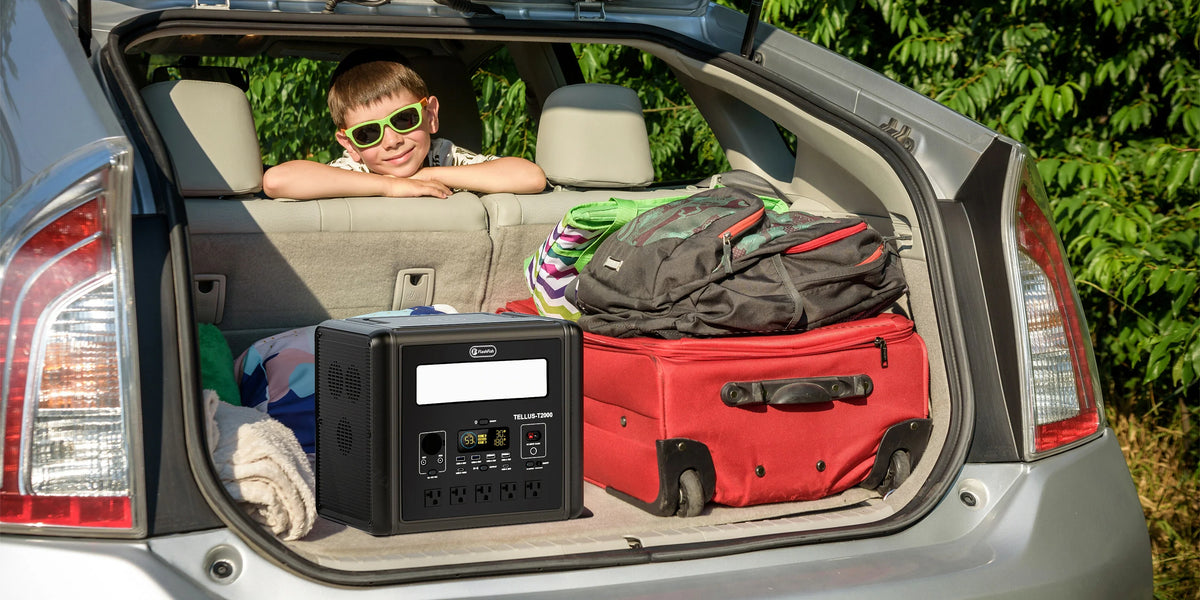
Short answer: Budget a camera-backup table from current product pages and the exact charger labels, then add only the accessories your documented workflow requires. Do not use a portable power station’s price alone as a camera-kit budget, and do not assume that a station will support a particular battery charger without checking both manuals.
Separate the budget into real decisions
A useful backup-table budget has distinct lines for the station, camera-battery chargers, approved cables, protective organization, and any event-specific needs. The right list is not the longest one; it is the one that matches the cameras and chargers already in use. Price figures are deliberately omitted here because listings, variants, bundles, and availability can change. Check the current U.S. listing for the exact model and configuration when you are ready to purchase.
Start with the chargers, not the camera body
Read the input label on every camera-battery charger and record whether it is designed for USB, AC, or another documented input path. Then compare that information with the station manual and the exact model in hand. A station’s outlet or USB-port rating does not by itself confirm charger compatibility, charging time, or the number of chargers that may run together.
Use station facts as a comparison boundary
The FlashFish TELLUS-T200 record lists 153.6Wh capacity, a 200W continuous pure-sine AC output, a 60W USB-C port, an 18W USB-C port, and two USB-A ports rated up to 18W and 12W respectively. The FlashFish E103 record lists 179.2Wh capacity, a 300W rated pure-sine AC output, one USB-C output rated up to 60W, and two USB-A outputs rated up to 18W. Verify the destination-market outlet and plug variant for the exact unit before relying on AC power. None of these ratings predicts runtime, confirms a camera-charger match, or establishes combined-load performance.
A camera-backup budget worksheet
| Budget line | What to confirm | Why it matters |
|---|---|---|
| Portable power station | Exact model, configuration, current listing | Prices and bundles can change. |
| Camera-battery chargers | Input label and manufacturer documentation | Prevents an assumed connection path. |
| Cables and adapters | Connector, rating, and intended use | Keeps the setup tied to documented equipment. |
| Table organization | Cases, cable control, dry placement | Helps protect equipment and keep the workflow clear. |
Choose the smallest documented setup
A stationary backup table may need only a clearly labeled charger, the needed cable, and a place to keep batteries organized. Avoid adding equipment because it seems versatile. Keep the station and connectors dry, clear of foot traffic, and used according to the product documentation and event requirements. Bring a non-power backup process for battery tracking if the powered arrangement cannot be used.
FAQ
What is the total cost of a camera-backup table kit?
There is no fixed total. Use current listings for the exact station and add only the chargers, cables, and organization items required by your documented workflow.
Can a portable power station charge any camera battery charger?
No. Confirm the charger’s input requirements, the station documentation, outlet variant where relevant, and the full connection path first.
Should I budget for more capacity than I think I need?
Make that decision from the documented devices and operating plan, not from a general capacity rule. Avoid treating a capacity number as a runtime promise.
When your charger labels and event setup are clear, compare the exact FlashFish model specifications and current product details with the equipment documentation before finalizing the budget.
Next step: Check the current FlashFish T200 product details and price.


Leave a comment
เว็บไซต์นี้ได้รับการคุ้มครองโดย hCaptcha และมีการนำนโยบายความเป็นส่วนตัวของ hCaptcha และข้อกำหนดในการใช้บริการมาใช้