
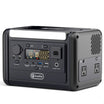
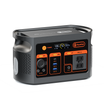
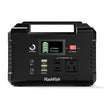

Check app and cloud dependence one required function at a time. A documented physical control can support a local-control entry; silence about wireless features cannot prove that every function works without an account. Separate the station's controls from the connected device, optional accessory and remote service. Approve only the functions supported by the exact documents for your intended kit.
For a U.S. buyer considering FlashFish A101 or T200 for ordinary, non-critical equipment, the useful result is a function-by-function dependency map. This guide compares documentation, not a tested offline kit. It does not promise internet service, remote access or operation of a particular connected device.
Define what “without an app” means for your purchase
List actions rather than broad product labels: turn the station on locally, enable the needed output, read a battery indicator, turn a connected device on, or control that device from another location. Initial setup, everyday local use and remote access are different requirements. Decide which you actually need before comparing products.
Also distinguish a lost internet connection from a lost Wi-Fi network, a signed-out phone, an unavailable cloud service and no phone at all. A claim about one condition does not answer all the others. A physical control may address one action while schedules, settings or notifications remain unresolved.
Start with the exact station controls
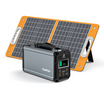
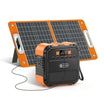
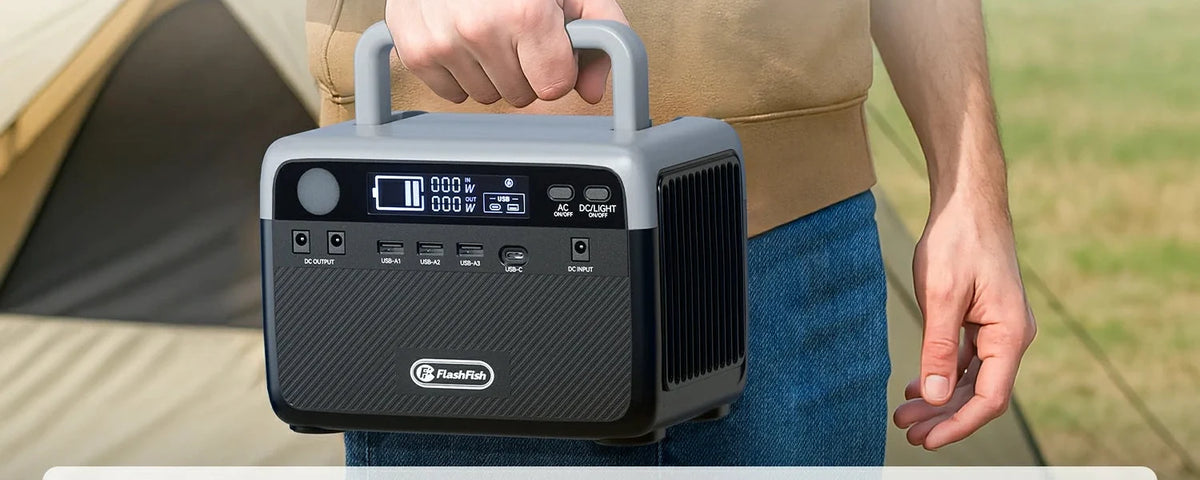
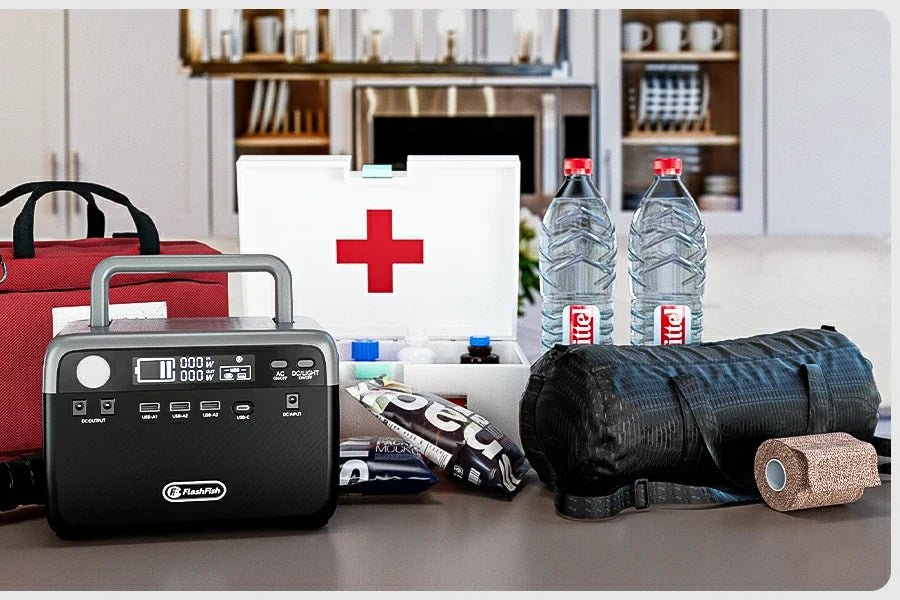
The A101 manual's button description on PDF page 7 documents physical power, AC and LED controls. The TELLUS-T200 U.S.-version manual, PDF pages 7–8 identifies local controls and describes the power button. These pages support specific local-control entries, not a blanket statement about every feature or all versions.
A101 and TELLUS-T200 are different models. Compare the actual unit label, revision and manual before applying instructions. This article does not infer app availability, radio hardware or cloud support from a missing specification. Nor does the presence of a button establish the behavior of a separate device plugged into the station.
| Required function | Exact device | Documented local control | Account or network question | Source and open field |
|---|---|---|---|---|
| Station power control | A101 | Physical power button described | No broader app capability inferred | A101 PDF page 7; exact-unit applicability still to match |
| Station power control | TELLUS-T200 | Physical ON/OFF control described | All optional functions require separate evidence | T200 PDF pages 7–8; match unit revision |
| Initial setup of an optional smart plug | Tapo P125, REV1.0.0 example | Physical button is documented separately | Tapo setup path requires app and TP-Link ID | P125 guide pages 3–4; alternative setup paths and later offline behavior are separate |
| Your connected device's required action | Record its exact model | Enter only what its own manual documents | Account, local network and remote service checked separately | Unknown until the applicable OEM document is reviewed |
A documented accessory example shows the boundary
The Tapo P125 user guide, REV1.0.0, printed pages 3–4 describes a physical power button and a Tapo setup route that uses the app and a TP-Link ID. It also documents other setup material elsewhere. A button and an account-based setup path can coexist, so neither should stand in for a complete dependency answer.
This example, checked November 14, 2026, is not a recommendation to connect that plug to A101 or T200. Electrical suitability is not assessed. It demonstrates why “has a button,” “can be set up without an account” and “works remotely during an internet outage” are separate propositions. The cited setup page alone does not establish later offline scheduling or remote behavior.
Three hypothetical buying decisions
Local station control is the only software-related requirement: match the exact manual's physical controls to each required action, retaining other equipment checks separately. Do not add remote features to the checklist just because another model offers them.
An optional accessory needs account-based setup: decide whether that documented requirement is acceptable before including the accessory. If the entire kit must avoid account setup, a local button does not waive a documented setup dependency.
The requirement is remote operation without internet: a local-control passage cannot approve it. Leave the function unresolved unless its exact manufacturer documentation covers that condition. These are fictional screening decisions, not observations from a tested kit.
Finish the map before ordering
Give every required function a source locator, applicable model and a clear status: documented under the stated condition, documented as needing a dependency, or unknown. Drop optional functions you do not need instead of treating uncertain convenience features as requirements. If an essential action remains unknown, hold the purchase decision for that action and seek the matching documentation.
FAQ
Does no app listing prove a station is fully offline?
No. Missing information does not establish absence of software or guarantee every behavior. Use affirmative documentation for the exact function you need.
Will supplying power restore a connected device's cloud service?
Power availability does not establish network or service availability. Review the connected device and service requirements independently from the station controls.
Do I need to share account credentials to compare functions?
No. A dependency sheet needs model names, documented requirements and source locations. Keep passwords and verification codes out of it; this guide requires no account access or private device data.
Next step: Review the FlashFish A101 product details.

Leave a comment
เว็บไซต์นี้ได้รับการคุ้มครองโดย hCaptcha และมีการนำนโยบายความเป็นส่วนตัวของ hCaptcha และข้อกำหนดในการใช้บริการมาใช้