











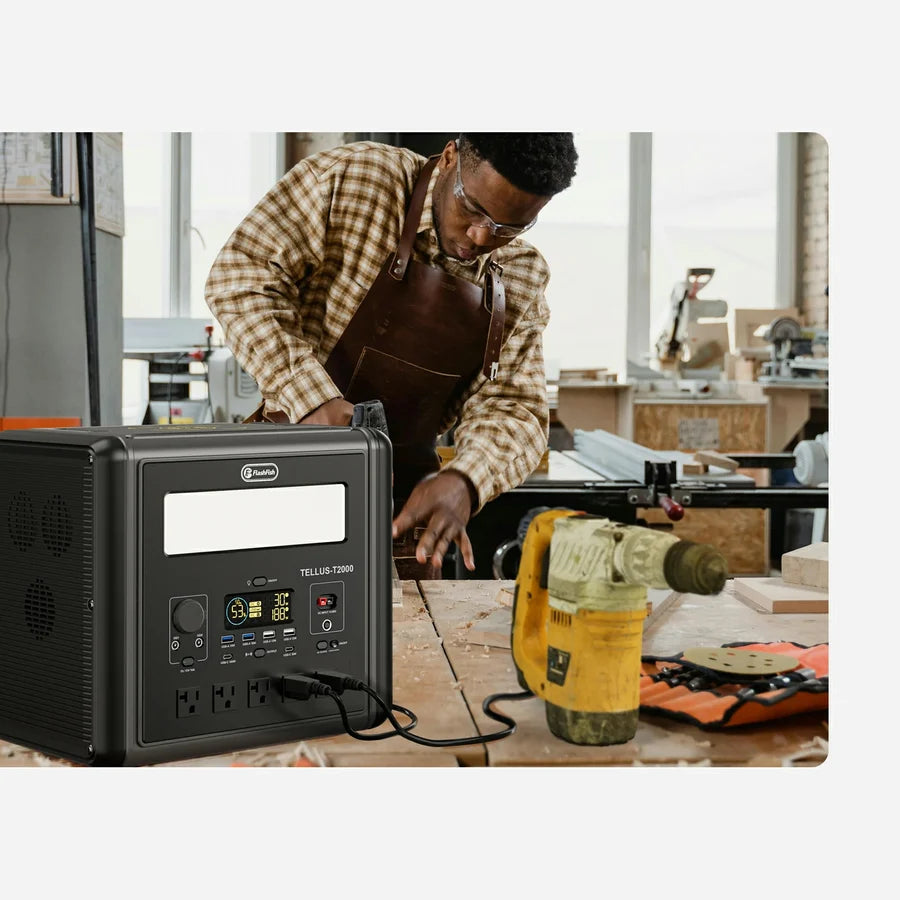
A makerspace pop-up charging table works best when it is run as a small, supervised service point: inventory every phone, tablet, and low-draw rechargeable device; record each device's input and charger; group cables by connector; and select a power station only after the required output paths are clear. The FlashFish E200 favors USB-A charging and a lighter carry, while the E103 adds a documented 60W USB-C output and more capacity. Neither model can replace device-label checks, venue approval, or active cable supervision.
Build the table around the device list
Start with a sign-in sheet rather than a station wattage. Give every item a row for owner, device, input label, charger or cable, requested return time, and the port assigned by the table lead. This prevents an unlabeled cable from becoming an implied compatibility decision and helps volunteers return the right device to the right person.
| Planning question | Record before setup | Stop condition |
|---|---|---|
| What needs power? | Exact phone, tablet, battery pack, or other low-draw device | The device or battery condition is unknown |
| How does it charge? | Input voltage/current or wattage, connector, and the owner's charger or cable | The label is unreadable or the cable is unidentified |
| Which output will be used? | USB-A, USB-C, or the device's own AC adapter | The station output record does not match the proposed path |
| Who is supervising? | Named table lead, intake time, and pickup process | No one can monitor cables, heat, damage, or trip hazards |
Choose E200 or E103 by port path, not by device count
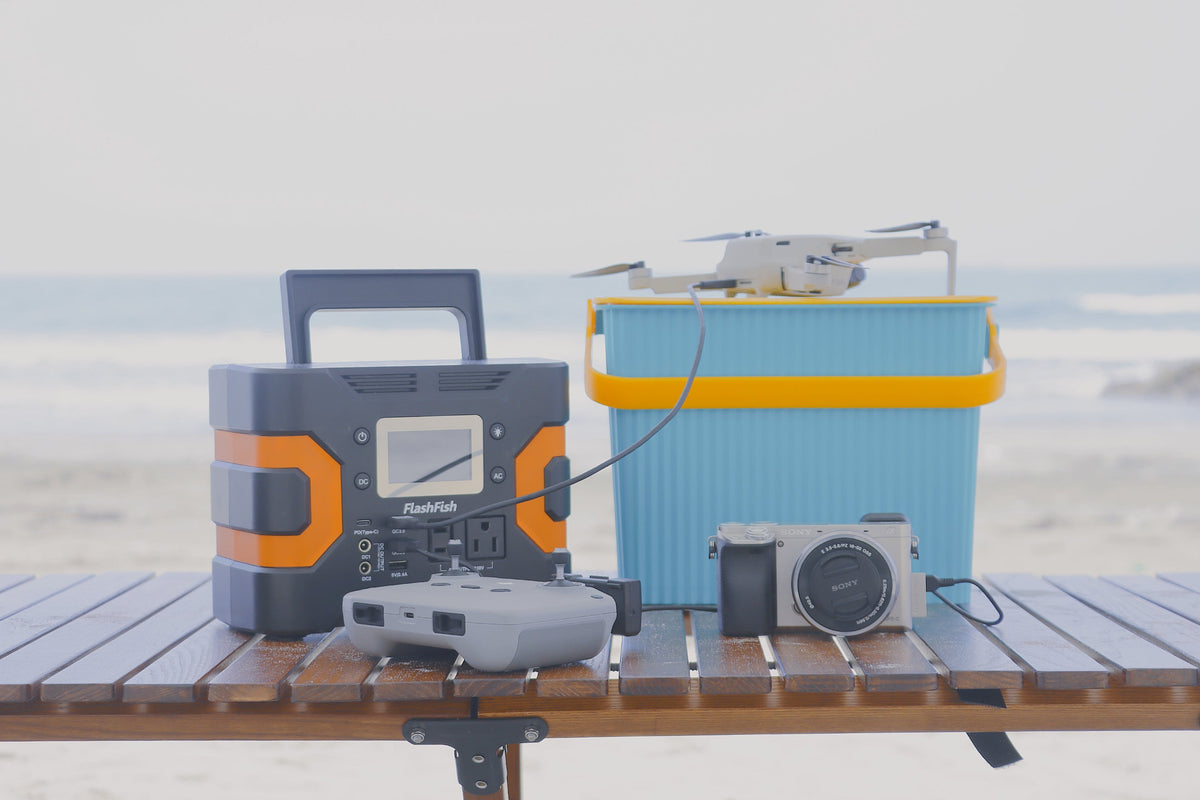
The E200 is a 151Wh station with 200W continuous and 400W peak AC output. Its documented USB outputs are two 18W QC 3.0 USB-A ports and one 12W USB-A port; the product record does not list a USB-C output. It weighs about 1.85 kg. Those facts make it a plausible planning candidate when the checked device list already has suitable USB-A cables or approved low-draw AC adapters.
The E103 is a 179.2Wh LiFePO4 station with 300W continuous and 600W surge pure-sine AC output. Its documented USB set is one 60W PD USB-C output and two 18W QC USB-A outputs, and it weighs about 3 kg. The USB-C path can reduce adapter clutter when a listed device, cable, and charging requirement actually match that output. A port count still does not prove that every connected device can be served at once; the final table plan must stay within the documented output limits.
| Decision factor | FlashFish E200 | FlashFish E103 |
|---|---|---|
| Energy capacity | 151Wh | 179.2Wh |
| AC output | 200W continuous, 400W peak, modified sine wave | 300W continuous, 600W surge, pure sine wave |
| Documented USB outputs | Three USB-A outputs; no USB-C output documented | One 60W USB-C and two 18W USB-A outputs |
| Carry weight | About 1.85 kg | About 3 kg |
| Best planning fit | USB-A-led device list and lower carry weight | Mixed USB-C/USB-A list or more AC headroom |
Lay out one-way traffic and labeled cable zones
Separate intake, charging, and pickup. Put the station where the supervisor can see its display and every connected cable, not at the public edge of the table. Use short, labeled cable runs and keep power cords out of walkways. Do not daisy-chain power strips, cover the station, place drinks beside it, or accept visibly damaged batteries or cables. If the table is outdoors, use only a permitted sheltered location and follow the venue's electrical and weather rules; these stations are not made weather-safe merely by being placed under a table.
- Mark intake and pickup ends so devices do not cross paths.
- Assign each accepted device a label that matches the log.
- Create separate USB-A, USB-C, and owner-supplied-adapter zones.
- Connect only after the device input, cable, and station output have been checked.
- Recheck the table when a device is added, removed, unusually warm, or behaving unexpectedly.
Size the session without promising runtime
Do not divide the station's Wh rating by a phone's battery label and present the result as a guaranteed number of charges. Conversion losses, device behavior, cable condition, simultaneous loads, temperature, and reserve margin all affect the result. A better operating method is to limit the first session to a documented device list, keep a reserve, observe actual station draw, and stop accepting devices when the remaining capacity no longer supports the scheduled pickup plan.
If the makerspace wants a repeatable service, save the completed log after the event. It becomes a better starting point for the next session than a generic claim such as “charges many devices.” Recheck any new device or cable rather than assuming last event's result transfers.
FAQ
Which station is easier to plan around for USB-C devices?
The E103 has one documented 60W PD USB-C output. The E200 product record does not list USB-C output, so an E200 plan should use a verified USB-A path or the device's checked AC adapter.
Can volunteers connect any phone cable that fits?
No. A fitting connector does not confirm the device input, cable capability, charging protocol, or safe condition. Check the device label and use an identified cable.
How should a makerspace estimate how many devices the table can support?
Use the actual device list, charger requirements, observed load, session length, and a reserve. Do not turn capacity or port count into a guaranteed device total.
Next step: Compare FlashFish E200 specifications with your equipment list.

Leave a comment
เว็บไซต์นี้ได้รับการคุ้มครองโดย hCaptcha และมีการนำนโยบายความเป็นส่วนตัวของ hCaptcha และข้อกำหนดในการใช้บริการมาใช้