

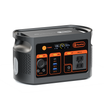
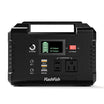

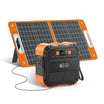
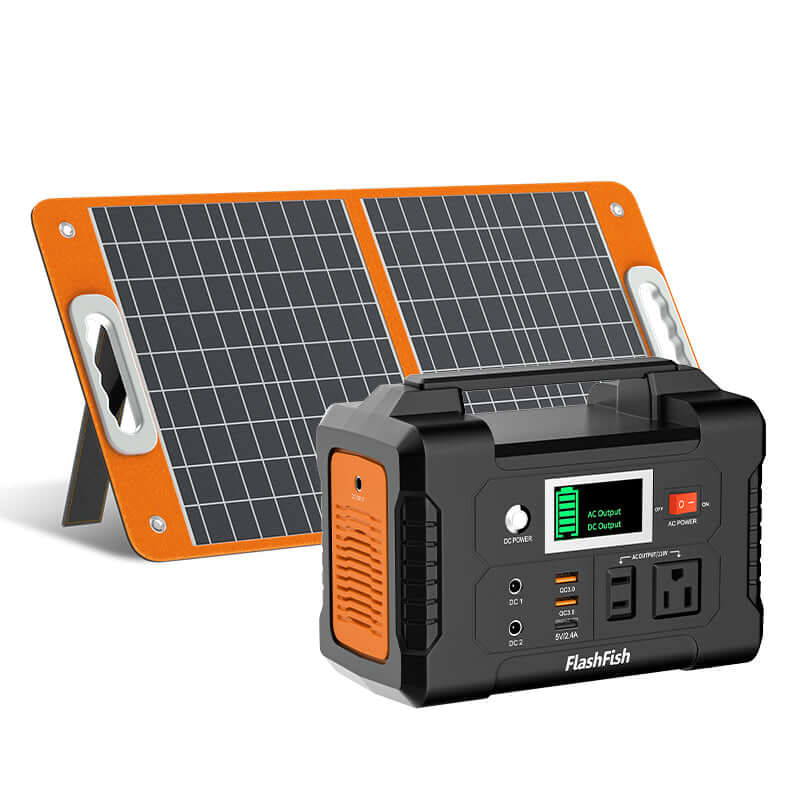
Short answer: the FlashFish E200 has a 151Wh battery and 200W AC output, so laptop runtime should be estimated from your laptop's actual watts rather than treated as one fixed number. Divide usable watt-hours by the laptop's power draw, then leave room for inverter and charger losses. FlashFish E200 can fit laptop top-ups and short work sessions when the charger stays within the station's output limit and the device is compatible with the E200's AC output.
Laptop power use changes constantly. A laptop may draw less while writing documents and more during video calls, charging from a low battery, editing media, gaming, or driving an external display. That is why the safest article answer is a calculation method, not a guaranteed runtime promise.
FlashFish E200 Facts to Use First
| E200 spec | Verified value | Why it matters for laptops |
|---|---|---|
| Battery capacity | 151Wh | This is the stored energy bucket before real-world losses. |
| AC output | 200W continuous, 400W peak | Your laptop charger must stay within the station's output rating. |
| AC waveform | Modified sine wave | Check your laptop charger/manual before assuming compatibility with sensitive equipment. |
| Solar/DC charging input | 40W max solar/DC charging | Solar can help top up, but charging speed is limited by the E200 input. |
| USB output | USB-A output listed up to 18W in the product database | The local product database does not provide USB-C laptop charging output for E200. |
| Weight | About 1.85kg | Portable enough for travel, camping, or desk backup planning. |
The Runtime Formula
Use this formula in plain English: usable watt-hours divided by your laptop's watts equals estimated hours. Because charging through an AC outlet has conversion losses, do not divide 151Wh by laptop watts and treat the result as guaranteed. Use the result as an upper planning estimate, then reduce it for inverter loss, charger loss, battery condition, temperature, and laptop workload.
If your laptop charger label lists watts, use that number as a conservative planning input. If it lists volts and amps, multiply volts by amps to estimate watts. For example, a charger labeled 20V and 3A is a 60W-class charger.
Laptop Wattage Examples for Planning
| Laptop type | Planning question | E200 fit logic |
|---|---|---|
| Lightweight laptop | Does the charger draw modest power and stay within 200W? | Often the strongest E200 fit, especially for top-ups and shorter sessions. |
| Standard work laptop | Does the charger draw under the E200 AC limit, and is the charger compatible? | Possible as a planning use case, but runtime depends on workload and losses. |
| Gaming or workstation laptop | Does the adapter approach or exceed compact-station limits? | May be a weak fit because high-watt adapters and heavy workloads drain capacity quickly. |
AC Outlet Versus USB Charging
The E200 article should not claim USB-C laptop charging. The local FlashFish product database lists USB-A output for E200, not USB-C output. If a user wants to power a laptop from E200, the supported discussion is the AC outlet path, with the important caveat that E200 uses modified sine AC output and each laptop charger should be checked for compatibility.
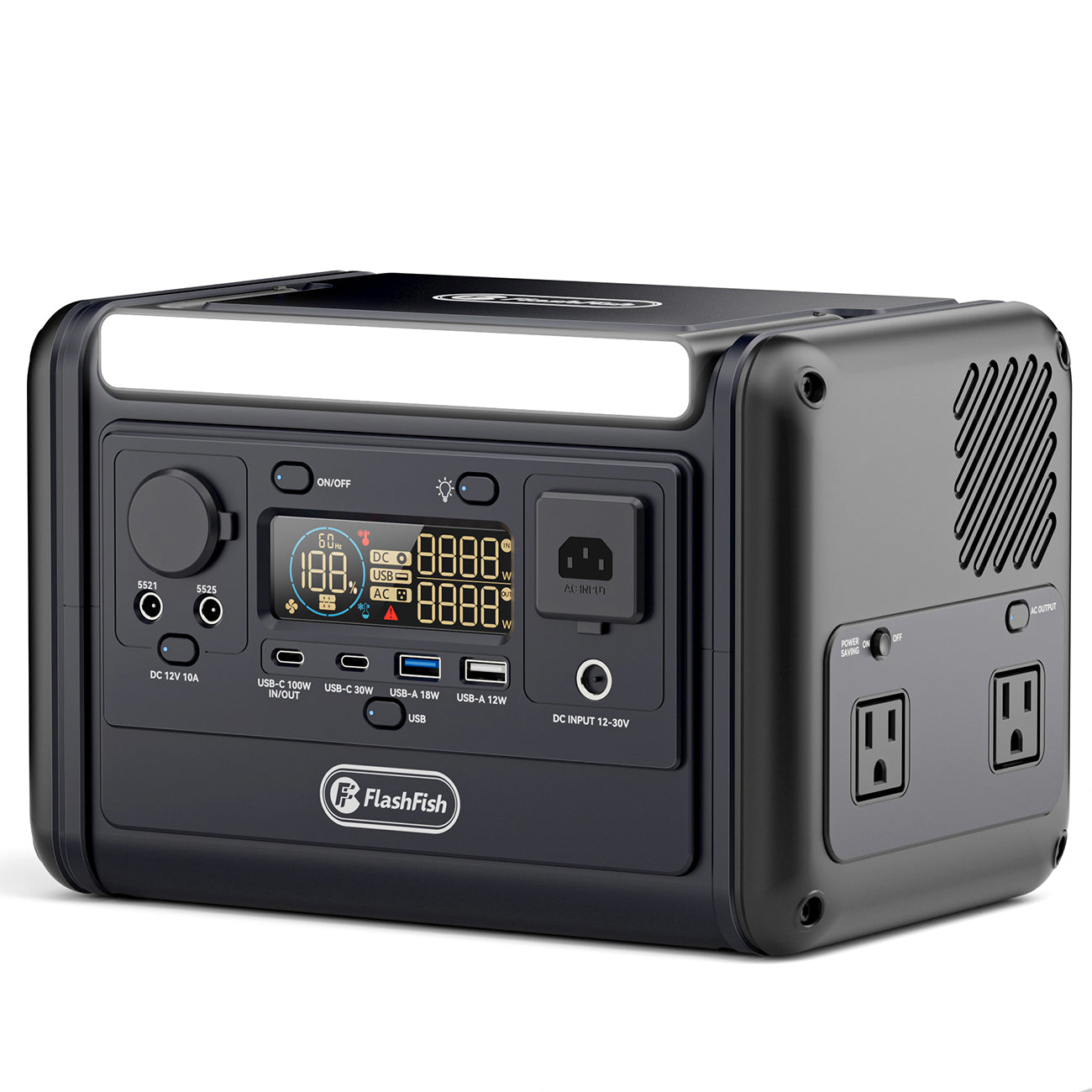
For users who specifically need USB-C laptop charging from a compact FlashFish station, Stage 3 or a separate article can compare other verified models such as T200 or T300PRO, because the local database lists USB-C output for those models. That comparison should not be folded into this E200 answer unless it remains clearly separate.
When E200 Fits Laptop Use
- Short home-office outage work where you need to keep one laptop available.
- Camping or travel top-ups for a laptop plus small electronics.
- Charging phones, lights, and camera batteries alongside occasional laptop use.
- Desk backup when the laptop's own battery already carries part of the work session.
When E200 May Not Fit
- High-watt gaming laptops, workstation laptops, or chargers that exceed the 200W AC rating.
- Desktop PCs, monitors, printers, and multi-device desk setups that draw more power than expected.
- Long outages where you need repeated full laptop recharges without a reliable recharge plan.
- Sensitive chargers or equipment that should not be used with modified sine AC output unless the device maker allows it.
Solar Pairing Note
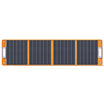
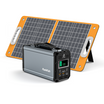
The Stage 1 brief includes an E200 + TSP60 kit URL, and the TSP60 is a 60W foldable solar panel in the local product database. The E200 manual-level data lists 40W max solar/DC charging, so the station input limit should be visible in any final solar paragraph. Solar output also changes with sunlight, angle, temperature, shade, and cable setup, so the article should describe solar as a top-up method rather than a guaranteed laptop-work solution.
Related FlashFish E200 and laptop planning
Use these current FlashFish pages and guides to continue your comparison:
- View the current FlashFish E200 product page
- Use watt-hours for a label-first runtime estimate
- Plan portable power for laptop field work
FAQ
What is the formula for estimating E200 laptop runtime?
Estimate runtime by dividing usable watt-hours by the laptop's watts, then reduce the result for conversion losses and real workload. E200 has 151Wh of capacity, but not all of that becomes usable laptop runtime through an AC charger.
Can FlashFish E200 power a laptop through the AC outlet?
It can be considered for laptop chargers that stay within the E200's 200W AC continuous output, but users should check charger compatibility and remember that the E200 manual data lists modified sine AC output.
Does E200 support USB-C laptop charging?
The local FlashFish product database does not provide USB-C output for E200. Do not present E200 as a USB-C laptop charging station unless a newer verified source is supplied.
Can E200 power a laptop and phone at the same time?
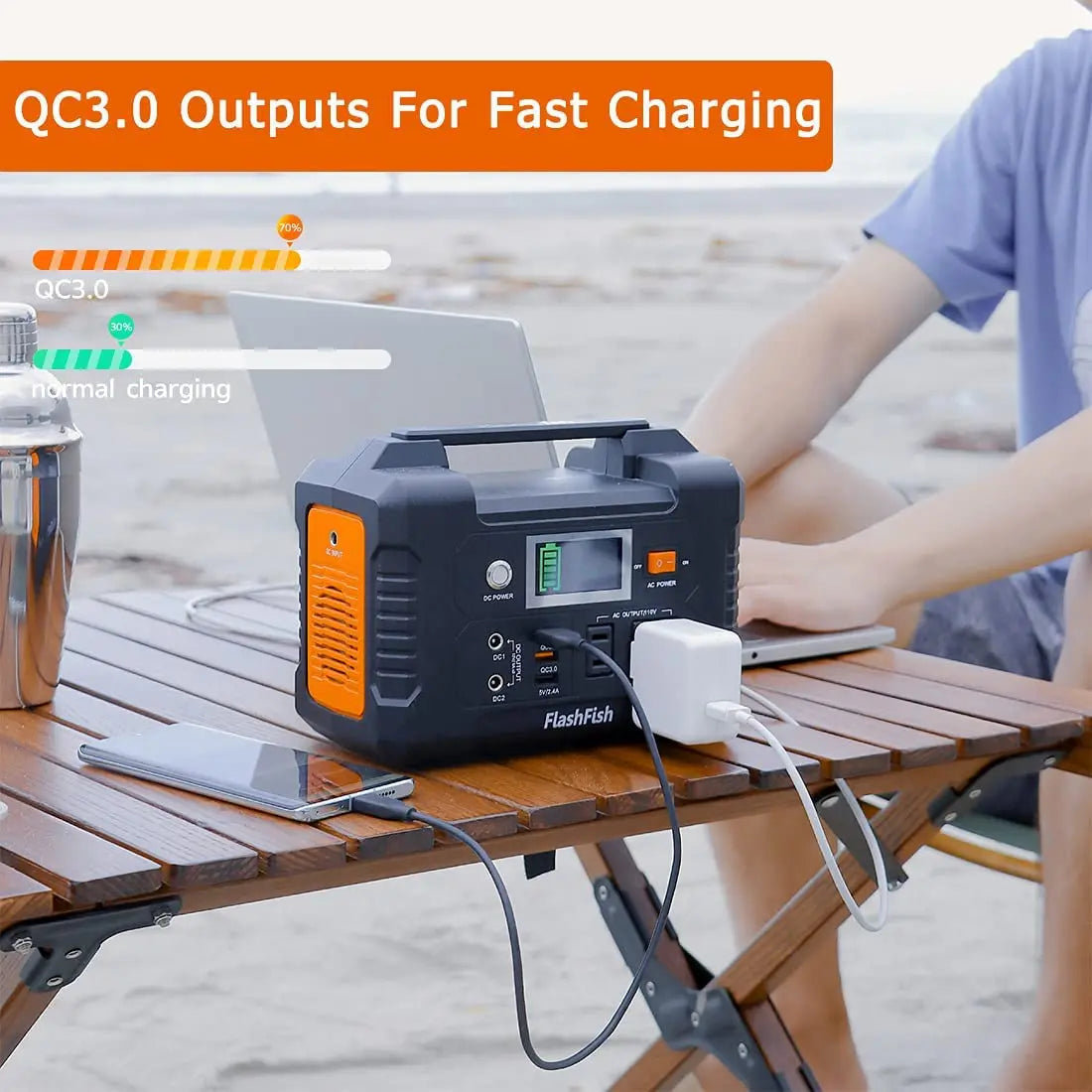
Possibly, if the combined load stays within the station's output limits and the user's ports and chargers are compatible. The more devices used at once, the faster the 151Wh battery reserve is consumed.
Can a solar panel recharge E200 while camping?
Solar can help recharge or top up the E200, but the final result depends on sunlight, panel position, weather, cables, and the E200's 40W max solar/DC charging input.

Leave a comment
เว็บไซต์นี้ได้รับการคุ้มครองโดย hCaptcha และมีการนำนโยบายความเป็นส่วนตัวของ hCaptcha และข้อกำหนดในการใช้บริการมาใช้