











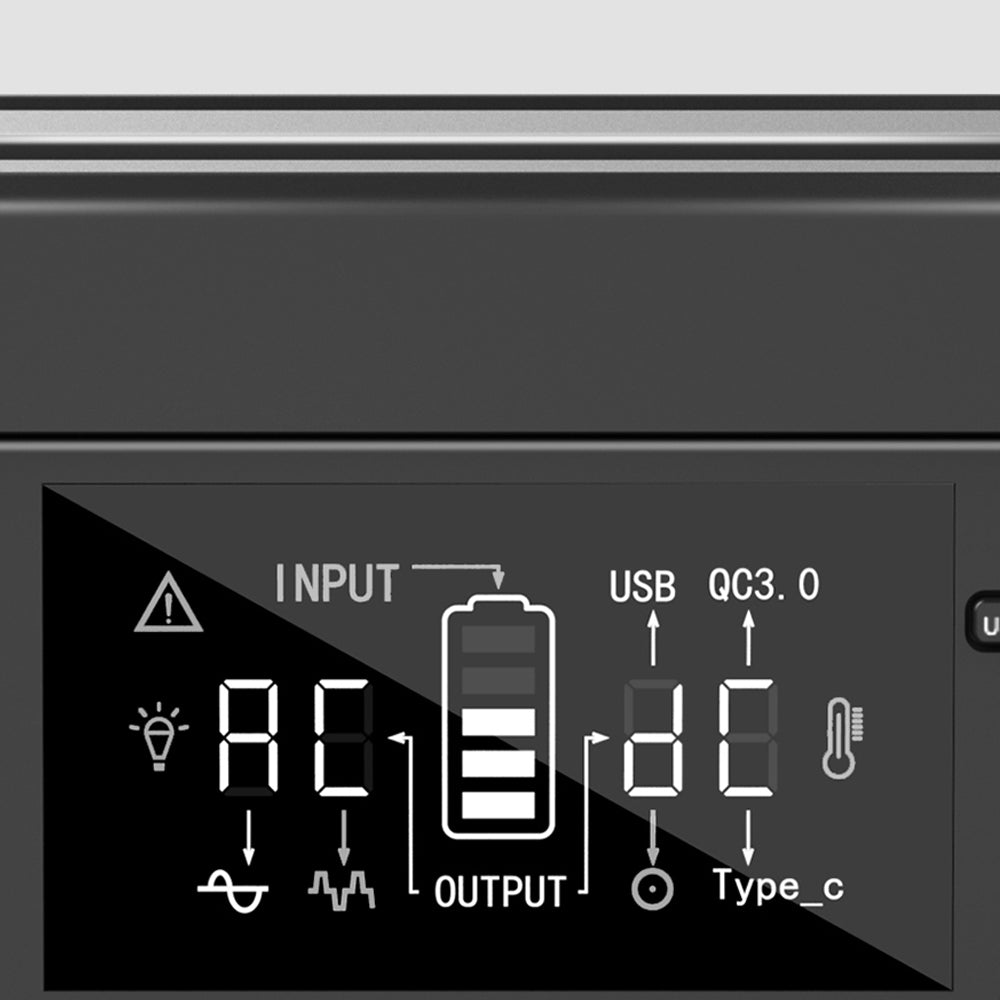
Direct answer: Treat a remaining-time estimate as a changing planning input, not a promise. Read it alongside the current connected load, the device labels, and the station’s manual; when the load changes, your plan should change too.
What the estimate is useful for
A display estimate can help you decide whether to keep a task focused, disconnect an optional device, or stop and reassess. It is most useful as a live check while you are present, not as a substitute for confirming what is connected.
Read the screen in context
| Check | Practical question |
|---|---|
| Connected items | What is plugged in right now, including adapters and accessories? |
| Device labels | What input type and rating does each item document? |
| Station display | Has the shown estimate changed after an item was added or removed? |
| Manual | Does the selected output and operating setup match the station’s instructions? |
Why a fixed number is the wrong planning target
Connected devices do not always stay in one operating state. A laptop, light, phone, or adapter can change its demand as it is used. That is why a single number on a display should not be turned into a guaranteed session length, a device-compatibility verdict, or a combined-load claim. Keep an operating margin and recheck whenever the setup changes.
A better way to plan the session
- List the task that must be completed first.
- Read the labels and manuals before connecting devices.
- Connect the essential item and observe the display.
- Reassess after adding or removing an item.
- Stop before the estimate becomes the only basis for a critical decision.
Model facts still need a device check
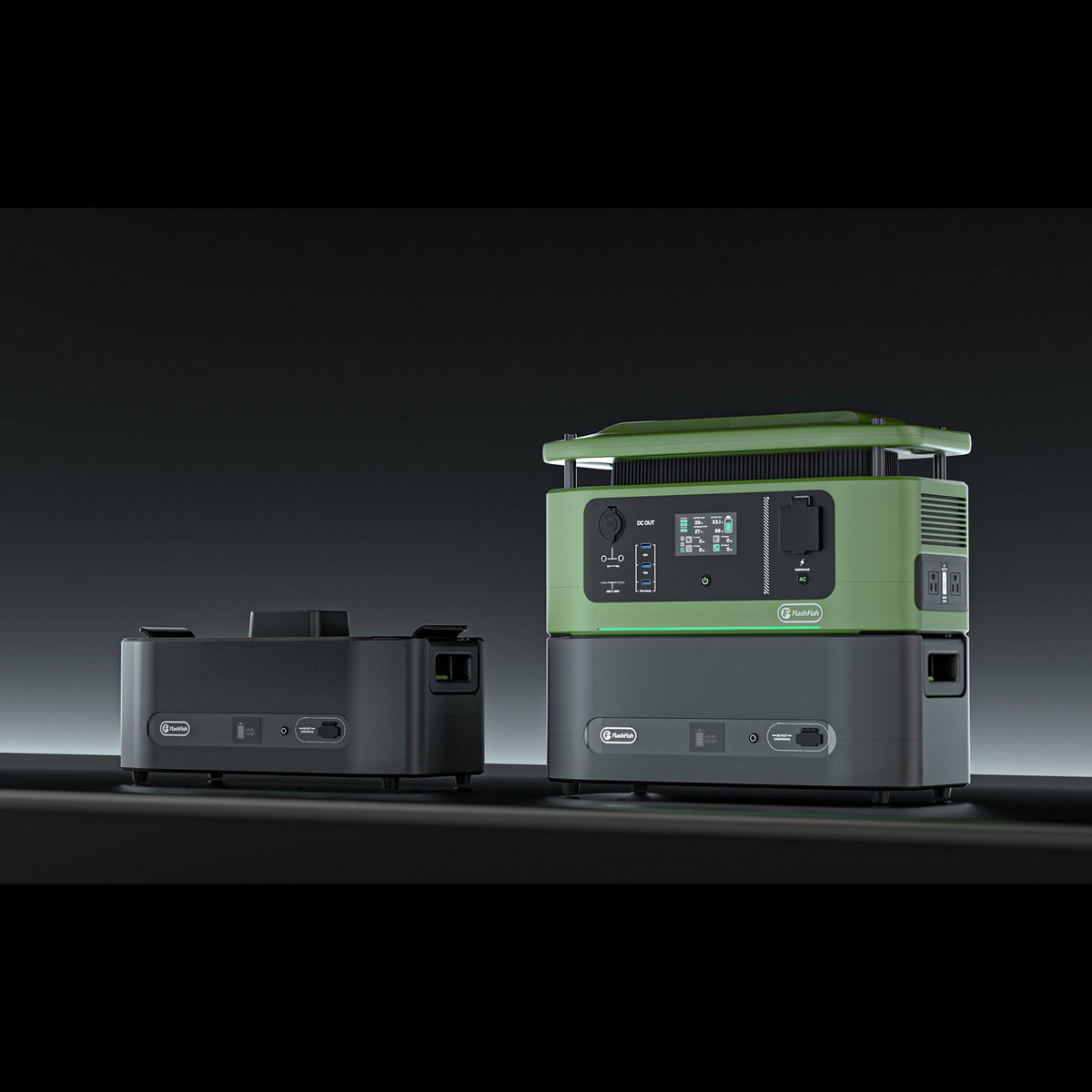
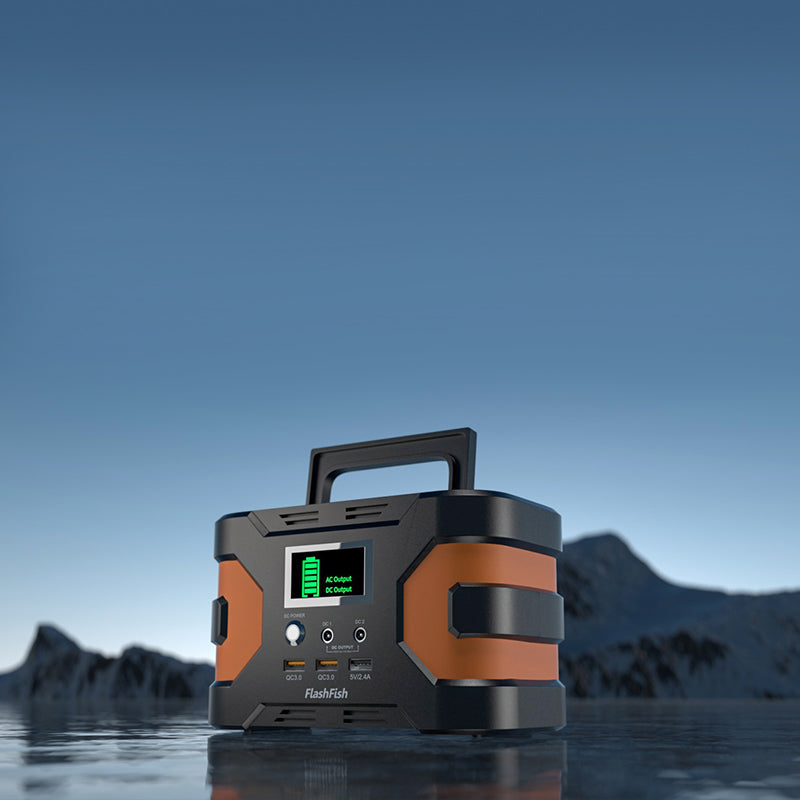
The FlashFish E200 record lists 151Wh of capacity and a 200W rated AC output. The FlashFish T300Pro record lists 230Wh of capacity and a 300W rated AC output. These are station specifications, not a predicted remaining time for a specific device setup. Confirm the exact model, its manual, and the labels for your connected equipment.
FAQ
Is the remaining-time display a guarantee?
No. Use it as a live planning cue and reassess after the connected load changes.
Can I use the estimate to prove that a device will work?
No. Check the device label, connector, and manufacturer instructions against the station’s manual.
What should I do when the estimate changes unexpectedly?
Review what is connected, identify any change in the setup, and simplify the load before making the next decision.
Next step
For your next portable-power session, write down the essential task and the labels for the connected devices, then use the display as one check within that plan.
Next step: Review the FlashFish E200 specifications for your equipment list.

Leave a comment
เว็บไซต์นี้ได้รับการคุ้มครองโดย hCaptcha และมีการนำนโยบายความเป็นส่วนตัวของ hCaptcha และข้อกำหนดในการใช้บริการมาใช้