

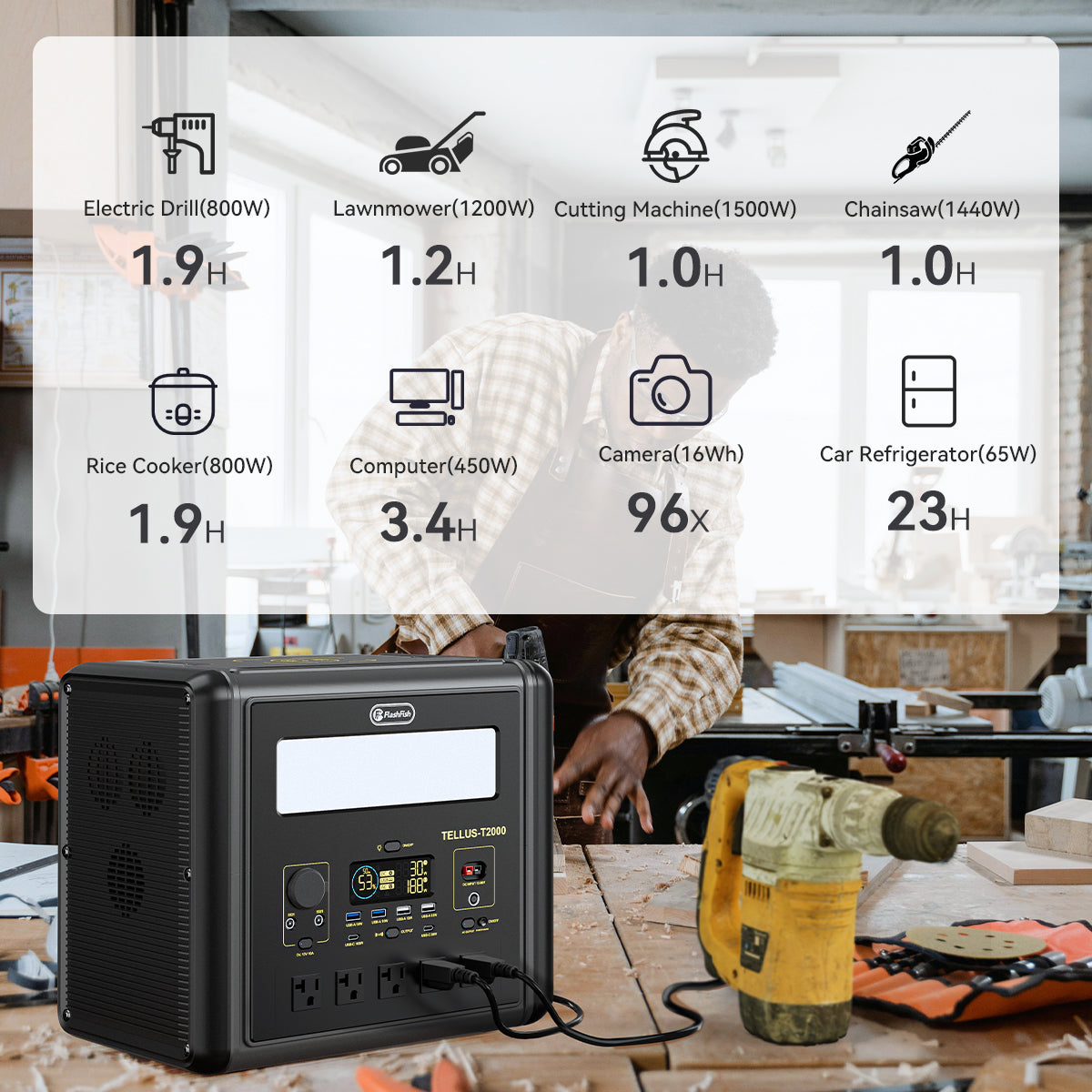

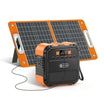
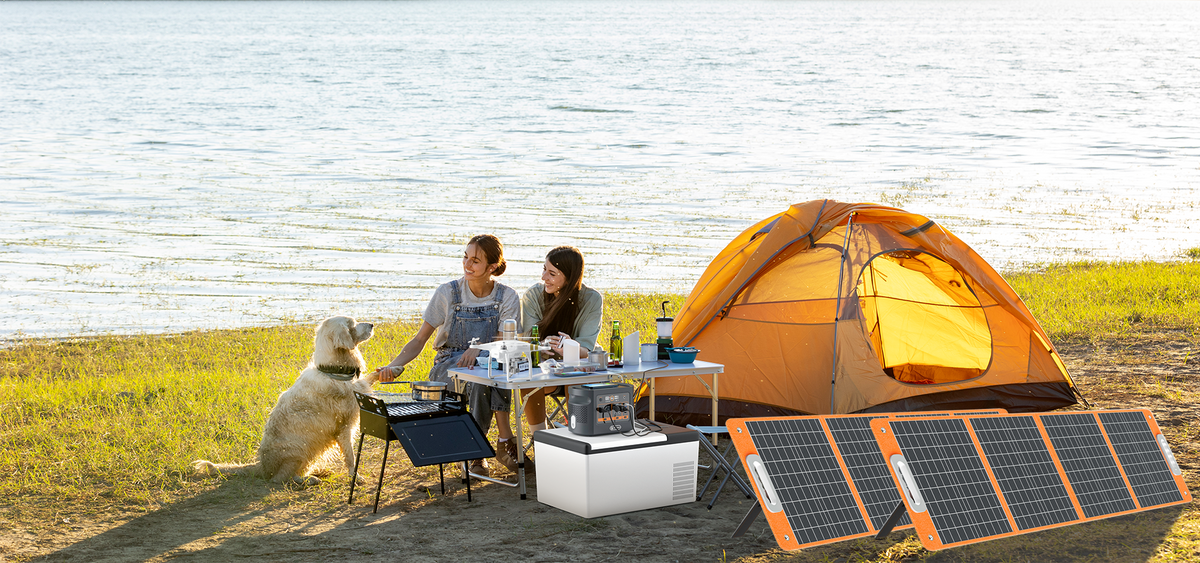
A power station's electrical specifications cannot tell you whether its sound will be audible in your outdoor recording. Once the power connection and equipment placement are approved by their manufacturers, make a short, attended rehearsal recording with the microphone and settings you intend to use. Mark any unwanted sound and decide whether that sample suits the take. Unless you independently identify the source, describe it as an audible event rather than confirmed fan noise.
This is a recording-planning worksheet, not an acoustic test of a FlashFish model. No original audio samples or measured noise ratings are presented here. The aim is to leave the rehearsal with a usable recording decision and a record of the conditions behind it.
Separate electrical fit from recording usability
Start with an already documented power path for the recorder, microphone accessories, or other equipment. A connector that fits is not enough to approve the setup. Match the receiving equipment, cable, and station output to their exact instructions before operating them together.
FlashFish's U.S. User Guides directory explains how to match the model, electrical version, and manual revision. If those do not match your unit, resolve the document question before using this worksheet. For sound-related placement changes, you also need the matching station's ventilation requirements and the microphone or recorder manufacturer's setup instructions.
The two decisions are separate: an approved electrical connection does not establish acceptable sound, and a clean rehearsal does not approve an electrical connection. Keep both decisions in your notes so a good recording does not become a shortcut around equipment checks.
Make a rehearsal that represents the intended take
- Describe the scene. Note the microphone position, direction, recorder settings, intended voice or subject position, and nearby equipment. Use the actual setup you plan to record with.
- Record the operating state. Identify the station, enabled outputs, connected equipment, and whether a charging connection is present. Describe what you can verify; do not guess an internal fan state.
- Capture a short attended sample. Include the intended subject and a pause that lets you hear the surrounding sound. Record only material you have permission to capture.
- Listen and annotate. Mark the time of each distracting event, what it sounds like, and whether it overlaps something you need to preserve.
- Make a narrow decision. Accept that position for the intended take, consider another documented placement, or leave the setup unresolved.
Do not cover the station, obstruct its ventilation, or try to make a fan start or stop for a comparison. If a proposed move cannot meet the equipment instructions, it is not a candidate. You can instead reconsider the recording arrangement or use another manufacturer-approved power arrangement.
Use an event log instead of a quiet-or-loud label
| Field | What to record | Why it matters |
|---|---|---|
| Sample identity | File name, date, and take label | Keeps a decision attached to the correct recording |
| Microphone position and settings | Position relative to the subject and equipment; unchanged or changed settings | Shows which arrangement the sample represents |
| Station state | Exact model, documented output state, connected devices | Avoids treating different operating arrangements as equivalent |
| Audible event and time | Neutral description and timestamp | Makes the concern findable during playback |
| Other sound sources | Observed traffic, wind, conversation, or other equipment | Preserves competing explanations |
| Decision | Usable for this take, revise within instructions, or unresolved | Turns listening into a concrete next action |
Write “steady sound audible during the pause” when that is what you heard. Write “fan source not confirmed” when you cannot identify it. A change in the clip after moving equipment is useful for choosing a position, but an uncontrolled recording does not isolate the cause of that change.
Three hypothetical rehearsal decisions
Example 1: A sound matters only between spoken lines
A creator hears a steady sound during pauses but cannot identify its source. The planned piece includes long stretches of outdoor ambience, so the creator marks that sample unsuitable for the intended use. The decision concerns the recording; it does not establish that the station's fan caused the sound.
Example 2: A revised position suits the take
A second microphone position is permitted by all applicable equipment instructions. The creator records another sample, keeps the settings documented, and judges it usable for a short spoken segment. The record retains both files and both positions. It does not promise the revised position will suit a later, quieter scene.
Example 3: Several conditions changed
The next sample uses a different microphone setting while nearby activity also changes. The creator prefers its sound but cannot make a fair equipment-noise comparison. The note says “preferred sample; source attribution unresolved.” There is no model ranking or decibel result.
Where E103 and T300Pro fit
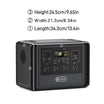
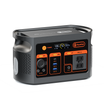
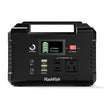
The FlashFish E103 has a documented 179.2Wh capacity and a USB-C output rated up to 60W. T300Pro, also named T300PRO, has a documented 230Wh capacity and separate USB-C outputs rated up to 100W and 30W. These are specification checkpoints for a separately verified equipment path. They do not establish recorder compatibility, noise behavior, or the length of a recording session.
The E103 reference manual describes a 230V AC version. It must not be used to approve a U.S. AC connection. Confirm your unit's regional label and matching manual before considering AC equipment. Neither model's capacity or USB rating supplies an acoustic preference for this worksheet.
Frequently asked questions
Can I publish a decibel rating from this rehearsal?
No. This worksheet produces a listening decision for a particular recording arrangement. It does not specify a calibrated measurement method or controlled acoustic conditions. Keep observations in ordinary language and do not turn a recorder's display into a station noise rating.
Does hearing nothing in one clip mean the station is silent?
No. It means you did not identify a distracting event in that sample under those conditions. Keep the result attached to the recorded setup, rather than extending it to other loads, positions, or future takes.
What if the only preferred position conflicts with the manual?
Reject that placement. Reconsider the microphone arrangement or another approved power path. A preferred sound is not a reason to override the equipment's placement or ventilation instructions.
Prepare the next take
Keep one annotated rehearsal file with its position and operating-state notes. Before considering E103 or T300Pro for your kit, match the exact model's output documentation to your equipment requirements. Choose the arrangement you can document and rehearse, then repeat the recording check when the intended setup changes.
For the broader equipment and energy plan, see the outdoor photography power-planning guide. Keep the recording sound decision separate from the energy budget.
Next step: Compare FlashFish E103 specifications with your equipment list.

发表评论
此站点受 hCaptcha 保护,并且 hCaptcha 隐私政策和服务条款适用。