


Quick answer: A portable power station for a vendor booth should be planned from the devices that keep payment, communication, lights, and comfort running. Record each device's charger or input, running watts, expected use time, and required port. Portable stations can fit selected low-to-moderate loads; they do not replace venue approval, food-service planning, or whole-booth guarantees.
Build a booth power list before buying
Start with the must-run devices: POS terminal or tablet, phone, hotspot or router, small display lights, USB fan, and any small sign or display. Write down the official charger, cable type, running watts, and expected use window for each item. Keep essentials separate from comfort and display loads so the payment path does not compete with optional gear.
Watts and watt-hours should both appear on the worksheet. The U.S. Energy Information Administration explains that watts measure power and watt-hours measure energy over time. A booth station needs enough continuous output for devices used together and enough stored energy for the market session, with margin.
| Booth device | What to record | Station check | Do not claim |
|---|---|---|---|
| POS or tablet | Official charger or input | USB-C, USB-A, or AC path | Guaranteed payment uptime |
| Phone or hotspot | Charger and cable | USB output and port count | Carrier or network reliability |
| Display light | Wattage and connector | AC, DC, or USB path | Exact hours |
| USB fan | Wattage and cable | USB or AC output | Cooling or heat-safety guarantee |
| Sign or display | Label watts | AC output and energy | Venue approval |
Separate payment power from comfort and display loads
For a vendor booth, payment and communication gear usually deserve first priority. Keep the POS device, phone, and hotspot or router on the simplest confirmed charging paths. Then add display lights, a USB fan, or a small sign only if the station still has enough output, energy, and ports.
A portable station can support selected devices, but it cannot guarantee transactions, cellular service, Wi-Fi quality, app uptime, or market operations. Keep a backup payment plan that fits your business process and event rules.
Check AC, USB-C, USB-A, and 12V connections
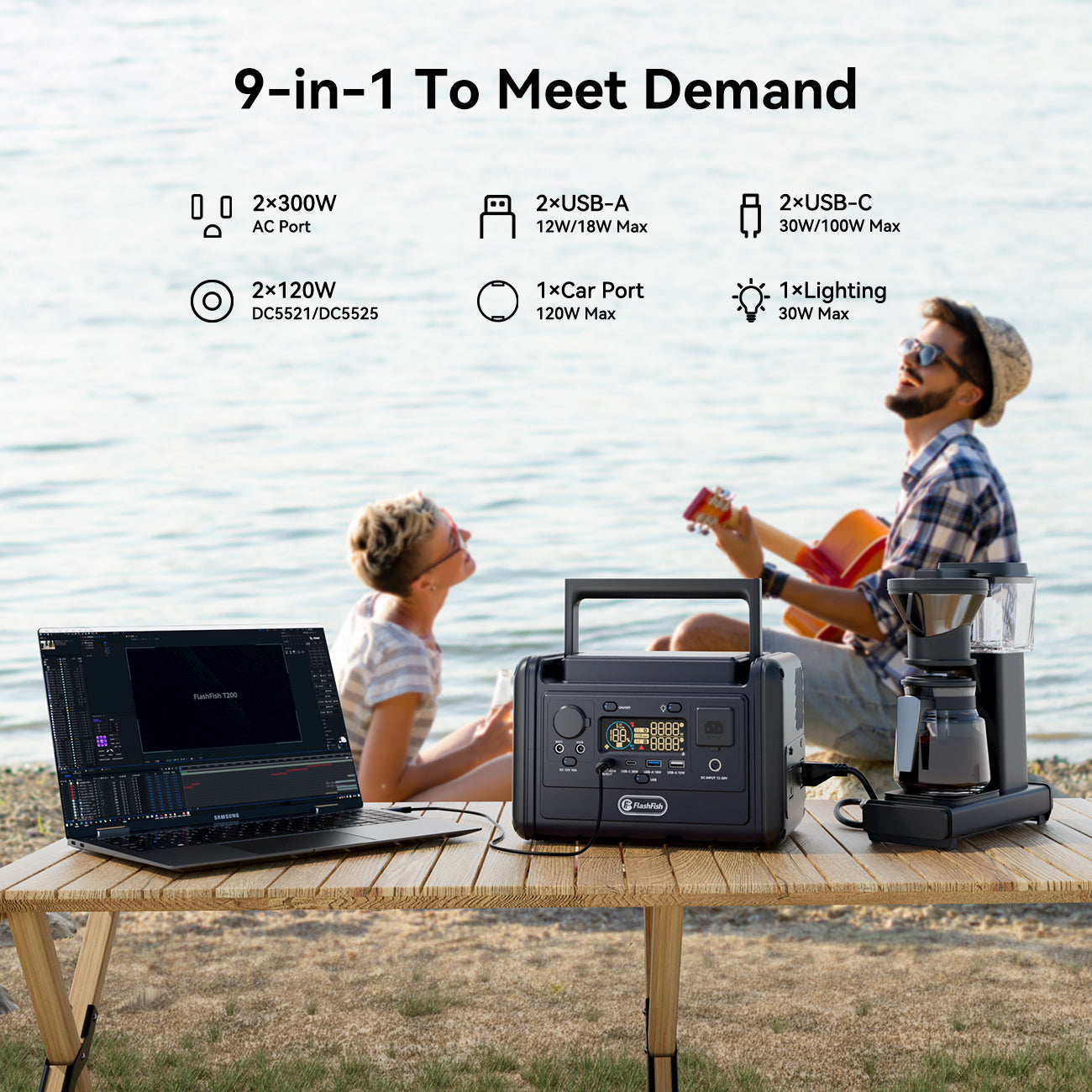
Record the actual port requirement for each device. USB-C and USB-A are convenient for phones, tablets, hotspots, and some lights, but the cable and charging profile still matter. AC is useful for devices with wall chargers or small displays that need a plug. A 12V path should be used only when the device and cable documentation match the station output.
If multiple devices run at once, add their running watts and compare the total with the station's continuous output. Treat peak or surge output as a short startup boundary. It should not be used as the normal booth operating limit.
Estimate event duration without promising runtime
Market length matters, but exact runtime depends on the device load, output path, standby use, cable and charger behavior, and margin. Instead of promising hours, create three groups: must-run for the full event, intermittent use, and optional comfort or display gear. Then match the watt-hours to the plan.
Do not size the station around the most optimistic device behavior. A booth setup needs practical margin because payment and communication devices are business-critical even when the power load is small.
Decide station class by highest watts and total energy
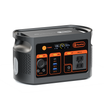
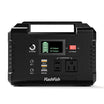
For small POS, phone, hotspot, and light charging plans, compact models can be candidates when the port map is simple. The FlashFish T200 has 153.6Wh capacity, 200W continuous AC output, 400W peak AC output, LiFePO4 battery chemistry, pure sine AC output, 60W USB-C input/output, 60W maximum solar/DC input, and a 2.5kg listed weight. The FlashFish E103 has 179.2Wh capacity, 300W pure-sine AC output, 90W maximum DC charging input, 60W USB-C output, and a 3.0kg listed weight; the bundle does not provide E103 battery chemistry.
For mixed booth plans with lights, phones, a tablet, and a small fan, the FlashFish T300PRO provides 230Wh capacity, 300W continuous AC output, 600W peak AC output, LiFePO4 battery chemistry, pure sine AC output, 100W USB-C input/output, 120W maximum solar/DC input, and a 4.5kg listed weight. It should be evaluated after the booth worksheet, not assumed from the booth category alone.
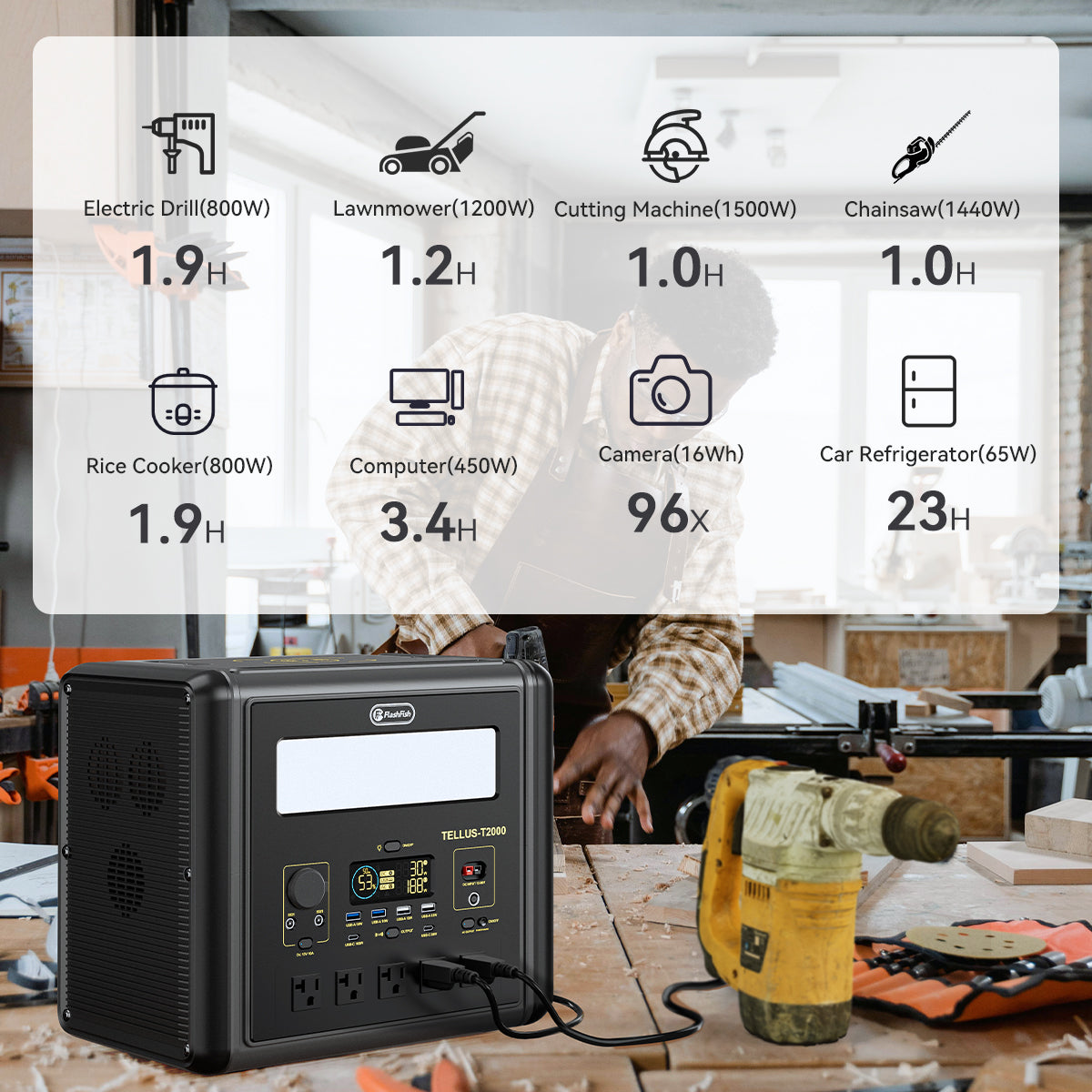
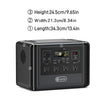
For larger verified setups, the FlashFish T1200S provides 768Wh capacity, 1200W continuous AC output, 2400W peak AC output, four AC outlets, 100W and 30W USB-C outputs, and a 12.45kg listed weight. The FlashFish T2000 provides 1536Wh capacity, 2000W continuous AC output, 4000W peak AC output, four AC outlets, 100W and 30W USB-C outputs, and a 19.2kg listed weight. Larger stations may fit vehicle-adjacent booths, but they should not be used to justify unsupported food, heat, refrigeration, or compliance claims.
What not to run from a booth power station
Keep the article scope to low-to-moderate electronics, selected lights, small fans, and charging. Do not include food-service appliances, refrigeration, cooking devices, heaters, medical devices, hardwired equipment, high-surge tools, or code-compliance advice unless a later review collects source material for a specific device and location.
Venue and market rules are separate from product capability. A station may be technically capable of powering a device but still not be allowed by the organizer, property owner, city, or market policy. Check the official organizer rules before relying on any booth power setup.
Where FlashFish can fit
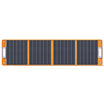
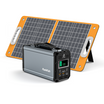
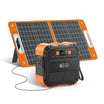
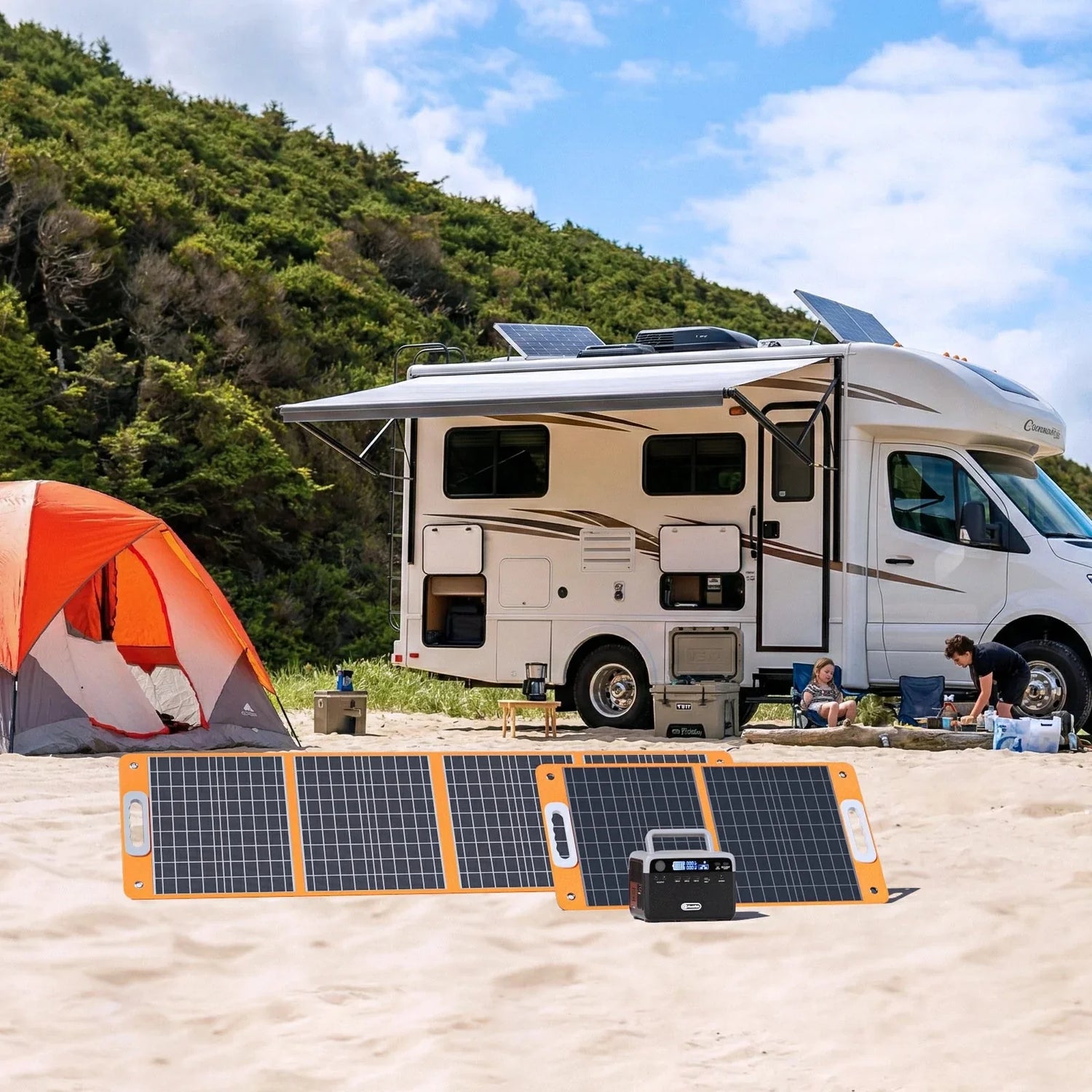
The FlashFish portable power station collection can fit vendors who have a clear low-to-moderate booth load list, confirmed AC or USB charging paths, and a realistic transport plan. For outdoor events where a compatible recharge path is useful, the FlashFish portable solar panel collection can be reviewed as a conditional top-up option. Solar panels depend on sunlight and do not store energy by themselves.
When FlashFish fits
FlashFish fits when the booth devices have documented input requirements, the highest simultaneous watts stay within continuous output, the port count and cables match, and the seller has separate plans for payment backup, network reliability, and organizer rules.
When FlashFish may not fit
FlashFish may not fit booths that depend on cooking, heating, refrigeration, medical devices, whole-business continuity, network guarantees, weather exposure, or official venue permission that has not been verified. It also may not fit when device labels are missing or when the setup requires more output than the station can continuously provide.
Related planning guides
Before matching a booth setup, review the what not to plug into a portable power station guide, the running watts vs surge watts guide, and the 300W vs 1200W portable power station guide. For sellers planning around home-office style devices, the home office power outage plan can help separate essential communication loads from comfort loads.
Frequently asked questions
What size portable power station do I need for a vendor booth?
Choose by the official charger or input for each must-run device, the highest simultaneous watts, required ports, event length, and watt-hour margin. Do not size the station by booth size alone.
Can a portable power station run a POS system?
It can be a candidate when the POS device or tablet charger matches the station's AC or USB output. It cannot guarantee transactions, app uptime, network service, or payment processing, so keep a backup payment plan.
Can I run lights and a fan from the same power station?
Possibly, if the lights and fan have documented wattage, connector requirements, and simultaneous load that fit the station's continuous output and available ports. Exact hours require device data.
Is a battery power station allowed at outdoor markets?
Product capability and organizer approval are separate. Check the official market, venue, or property rules before bringing any power station to a booth.
What should vendor booths avoid plugging into a portable station?
Avoid food-service equipment, refrigeration, cooking devices, heaters, medical devices, hardwired equipment, high-surge tools, and any device that lacks enough label or manual information for a compatibility check.


Leave a comment
เว็บไซต์นี้ได้รับการคุ้มครองโดย hCaptcha และมีการนำนโยบายความเป็นส่วนตัวของ hCaptcha และข้อกำหนดในการใช้บริการมาใช้